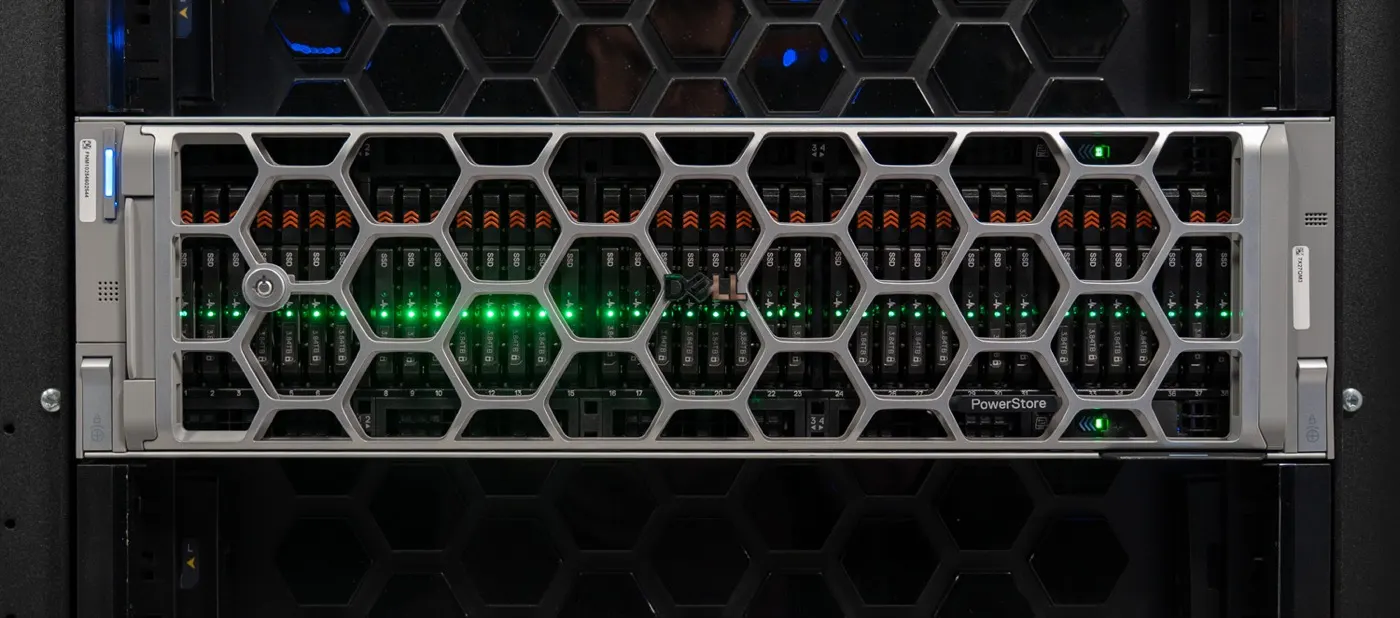
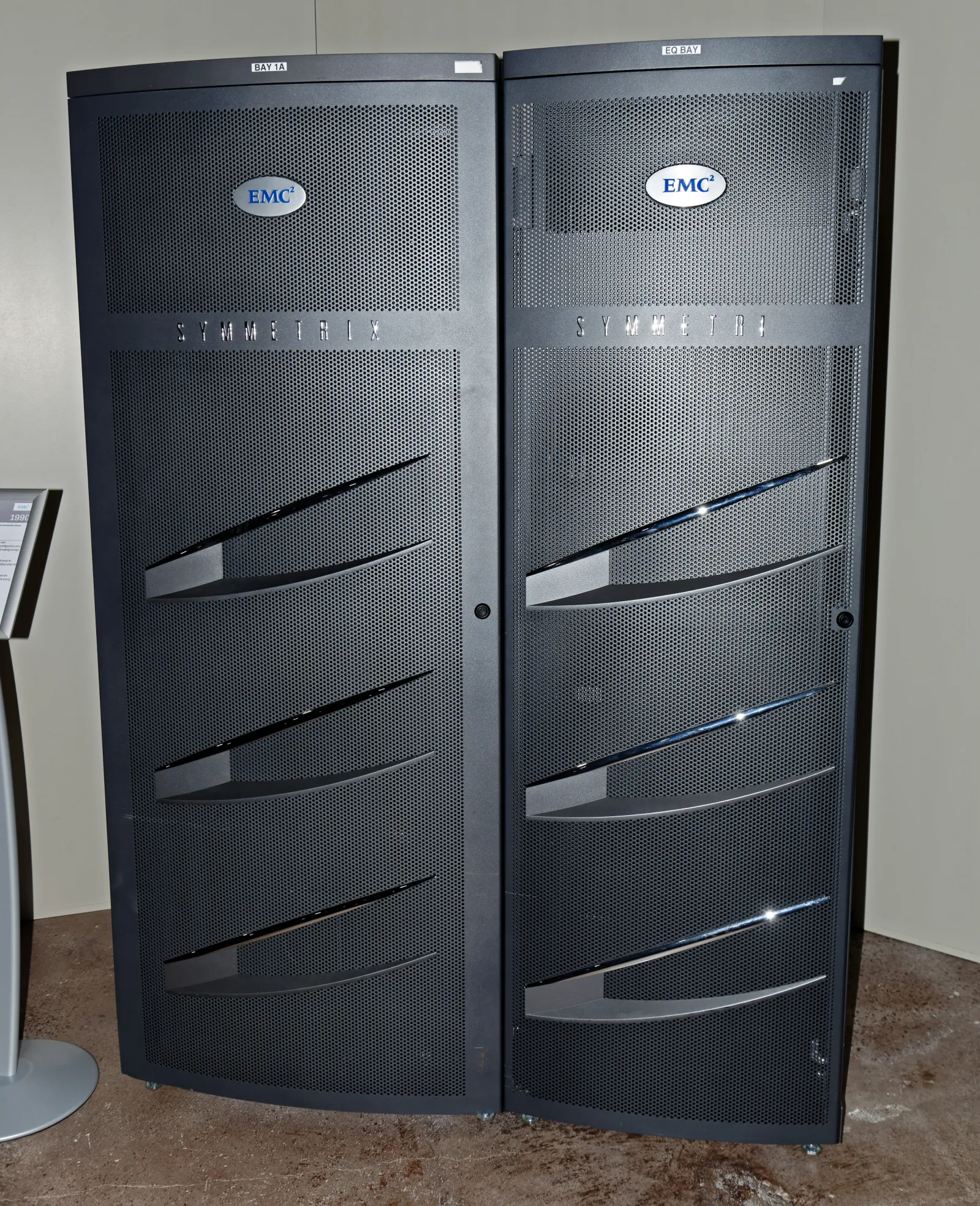
Dell PowerMax is an end-to-end NVMe enterprise storage platform for mission-critical workloads. Short answer: PowerMaxOS 10, Dynamic Fabric, node pair + Dynamic Media Enclosure (DME) architecture, SRDF for DR/metro continuity, and Dell’s stated 6 nines availability target in a scale-out NVMe array. This guide answers “what is PowerMax / when to choose it?”; for component depth see Architecture Deep Dive, for modern midrange SAN see What Is PowerStore?.
This guide is written for:
- IT leaders planning enterprise storage refresh or consolidation
- Architects evaluating mainframe + open systems on one platform family
- Storage teams clarifying PowerMax vs PowerStore
- Operations tying SRDF / cyber resiliency needs to product choice
Quick Summary
- PowerMax = Dell’s enterprise / mission-critical NVMe storage line (Symmetrix/VMAX lineage).
- Current models: PowerMax 2500 and 8500 (PowerMaxOS 10).
- Spec sheet: ~8 PBe on 2500, ~18 PBe on 8500; 8500 scales to 16 nodes.
- Dynamic Fabric: compute and media (DME) scale independently; active/active share-everything.
- DR: SRDF (Metro, async, multi-site) — enterprise BC/DR standard.
- Data reduction guarantee (Dell): Open Systems 5:1, Mainframe 3:1 (conditional).
- Deep architecture: Architecture Deep Dive.
Table of Contents
- What Exactly Is Dell PowerMax?
- 2500 vs 8500: Which Model?
- Key Capabilities
- PowerMax vs PowerStore
- When Is PowerMax the Right Choice?
- Evaluation Checklist
- Next Step with Leon-X
- Frequently Asked Questions
- Sources
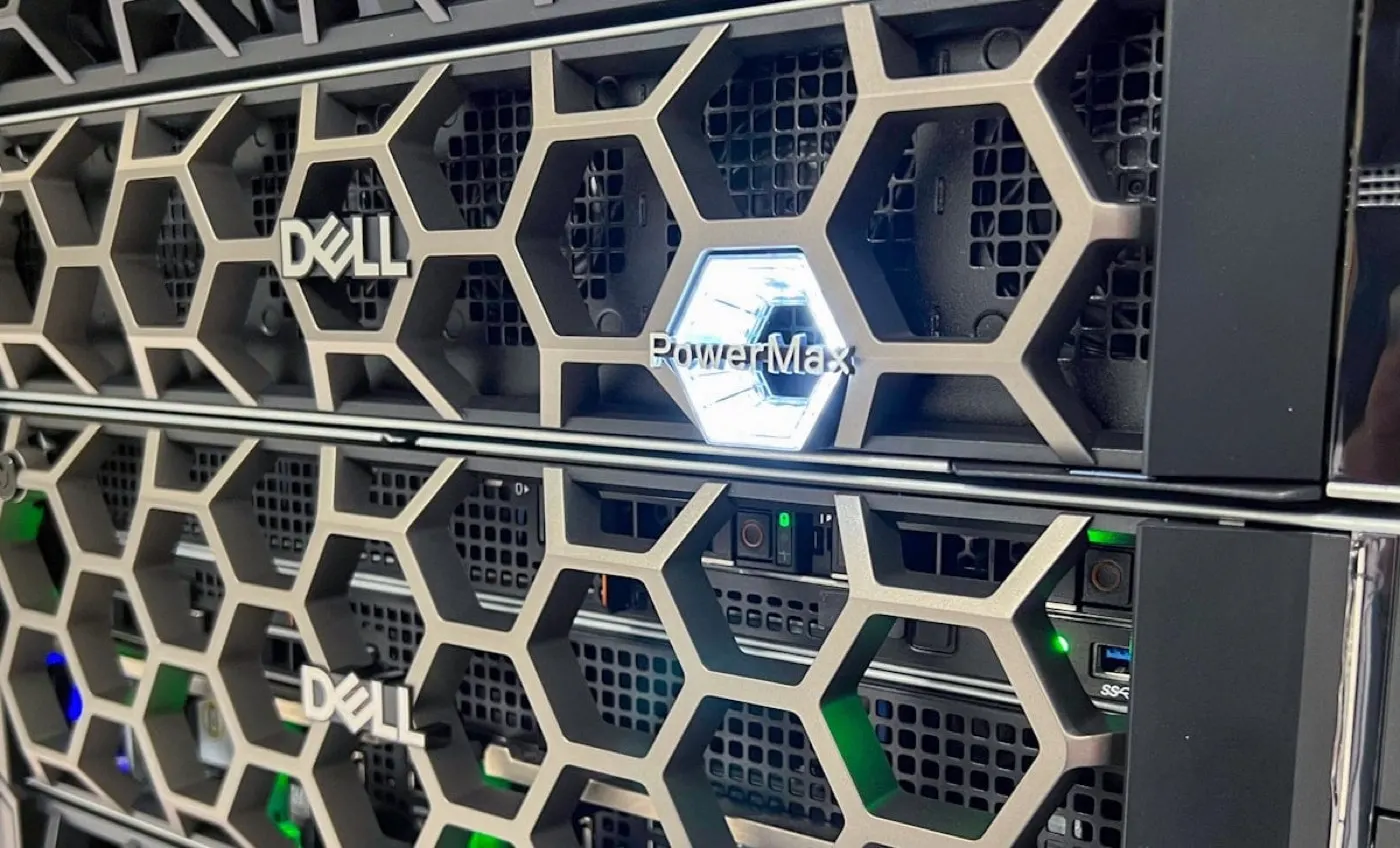
Image: StorageReview - Dell PowerMax OnSite (PowerMax rack / array view).
What Exactly Is Dell PowerMax?
Dell PowerMax is an all-flash, end-to-end NVMe storage family for mission-critical block (and supported file/mainframe) workloads in enterprise data centers. Dell’s product page and PowerMax 2500/8500 specification sheet position the platform with PowerMaxOS 10, NVMe scale-out architecture, hardware-assisted data reduction, AI-driven automation, and cyber resiliency.
Short definition: PowerMax is Dell’s enterprise storage platform that delivers scale-out NVMe capacity/performance via dual active node pairs + Dynamic Fabric + DME, with SRDF for enterprise DR.
Read three layers together:
| Layer | What it provides |
|---|---|
| Compute | Node pair (CPU, cache, I/O) |
| Fabric | Dynamic Fabric (NVMe/IB or NVMe/PCIe) |
| Media | Dual-ported NVMe flash in DMEs |
Component detail: Architecture Deep Dive.
2500 vs 8500: Which Model?
Per Dell PowerMax specification sheet (summary):
| Feature | PowerMax 2500 | PowerMax 8500 |
|---|---|---|
| Positioning | Mission-critical, compact consolidation | Massive consolidation / performance scale |
| Effective capacity (Dell) | ~8 PBe | ~18 PBe |
| Node scale | Smaller footprint | Up to 16 nodes |
| Workloads | Mixed block, file, mainframe | Most demanding mixed workloads |
| Cyber | Cyber resiliency + Cyber Recovery Service options | Same family + vault scenarios |
Both models ship with Inclusive Software, Flexible RAID / Dynamic Fabric, and Future-Proof framing. Actual usable capacity varies by configuration.
Key Capabilities
1. End-to-end NVMe + Dynamic Fabric
NVMe-oF topology between compute and DMEs; 8500 uses 100 Gb/s NVMe/IB fabric. Active/active share-everything: all compute endpoints can access shared memory and SSDs (Dell Info Hub).
2. Scaling
Node pairs and DMEs grow independently; drives can be added one at a time (Flexible RAID / scale-up). This favors adding compute or capacity as needed instead of fixed bricks only.
3. Continuity with SRDF
SRDF (Symmetrix Remote Data Facility) is PowerMax’s DR/metro backbone: distance, sync/async, multi-site, and Metro Smart DR. It is a different product family and ops model than PowerStore metro/replication.
4. Efficiency and security
Inline data reduction, DPU-assisted compression (by generation), encryption / cyber vault options. Dell DRR guarantee: Open Systems 5:1, Mainframe 3:1 (program terms).
5. Protocol surface
NVMe/FC, NVMe/TCP, classic FC/iSCSI, and supported mainframe/file scenarios — plan migration from existing SAN and new NVMe hosts together.
PowerMax vs PowerStore
| Dimension | PowerMax | PowerStore |
|---|---|---|
| Segment | Enterprise / mission-critical | Modern midrange–enterprise unified |
| DR backbone | SRDF | Native replication / metro |
| Typical workload | Core banking, mainframe, extreme consolidation | VMware, general purpose, unified block/file |
| Architecture language | Node pair + DME + Dynamic Fabric | Appliance + dual node + DRE |
| Deep guide | Architecture Deep Dive | What Is PowerStore? |
PowerStore install/capacity: Installation, Capacity Planning, Failover.
Pro Tip: Replace “which is better?” with written RPO/RTO, mainframe need, existing SRDF investment, and consolidation scale; the choice follows.
When Is PowerMax the Right Choice?
PowerMax is strong when you need:
- Mission-critical database and application consolidation
- Mainframe + open systems on one array family
- Multi-site / Metro / Smart DR with the SRDF standard
- Very high IOPS / low latency and large effective capacity
- Cyber vault / immutable protection scenarios (with service packages)
PowerMax is not mandatory for every environment. For smaller footprint, unified NAS focus, or appliance-based growth, PowerStore may fit better.
Evaluation Checklist
- Workload type: open systems / mainframe / mixed
- RPO/RTO and site count (SRDF need)
- Effective vs usable capacity assumptions (DRR terms)
- Host protocol plan (FC / NVMe-oF / TCP)
- 2500 vs 8500 scale need
- Inventory of existing SRDF or PowerStore
- Cyber resiliency / vault requirement
- Ops skills (Unisphere / PowerMaxOS)
- TCO: rack, power, Inclusive Software licensing
- PoC or sizing (Dell / partner) planned
Next Step with Leon-X
Leon-X evaluates PowerMax through NAS/SAN Storage Installation and Configuration — workload model, SRDF topology, and PowerMax–PowerStore selection matrix. For discovery, contact us.
Frequently Asked Questions
What is Dell PowerMax?
Dell PowerMax is an all-flash storage platform for mission-critical enterprise workloads with end-to-end NVMe, Dynamic Fabric, and SRDF continuity.
What is the difference between PowerMax 2500 and 8500?
2500 targets compact mission-critical consolidation (~8 PBe); 8500 targets higher node/capacity scale (~18 PBe, up to 16 nodes) per Dell’s spec sheet.
Does PowerMax replace PowerStore?
No. PowerMax fits enterprise/mission-critical and the SRDF ecosystem; PowerStore fits modern appliance/unified scenarios. Choose by workload.
Is SRDF mandatory?
No; but much of PowerMax’s enterprise DR value comes from SRDF. Single-site HA is via node pairs; multi-site plans use SRDF.
What does “6 nines” availability mean?
It is Dell’s ~99.9999% availability framing for the platform; real SLA depends on configuration, maintenance, and site design.