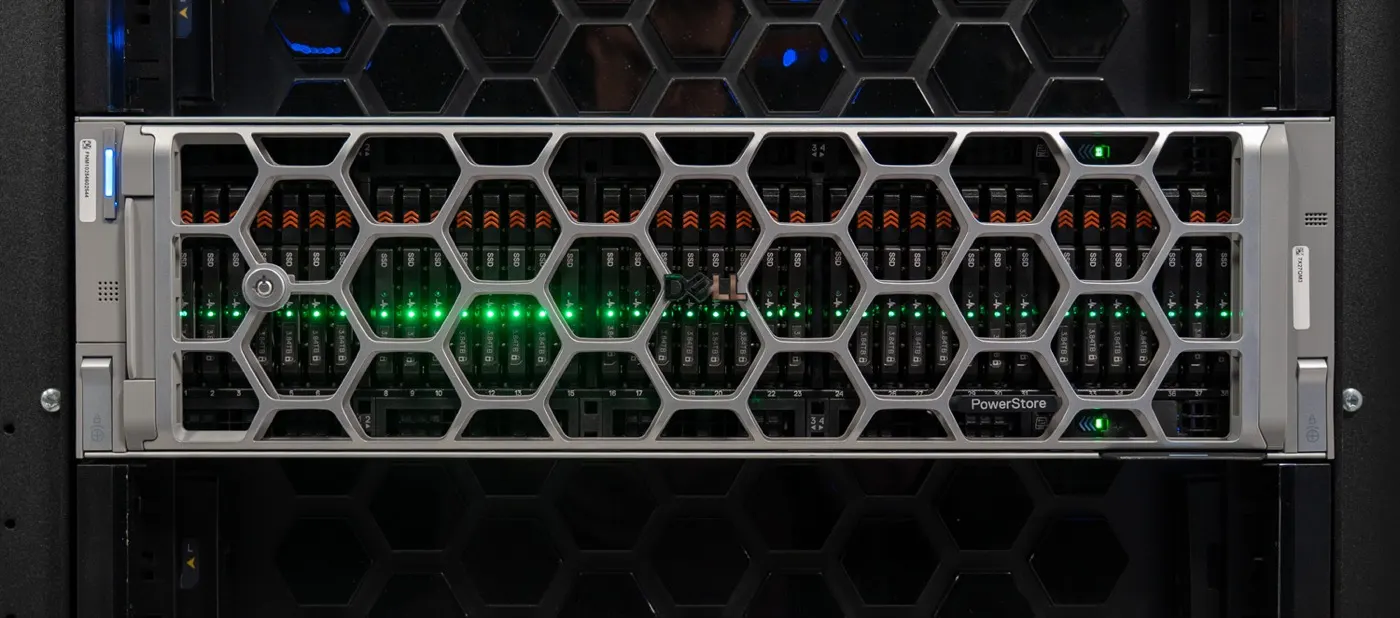
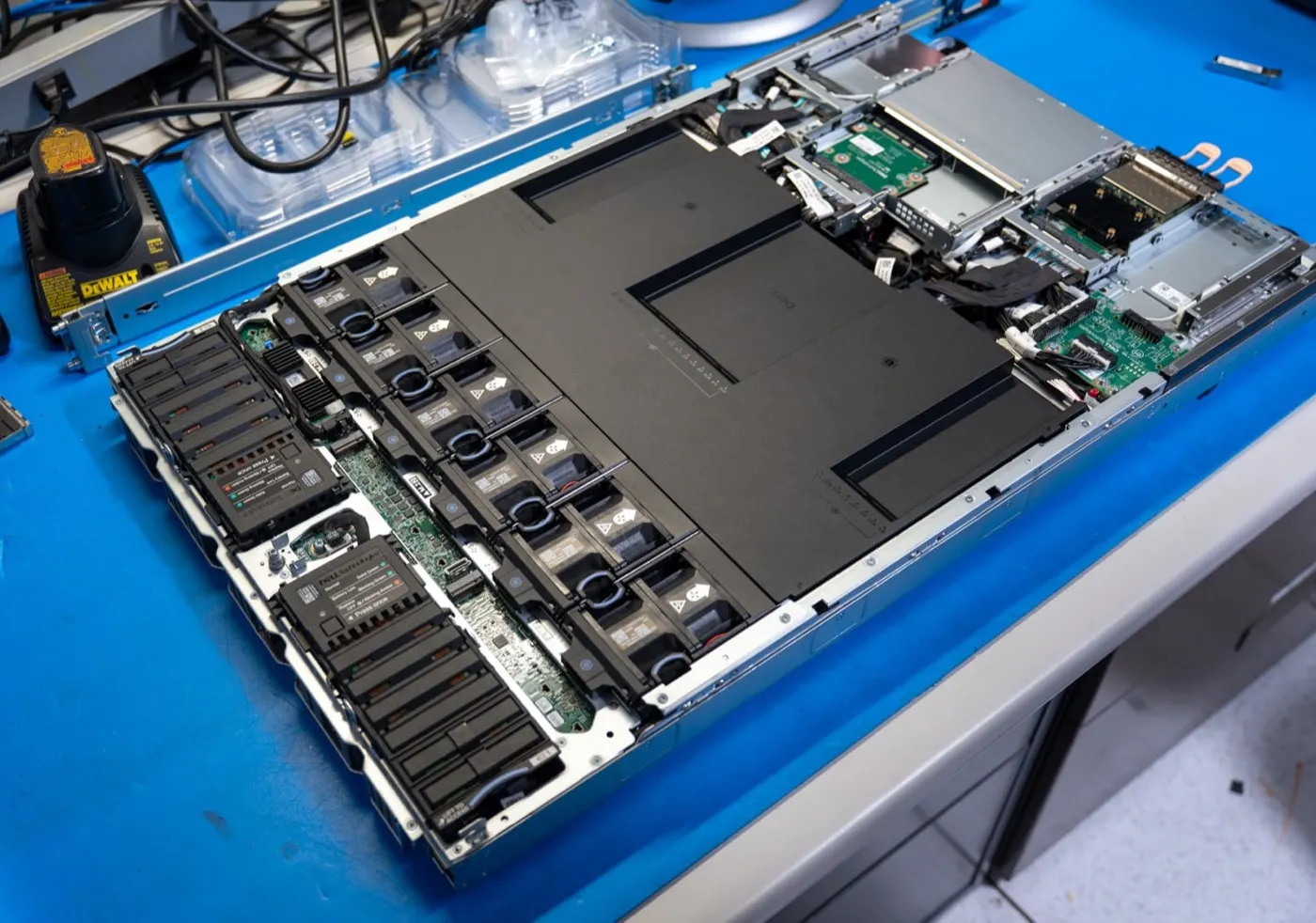
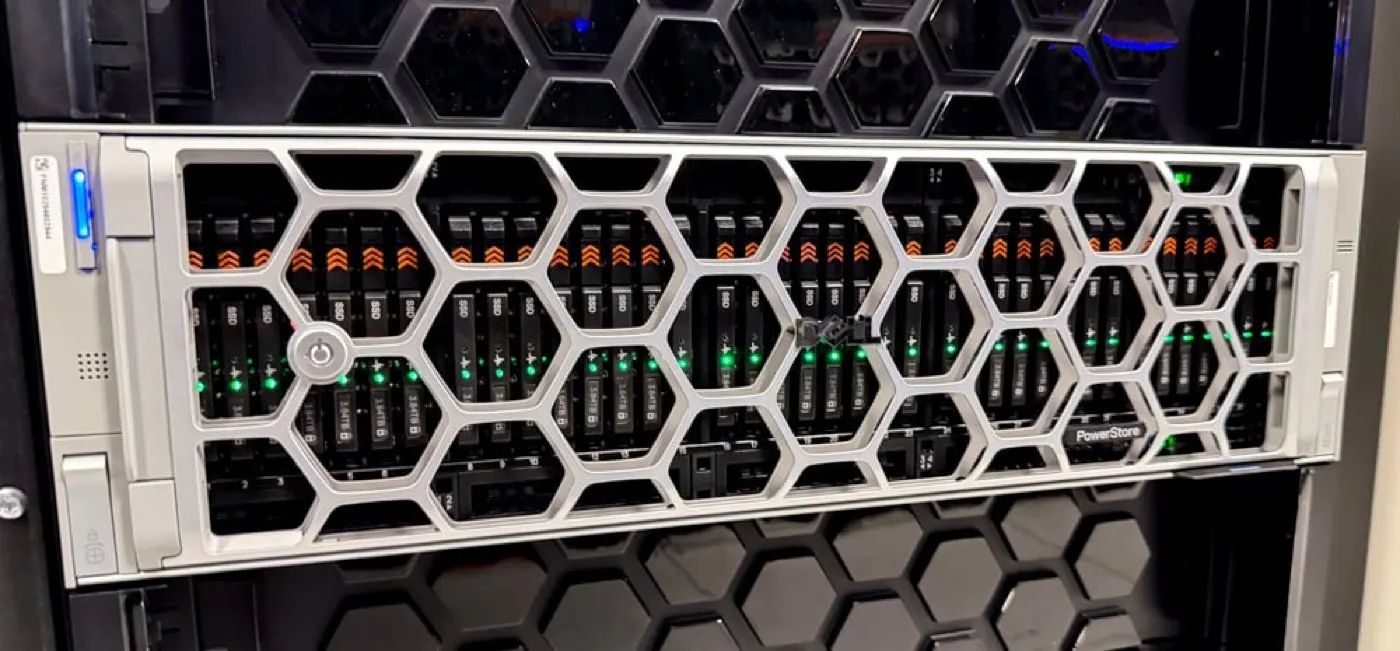
Dell PowerStore capacity planning is not summing raw drive TB; it models usable capacity, Dynamic Resiliency Engine (DRE) spare space, always-on data reduction (DRR), and the expansion path together. Short answer: separate reducible vs unreducible workloads; apply Dell Best Practices DRE and minimum drive counts; forecast growth with PowerStore Manager Unique Data, Reducible DRR, and Overall DRR; plan 12–24 months of headroom instead of a one-shot “max TB.” Architecture context: What Is PowerStore?. After install: Installation Guide.
This guide is written for:
- Storage admins sizing PowerStore for purchase or refresh
- Architecture teams folding DRR guarantees (5:1 / 6:1 on Gen 3) into capacity math
- Operations planning expansion enclosures and drive-by-drive growth
- IT leaders subtracting snapshot/replication reserve from usable capacity
Quick Summary
- Capacity planning = raw TB − DRE overhead + data reduction + growth + snapshot/replication.
- Dell Best Practices: same-size drives maximize capacity; DRE needs no dedicated hot spare.
- For single-drive FT, start with at least 10 drives; for double-drive FT, at least 19.
- Data reduction is always on; dedupe may defer under heavy writes, then finish in the background.
- Gen 3 / PowerStoreOS 5.0: 6:1 DRR guarantee for reducible data (Dell); prior gens often 5:1.
- Manager metrics: Unique Data, Reducible DRR, Overall DRR, Unreducible Data.
- Media choice: Disk Types and Tiering.
Table of Contents
- What Is Capacity Planning?
- Usable, Effective, and Logical Capacity
- DRE and Minimum Drive Count
- How to Factor Data Reduction (DRR)
- 5-Step Sizing Flow
- Expansion and Growth Plan
- Common Mistakes
- Checklist
- Next Step with Leon-X
- Frequently Asked Questions
- Sources
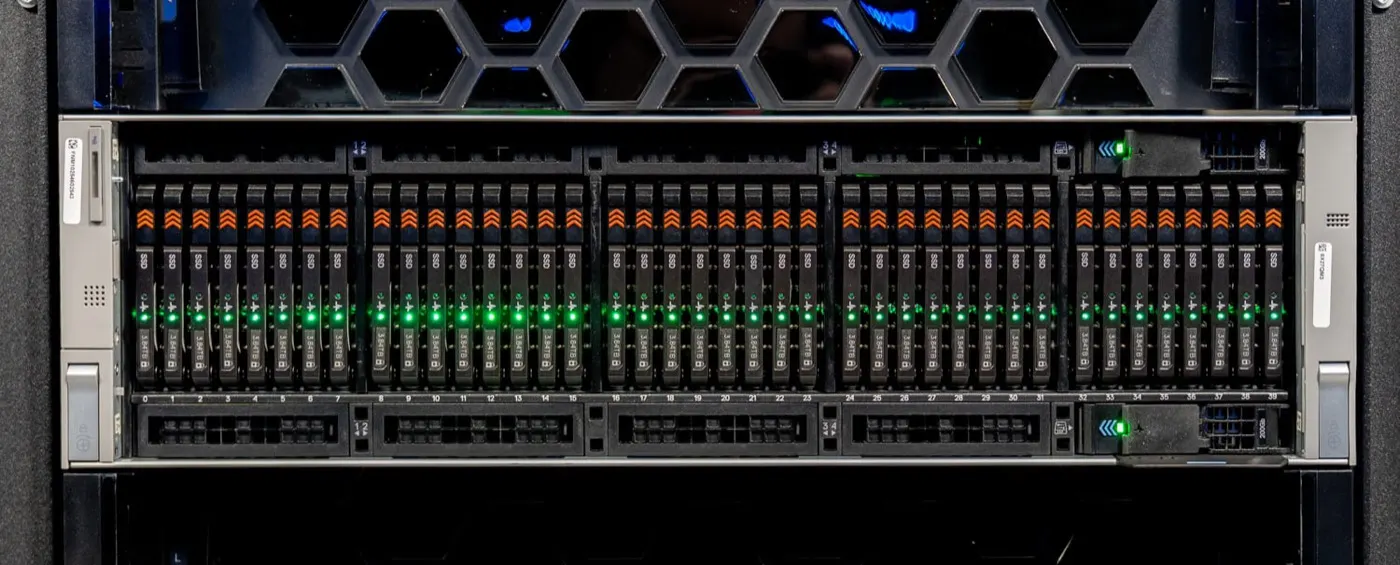
Image: StorageReview - Dell PowerStore Gen 3 Review (PowerStore 9500 / drive bay view).
What Is Capacity Planning?
PowerStore capacity planning defines how many TB usable, how many TB effective, and when to expand for a given workload and growth scenario. Unlike classic RAID math, DRE groups drives into resiliency sets with no dedicated hot spare; spare capacity is distributed inside each set.
Short definition: Capacity planning converts raw capacity into usable/effective capacity using DRE protection, data reduction ratio, and protection copies (snapshots/replication).
Usable, Effective, and Logical Capacity
| Term | Meaning | Planning use |
|---|---|---|
| Raw | Sum of drive TB | Purchase list |
| Usable | Physical space after DRE | “How much can I write?” baseline |
| Logical / written | Data written by hosts | Pre-DRR |
| Effective | Logical with DRR effect | Brochure / TCO comparison |
| Unique Data | Post-dedupe/compress unique data | Manager capacity accounting |
Per PowerStore Monitoring docs, capacity savings report:
- Unreducible Data — GB that cannot be deduped or compressed
- Reducible DRR — ratio based only on reducible data
- Overall DRR — logical used / physical used (resource family)
If unreducible share is high (encrypted DB dumps, already-compressed media), lower effective capacity expectations.
DRE and Minimum Drive Count
Dell PowerStore Best Practices Guide (h18241):
- All drives are used automatically; admins do not pick a RAID level.
- No dedicated hot spare; about one drive’s worth of spare is distributed per resiliency set.
- Rebuilds only rewrite written portions → efficient spare use.
- Same-size drives maximize usable capacity.
- At install, at least 10 drives for single-drive failure tolerance; at least 19 for double-drive (to maximize usable).
Fault tolerance (single vs double) is chosen at first install; lock the capacity/performance trade-off before purchase. Architecture: Controller Architecture, Active-Active.
How to Factor Data Reduction (DRR)
Data reduction (zero-detect, compression, deduplication) is always on and cannot be disabled. Under heavy writes, Best Practices notes dedupe may defer and finish later in the background.
| Generation / program | Typical DRR frame |
|---|---|
| Prior generation guarantees | 5:1 for reducible data (Dell program terms) |
| Gen 3 / PowerStoreOS 5.0 | 6:1 guarantee for reducible data (Dell / Info Hub) |
Worked example:
- Annual logical growth: 40 TB
- Estimated reducible share: 70% → 28 TB reducible, 12 TB unreducible
- Assumed Reducible DRR: 4:1 (conservative, below guarantee)
- Physical ≈ 28/4 + 12 = 19 TB + snapshot/replication reserve (15–30%) + headroom (20%)
Do not treat the guarantee as a sizing ceiling; without PoC or similar-workload DRR, prefer a 3:1–4:1 conservative band.
5-Step Sizing Flow
Step 1 — Workload inventory: Block/file, VMware, DB, backup, encryption ratio.
Step 2 — Logical demand: 12–24 month TB; peak vs steady-state IOPS separately (performance: Performance Optimize).
Step 3 — Protection layer: Snapshot frequency, retention, Replication, Snapshot.
Step 4 — Platform choice: Disk type/tier (Disk Types), DRE FT level, base + expansion.
Step 5 — Validation: Manager capacity dashboard; Unique Data / Overall DRR trend; expansion trigger (e.g. usable 70–80%).
Pro Tip: Ask quotes to list effective TB next to raw/usable. A single effective line hides unreducible share and snapshot reserve.
Expansion and Growth Plan
- Drive-by-drive adds are supported; mixed sizes are possible but Best Practices prefer same size.
- SAS/NVMe expansion enclosure: add after base commission — Installation Guide.
- Adding appliances to a cluster scales capacity; each appliance has its own DRE sets.
- Lifecycle / capacity expansion programs affect TCO; they are contract items, not sizing math.
| Growth signal | Action |
|---|---|
| Usable 70%+ | Open expansion order window |
| Overall DRR falling | Investigate unreducible growth |
| Latency rising | Capacity ≠ performance; High Latency |
Common Mistakes
- Treating raw TB as usable
- Applying DRR guarantee to all data (ignoring unreducible)
- Forgetting snapshot/replication reserve
- Discovering single vs double FT after purchase
- Losing usable capacity with mixed drive sizes
- Assuming full capacity explains latency and missing the real root cause
Checklist
- 12–24 month logical TB estimate written.
- Reducible / unreducible split done.
- Conservative DRR (below guarantee) used.
- Snapshot + replication reserve added.
- DRE FT (single/double) and min drive count chosen.
- Same-size drive policy set.
- Expansion trigger (% usable) defined.
- Manager Unique Data / Overall DRR monitoring planned.
- Performance (IOPS/latency) validated separately from sizing.
- Effective vs usable quote lines separated.
Next Step with Leon-X
Leon-X builds PowerStore capacity plans through NAS/SAN Storage Installation and Configuration — workload model, DRR assumptions, DRE choice, and expansion roadmap. For discovery, contact us.
Frequently Asked Questions
How many TB of “real” capacity do I get?
Subtract DRE spare/overhead from raw TB, then apply data reduction and snapshot/replication reserve. Report usable + effective + logical instead of one “real TB” number.
Can I size with 5:1 or 6:1 DRR?
Dell guarantees apply to reducible data. Unreducible share lowers Overall DRR. Without PoC measurement, use a conservative ratio.
What is the minimum drive count?
Best Practices: at least 10 drives for single-drive FT, at least 19 for double-drive FT (to maximize usable). Confirm against the Planning Guide for your model/OS.
Do I need a hot spare drive?
No. DRE distributes spare space inside each resiliency set; dedicated hot spares are not required.
Does latency rise when capacity fills?
Sometimes, but capacity is not always the root cause. See High Latency and Performance Optimize.