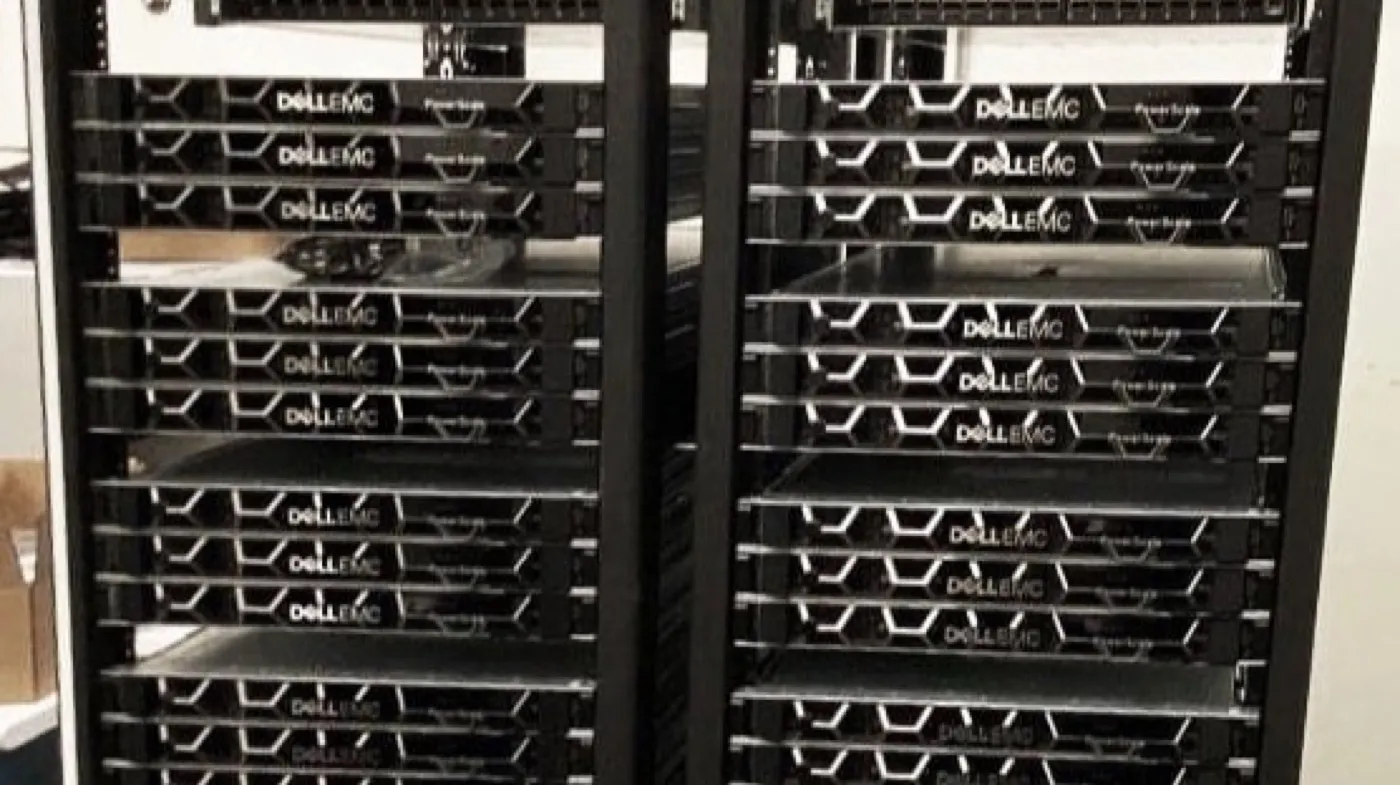
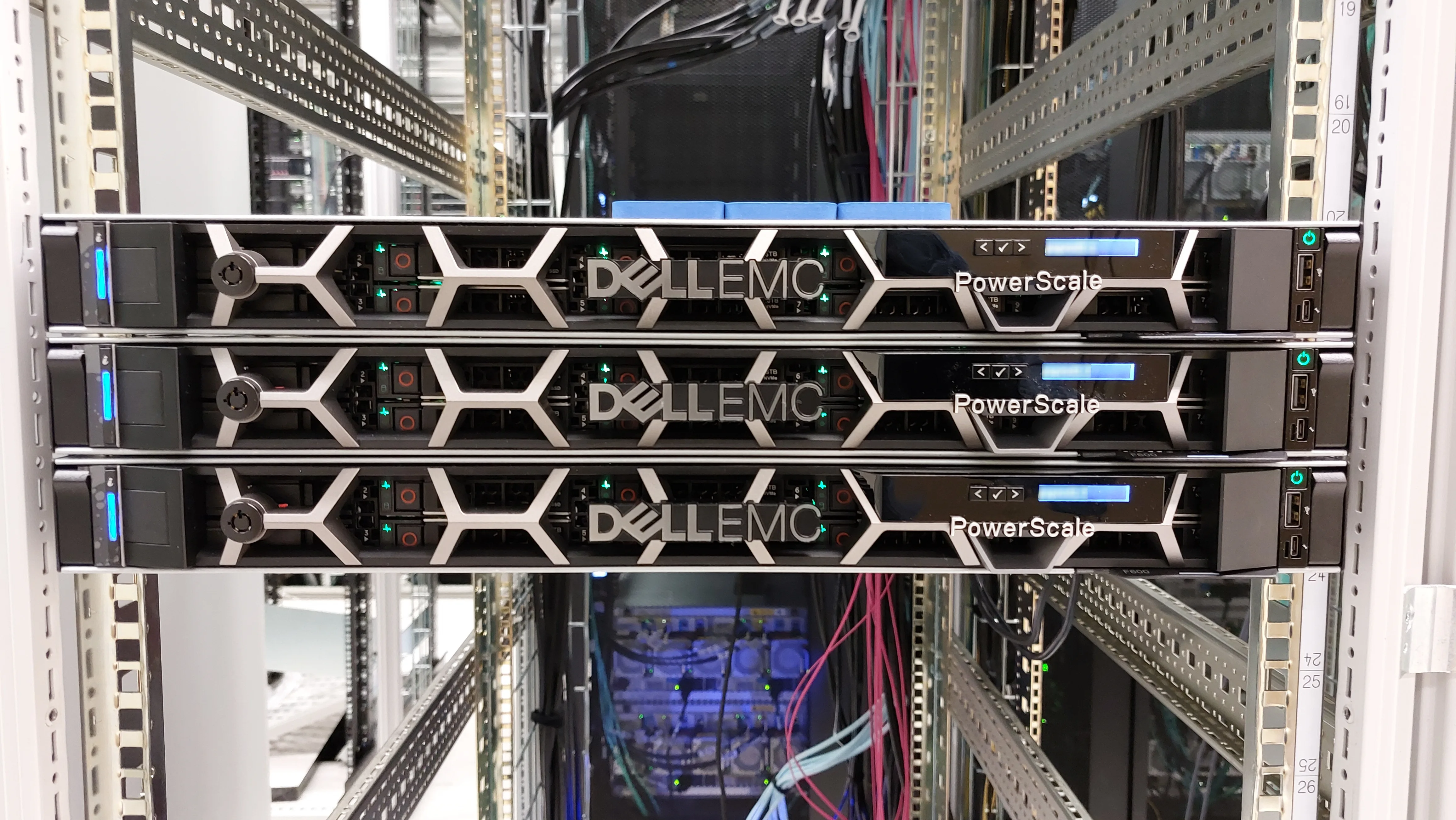
Dell PowerScale use cases clarify where scale-out NAS truly wins and when block/unified alternatives are the better fit. Short answer: PowerScale shines for highly concurrent file access, near-petabyte unstructured data, media/M&E, AI data prep, life sciences, and growing enterprise home/share pools. A single OneFS namespace and linear growth by adding nodes is the common need. Architecture: What Is PowerScale?. Commissioning: PowerScale Installation Guide. Block side: PowerMax vs PowerStore.
This guide is written for:
- Architects choosing PowerScale vs PowerStore vs PowerMax by workload
- IT leaders sizing NAS for media, AI, or life sciences projects
- Operations teams answering “should everything go on PowerScale?” with a risk matrix
- Teams stuck treating unstructured data like SAN LUNs
Quick Summary
- PowerScale = scale-out file/object (OneFS); Dell positions it as #1 scale-out NAS for AI, analytics, and enterprise unstructured data.
- Typical scenarios: M&E (4K/8K), AI/GenAI datasets + checkpoints, life sciences/imaging, home/share, backup/archive file targets.
- Common signal: many clients, high throughput, metadata pressure, PB-growing file trees.
- Wrong fit: low-latency block OLTP, mainframe, tiny single-volume office NAS.
- Node classes: F (all-flash/high IOPS), H (hybrid balance), A (archive/economy)—map to workload.
- Dell: 25,000+ customers; 1,500+ GPU workload references (product page, 2026).
- OneFS 9.15 messaging cites ~35 GB/s read throughput per node (product note; environment-dependent).
Table of Contents
- Use-Case Selection Matrix
- 1. Media & Entertainment (M&E)
- 2. AI / GenAI Data Tier
- 3. Life Sciences and Healthcare Imaging
- 4. Enterprise File Shares and Home Directories
- 5. Analytics, Data Lake, and Archive
- When PowerScale Is Not the Answer
- Mapping Node Class to Scenario
- Checklist
- Next Step with Leon-X
- Frequently Asked Questions
- Sources
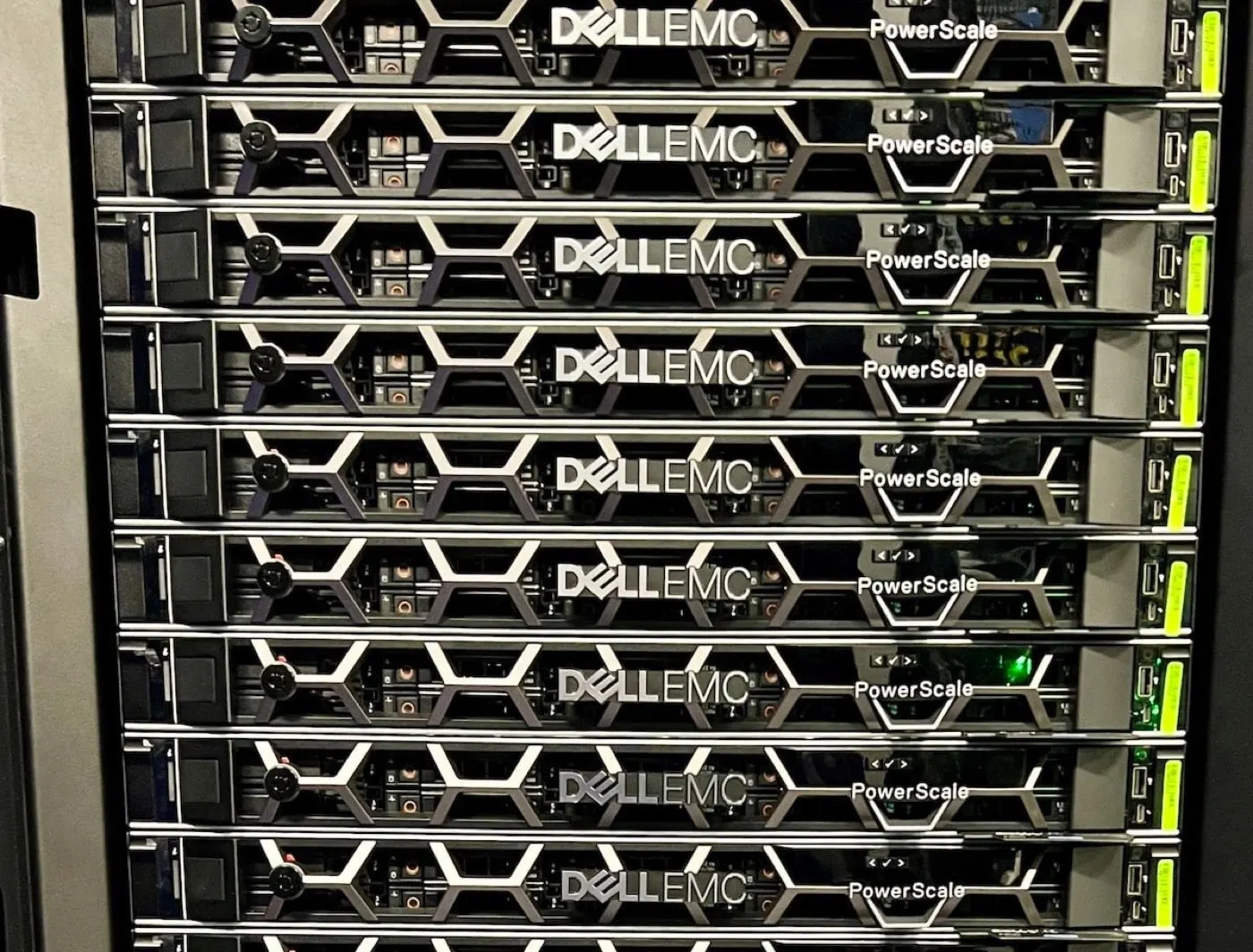
Image: StorageReview - Dell PowerScale F600 (all-flash PowerScale node).
Use-Case Selection Matrix
| Scenario | PowerScale fit | Typical protocol | Alternative |
|---|---|---|---|
| 4K/8K edit / render | High | SMB / NFS | — |
| AI training / feature store (file) | High | NFS / S3 | GPU + PowerEdge compute |
| Life sciences / PACS-like file | High | NFS / SMB | Separate compliance layer |
| Home / departmental share | Medium–high | SMB / NFS | Small office NAS |
| VMware VM datastore (block) | Low | — | PowerStore |
| OLTP / extreme low latency | Low | — | PowerMax |
| Mainframe | None | — | PowerMax |
Short definition: A PowerScale use case is an unstructured file/object workload that needs concurrency, throughput, and single-namespace scale—not mandatory block LUN semantics.
1. Media & Entertainment (M&E)
Broadcast and post teams read/write raw footage, proxies, project files, and renders from dozens or hundreds of clients at once. Dell’s M&E narrative positions PowerScale as the “library” tier for 8K and AI-assisted content workflows.
Why PowerScale?
- High concurrent read/write (edit bays + render farm)
- Single namespace: project trees are not split across nodes
- Adding nodes grows bandwidth and capacity together
Watch-out: Front-end Ethernet (10/25/40/100 GbE) and SmartConnect must be clear before install day — installation guide.
2. AI / GenAI Data Tier
In Dell AI Data Platform messaging, PowerScale is a storage engine that feeds unstructured data into AI. The Info Hub GenAI model-training white paper highlights PowerScale all-flash NVMe file storage for high throughput and single-namespace scale (multi-node / PB capacity bands).
Typical flow:
- Raw dataset ingest (NFS/S3)
- Feature engineering / preprocessing
- Training checkpoints and model artifacts
- Inference feature store (file/object)
Signals: GPU farms wait on storage; checkpoint writes are slow; datasets approach PB; metadata (small files) pressure rises.
Pro Tip: For AI, measure throughput + metadata first; asking only “how many TB?” sizes PowerScale incorrectly.
3. Life Sciences and Healthcare Imaging
Genomics, molecular diagnostics, and large imaging sets are file-heavy and grow fast. Shared research namespaces, multi-protocol access, and long retention are common needs.
Where it fits:
- Research file pools (NFS home + projects)
- Imaging archive (file target; keep clinical PACS vendor requirements separate)
- Training data for AI-assisted clinical/research pipelines
Caution: Patient data / privacy controls need hardening and access policy beyond the storage SKU; the product alone is not a compliance certificate.
4. Enterprise File Shares and Home Directories
Thousands of users, departmental shares, and AD-backed SMB access fragment classic NAS into volumes/namespaces. OneFS’s single-tree model reduces that operational load.
When to choose it:
- User + share counts grow clearly over a 3-year plan
- Mixed SMB + NFS access exists
- Snapshot / quota / SyncIQ for DR or site copies is planned
When it is overkill: A 20–50 user office file server—entry NAS or hypervisor disk is often more economical.
5. Analytics, Data Lake, and Archive
Unstructured “data lake” style pools, log/landing zones, and cold archive file tiers pair well with capacity-oriented PowerScale nodes (H/A). Hot data on F-series and cold on A/H can live in the same OneFS namespace (mind heterogeneous-cluster Best Practices).
When analytics jobs parallel-read over NFS, scale-out client bandwidth becomes visible.
When PowerScale Is Not the Answer
- Block LUNs are mandatory (VMFS, RDM, classic SAN clustering) → PowerStore / PowerMax
- Microsecond–millisecond OLTP targets → PowerMax (enterprise guide)
- Mainframe / FICON → PowerMax
- Small, low-growth file server → over-engineering risk
- Backup target only with no file-NAS scale → evaluate a purpose-built backup appliance
File vs block: What Is PowerStore? and PowerMax vs PowerStore.
Mapping Node Class to Scenario
| Class | Profile | Example scenario |
|---|---|---|
| F (all-flash) | High IOPS / lower-latency file | AI hot data, 8K edit |
| H (hybrid) | Capacity + performance balance | Enterprise share, analytics |
| A (archive) | Economy / cold data | Archive, retention pools |
Starting the first cluster with one class aligns better with Best Practices; controlled heterogeneity can come later.
Checklist
- Workload split: file vs block?
- Concurrent clients / GPUs / edit bays measured?
- 3-year capacity (TB) + file-count projection ready?
- Protocols: NFS / SMB / S3 which ones?
- Does front-end bandwidth match the scenario?
- F / H / A class mapped to the workload?
- Wrong-pick risk vs PowerStore/PowerMax eliminated?
- Snapshot / SyncIQ / security (immutable) needs listed?
- Install worksheet ready? → install
- Architecture context read? → what is
Next Step with Leon-X
Leon-X clarifies PowerScale scenario selection—workload profile, node class, and network plan—via NAS/SAN Storage Installation and Configuration. For discovery: Contact Us.
Frequently Asked Questions
Which industries use PowerScale most?
Media & entertainment, AI/analytics, life sciences/healthcare, research, and large enterprise file environments appear most often in Dell and industry summaries.
Is PowerScale required for AI?
Not required; but when high-throughput file/object datasets and GPU saturation are goals, PowerScale is a frequently recommended storage engine inside Dell AI Data Platform.
Is PowerScale overkill for home directories?
For a small office, yes. With thousands of users, fast growth, and mixed protocols, OneFS single-namespace value can justify the cost.
Can PowerScale be a VMware datastore?
It is not the typical block datastore target; NFS datastores are discussed in some designs, but VMFS/block usually points to PowerStore/PowerMax. Context: VMware NFS Datastore.
Can F, H, and A live in one cluster?
Heterogeneous clusters can be supported; Best Practices favor simplicity. Same class for first production, then controlled expansion, is safer operations.