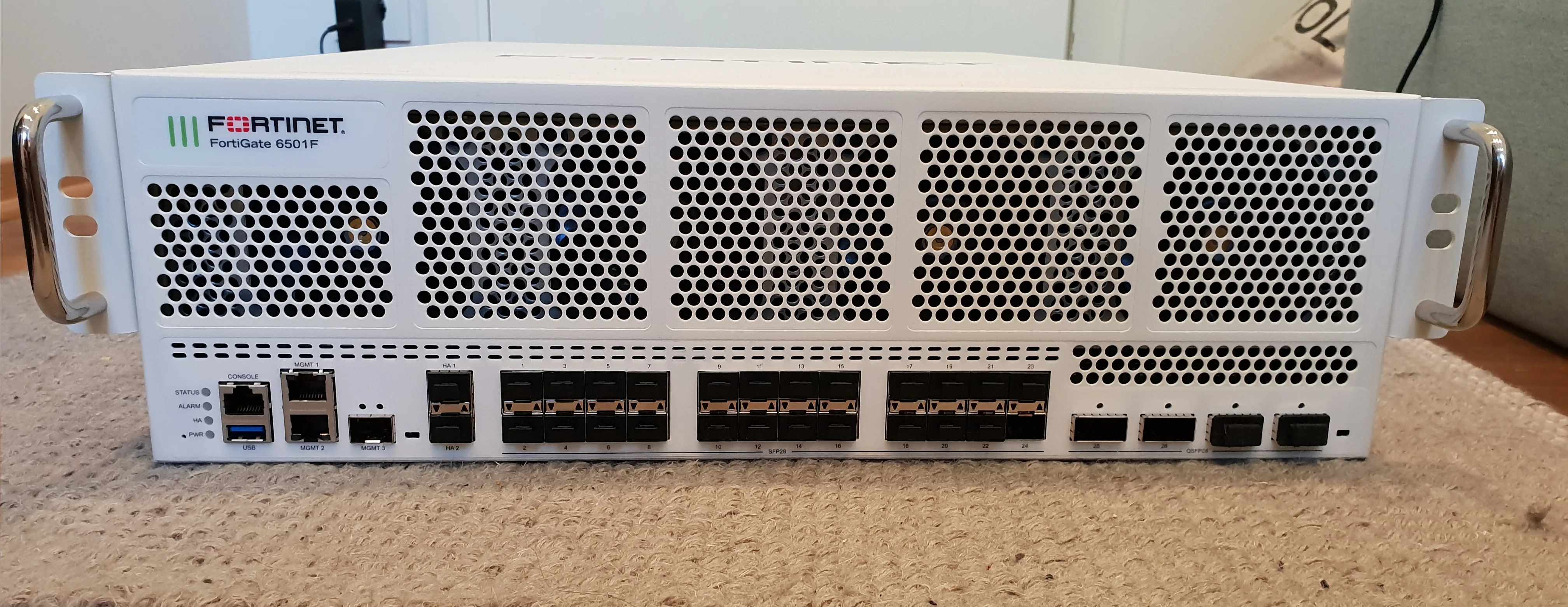
A FortiGate firewall is Fortinet’s next-generation firewall (NGFW) product line running on FortiOS. The short answer to “What is a FortiGate firewall?” is this: a platform that statefully tracks traffic at or inside the network edge and combines firewall policy, NAT, VPN, IPS, web/application control, and SSL inspection in one appliance. Unlike a classic packet filter, it decides based on session state, applications, and threat signatures—not only IP and port.
This guide is written for:
- Network and security teams evaluating or deploying FortiGate
- Administrators replacing a classic firewall with an NGFW
- IT managers mapping controls for ISO 27001, KVKK, and Law No. 5651 logging
- Decision makers consolidating edge, VPN, and segmentation on one platform
Quick Summary
- FortiGate is Fortinet’s NGFW appliance family; the OS is FortiOS.
- Core jobs: stateful firewalling, NAT, routing/SD-WAN, SSL/IPsec VPN, UTM/NGFW profiles, and logging.
- Policy match uses interface, protocol, source/destination address, and ports.
- The first packet drives route + policy decisions; eligible sessions can offload to NP/ASIC hardware.
- Models scale from small office to datacenter; Threat Protection throughput is the critical sizing metric.
- HA (Active-Passive), FortiGuard licensing, and central logging are part of a complete design—not optional extras.
Table of Contents
- What Is a FortiGate Firewall?
- How Does FortiGate Work?
- NGFW and UTM Features
- Core Building Blocks: Policy, NAT, VPN, Zones
- Model Sizing
- Common Use Cases
- FortiGate vs Classic Firewall
- Most Common Mistakes
- Related Articles
- Checklist
- Next Step with Leon-X
- Frequently Asked Questions
- Sources
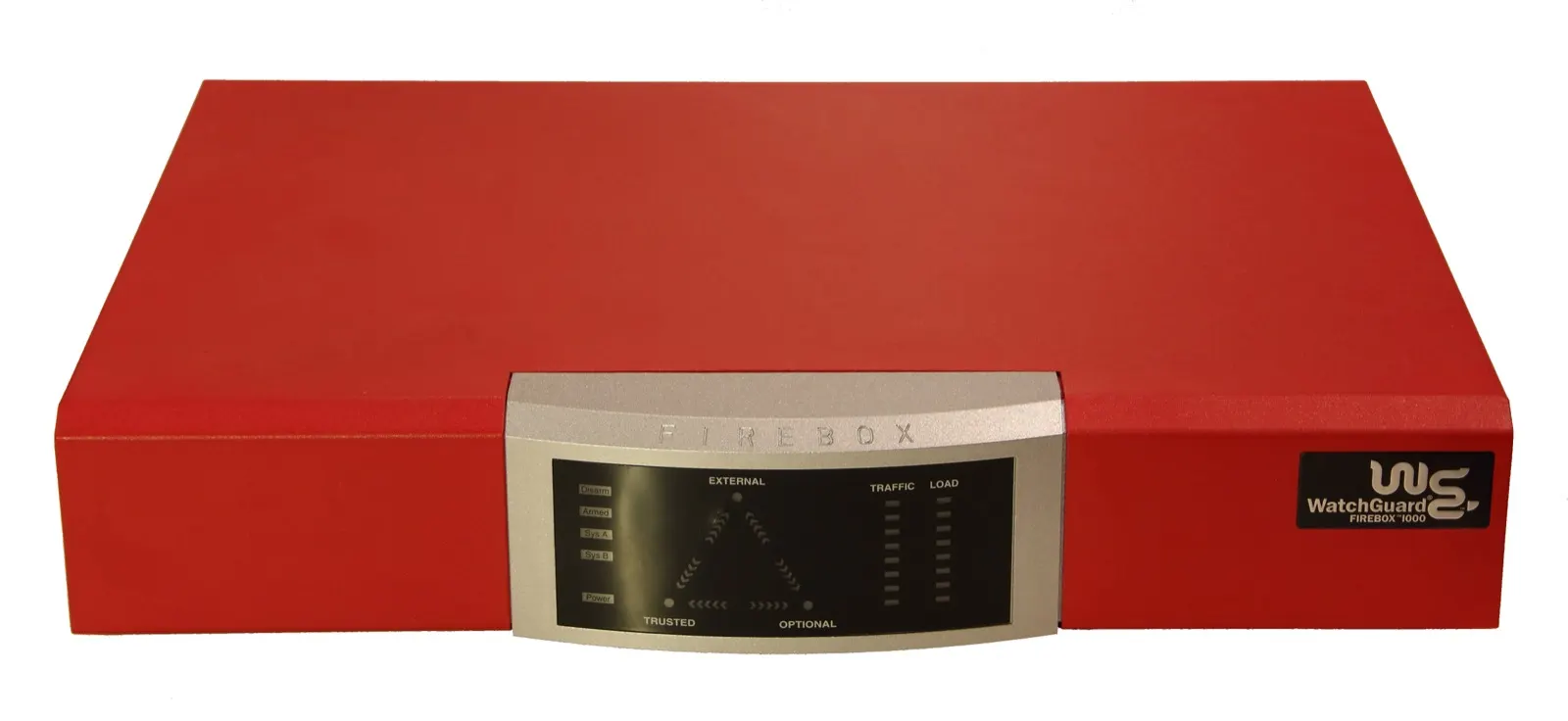
Image: Wikimedia Commons - Watchguard Firebox 1000 (example enterprise firewall form factor).
What Is a FortiGate Firewall?
FortiGate is the network security appliance line from Fortinet Inc. For the broader company and ecosystem, see What Is Fortinet and What Does It Do?. This article focuses on the FortiGate firewall product itself.
Short definition:
A FortiGate firewall is a FortiOS-based NGFW that combines stateful session tracking, policy-based access control, VPN, and threat prevention (IPS/AV/web/app) on one platform.
In production, FortiGate typically fills one or more of these roles:
- Internet edge firewall
- Branch / cloud site-to-site VPN terminator
- SSL VPN remote-access gateway
- Internal segmentation (VLAN/zone) checkpoint
- SD-WAN edge
How Does FortiGate Work?
FortiGate is a stateful firewall: every connection is tracked in a session table. Per Fortinet documentation, the first packet drives route and policy decisions; later packets follow session state. Eligible traffic can be accelerated through Network Processors (NP).
Operating layers that matter:
- Routing / interface: Ingress interface and required route
- Firewall policy match: Source/destination, service/ports, and security profiles
- Session creation: Policy ID, NAT, protocol state
- Inspection / offload: Flow or proxy inspection; offload eligibility
For packet-flow and session-table detail, read How Does a Fortinet Firewall Work?. Official policy match uses Source_interfaces / Protocol / Source_Address / Destination_Address plus related ports.
NGFW and UTM Features
What makes FortiGate more than “open/close a port” is the UTM/NGFW profile stack:
| Feature | What it does | Watch-outs |
|---|---|---|
| IPS | Detects exploit / attack signatures | Can reduce throughput |
| Antivirus | Malicious content detection | Needs license + fresh signatures |
| Web Filter | URL category control | Mis-categorization can block work |
| Application Control | App-level allow/deny | Stronger with SSL inspection |
| SSL Inspection | Visibility into encrypted traffic | Needs certificate and privacy plan |
| DLP | Reduces sensitive-data leakage | Needs false-positive handling |
Enabling SSL inspection without a rollout plan breaks apps; see FortiGate SSL Inspection.
Core Building Blocks: Policy, NAT, VPN, Zones
Firewall Policy
This is the allow/deny control plane. Order is top-down; any-any allow is the most common design failure. For compliance-aligned access control, see FortiGate Access Control for ISO 27001.
NAT
Source/destination translation—especially outbound SNAT and inbound VIP/DNAT. For NAT outages, use FortiGate NAT Troubleshooting.
VPN
- SSL VPN: Remote users (SSL VPN Setup)
- IPsec: Site-to-site (Site-to-Site VPN, IPsec VPN)
Zones and VLANs
WAN / LAN / DMZ / Guest separation is the backbone of default-deny design. See FortiGate VLAN Configuration.
HA
Active-Passive clustering keeps traffic flowing through hardware failure. See FortiGate HA Installation.
Model Sizing
Do not size on raw “firewall throughput” alone. In production with IPS + AV + web filter enabled, Threat Protection throughput is the realistic capacity number.
Validate at least:
- Threat Protection throughput (Mbps/Gbps)
- Concurrent sessions and new sessions/sec
- Concurrent SSL VPN users
- IPsec throughput
- Interface needs (1G/10G, SFP, HA ports)
- FortiGuard license term (1–3–5 year TCO)
For vendor comparison context, see Fortinet vs Palo Alto vs Cisco.
Common Use Cases
- Edge firewall: Internet egress + UTM; for outages use FortiGate No Internet Access.
- Remote work: SSL VPN + MFA + resource ACLs.
- Multi-branch: IPsec hub-spoke or SD-WAN.
- High continuity: HA + monitored interfaces + redundant heartbeat.
- Compliance: ISO 27001 network controls and durable logging; see ISO 27001 Network Security: Firewall and VPN.
For switch/AP/analyzer integration, read What Is Fortinet Security Fabric?.
FortiGate vs Classic Firewall
| Dimension | Classic firewall | FortiGate NGFW |
|---|---|---|
| Decision unit | Mostly IP/port | Session + app + threat |
| VPN | Often a separate box | SSL/IPsec on the same platform |
| Threat prevention | Limited / none | IPS/AV/web/app (licensed) |
| Visibility | Basic logs | Session table + Fabric/Analyzer |
| Performance | CPU-heavy | NP/ASIC offload when eligible |
Most Common Mistakes
- Opening with any-any and “hardening later”
- Undersizing by ignoring Threat Protection capacity
- Turning on SSL inspection for all traffic at once
- Running a single non-HA edge device for critical paths
- Keeping logs only on-box until disk fills
- Ignoring FortiGuard license expiry
Pro Tip: On a new FortiGate, build zones + default-deny first, then allow applications one by one. The reverse—“open everything, close later”—breaks accountability for years.
Related Articles
- What Is Fortinet and What Does It Do?
- How Does a Fortinet Firewall Work?
- What Is Fortinet Security Fabric?
- FortiGate HA Installation Guide
- FortiGate SSL VPN Setup
- FortiGate VLAN Configuration
- ISO 27001 Network Security: Firewall and VPN
Checklist
- FortiGate role defined: edge, VPN, segmentation, or all
- Threat Protection throughput requirement measured
- FortiGuard package and term planned
- Zone model (WAN/LAN/DMZ/Guest) drawn
- Default-deny policy skeleton designed
- HA need evaluated
- Central logging (FortiAnalyzer/SIEM) and retention defined
- Admin access restricted to a management network; MFA planned
Next Step with Leon-X
Understanding a FortiGate firewall means sizing correctly, writing strict policy, and designing continuity (HA + logging). Leon-X delivers FortiGate design and deployment under Hardware and Software Solutions, especially Router, Switch and Firewall Deployment Service and Network Security, Firewall and IPS/IDS Solutions. For discovery or a proposal, continue through Contact.
Frequently Asked Questions
What is a FortiGate firewall?
FortiGate is Fortinet’s FortiOS-based NGFW appliance. It combines stateful firewalling, NAT, VPN, and threat-prevention profiles on one platform to protect the enterprise edge and internal segments.
Are FortiGate and Fortinet the same thing?
No. Fortinet is the company and ecosystem; FortiGate is the firewall product line. In everyday speech, “we deployed Fortinet” usually means FortiGate.
Is FortiGate a UTM or an NGFW?
Marketing uses both labels. In practice FortiGate is an NGFW/UTM-class platform that pairs firewalling with licensed IPS/AV/web/app controls.
Do small offices need FortiGate?
Often yes in a single-appliance form: firewall + VPN + basic UTM. Success depends on sizing, licensing, and a simple but strict policy design.
Does FortiGate alone make you ISO 27001 compliant?
No. It is a strong technical foundation for access control, VPN, and logging, but compliance also needs process, retention, monitoring, and evidence management.