A Dell server firmware incompatibility is not a single error code; it can come from the wrong generation package, a missing prerequisite version, iDRAC downgrade restrictions, or a mixed fleet baseline. Short answer: classify the mismatch type (package / dependency / downgrade / inventory); validate with the Dell Catalog and release notes; update one component at a time in the correct order. This article is the resolution playbook; Version Mismatch focuses on inventory/compliance, and Update Failed on job stages.
This playbook is written for:
- Systems admins aligning baselines across mixed PowerEdge generations
- Operations teams seeing "incompatible" or RAC0181/SUP0517 in iDRAC/Lifecycle
- Infrastructure teams that loaded the wrong DUP/Catalog and risk boot loops
- IT teams separating real hardware mismatch from OpenManage inventory warnings
Quick Summary
- Incompatibility ≠ always an old version; often a wrong package or missing dependency.
- Package selection: model + generation + component (BIOS/iDRAC/PERC/NIC) must match.
- On iDRAC9 4.40.40.00+ servers, a one-step downgrade to old iDRAC usually triggers RAC0181.
- Update order: iDRAC/Lifecycle → BIOS → PERC/NIC (follow Catalog guidance).
- Inventory warning: Version Mismatch guide.
- Job failure: Update Failed guide.
- Correct procedure: How to Update PowerEdge Firmware.
Table of Contents
- What Does Firmware Incompatibility Mean?
- Four Incompatibility Types
- First 15 Minutes Diagnosis
- Symptom → Fix Decision Tree
- Downgrade and RAC0181
- Safe Alignment Flow
- Common Mistakes
- Checklist
- Next Step with Leon-X
- Frequently Asked Questions
- Sources
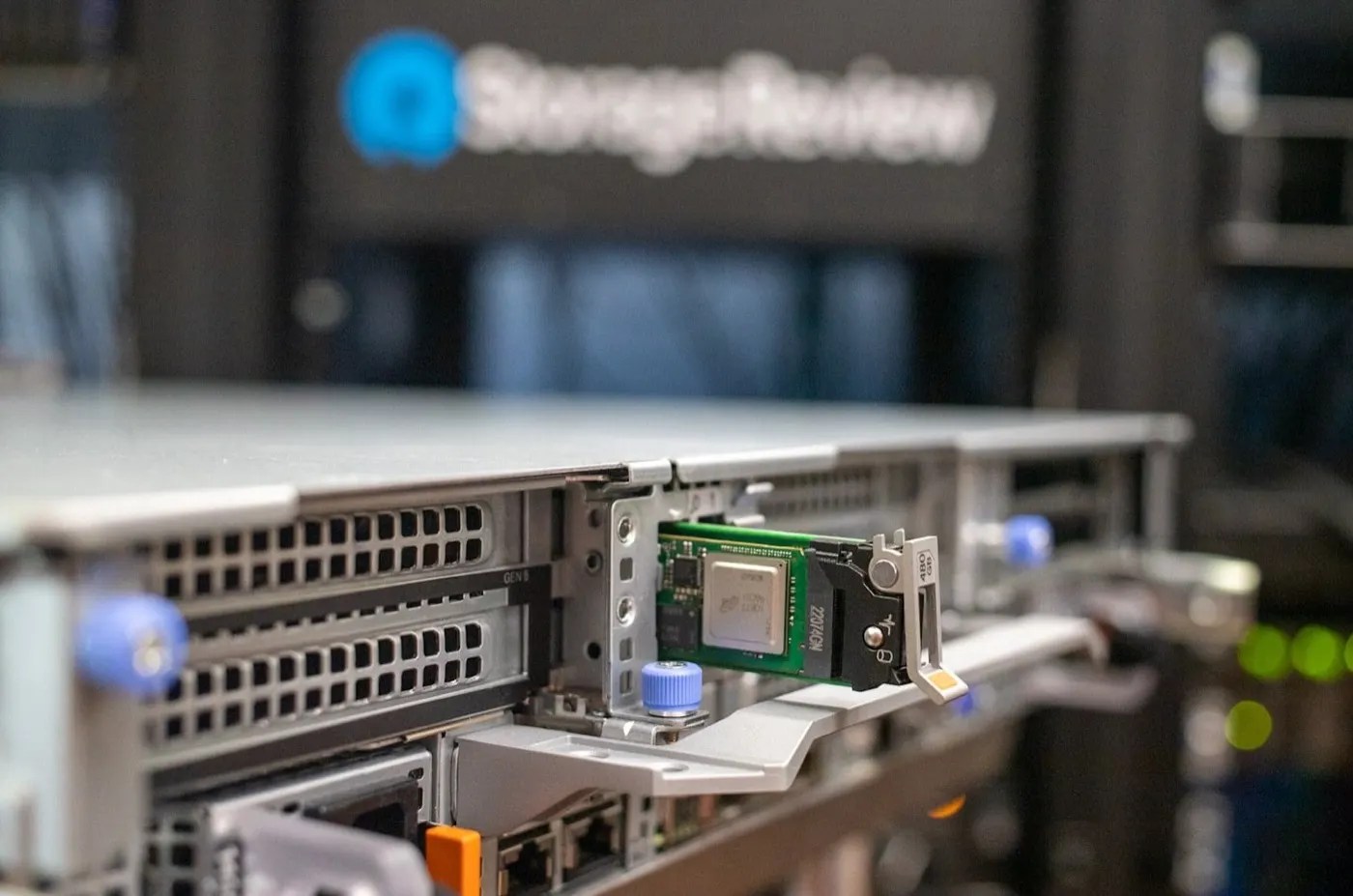
Image: StorageReview - Dell PowerEdge R760 Review (PowerEdge management / hardware context).
What Does Firmware Incompatibility Mean?
On Dell PowerEdge, firmware incompatibility means the package you try to apply does not match hardware, generation, certificate, or dependency chain. This can differ from an OpenManage "version mismatch" warning: with real incompatibility the update is rejected, a boot loop may appear after reboot, or iDRAC Lifecycle Log shows events such as RAC0181 / SUP0517.
Short definition: Incompatibility is when a package cannot be applied to that server, or applied firmware levels fall outside Dell's supported matrix across components.
Four Incompatibility Types
| Type | Typical sign | First check |
|---|---|---|
| Package / generation | "Not applicable", wrong model | Catalog, Service Tag, generation (14G/15G/16G) |
| Dependency | Update rejected before start | Min iDRAC/BIOS in release notes |
| Downgrade | RAC0181, SUP0517 | KB 000190151, two-step path |
| Inventory / compliance | Shows mismatch, real version OK | Inventory refresh → Version Mismatch |
1. Wrong package or generation
Applying an R750 package to an R640, or a 15G Catalog to 14G, is the most common real incompatibility. Dell Repository Manager or iDRAC Catalog must select packages matched to Service Tag and model.
2. Dependency chain
Many BIOS and PERC updates require a minimum iDRAC level. Running a BIOS DUP before iDRAC is updated may be rejected or stall. Details: Firmware Update guide.
3. Downgrade restriction (hardware root of trust)
On 14G+ systems with iDRAC9 4.40.40.00 and later, pre-February 2021 old iDRAC images are not accepted in one step. Lifecycle Log shows RAC0181; repeated attempts may show SUP0517.
4. Stale inventory (not incompatibility)
Compliance may show mismatch while iDRAC inventory shows the correct version. That is a visibility issue — use the dedicated guide.
First 15 Minutes Diagnosis
- Export Lifecycle Log + iDRAC job history.
- Open correct generation and component inventory in Dell Support with Service Tag.
- Which component failed (BIOS / iDRAC / PERC / NIC)?
- Last action: upgrade or downgrade, which DUP/Catalog?
- Read release notes minimum version and compatibility table.
- Separate OpenManage warning from iDRAC rejection.
- If boot is affected: Boot problem triage.
Pro Tip: Before retrying the same package, clear the job queue and note the rejection stage — overlaps with Update Failed.
Symptom → Fix Decision Tree
| Symptom / event | Go to |
|---|---|
| Compliance "mismatch" but iDRAC shows correct version | Version Mismatch |
| Job failed / stuck queue | Update Failed |
| Stuck at Initializing Firmware | Initializing Firmware |
| BIOS boot loop after update | BIOS Boot Loop |
| RAC0181 / SUP0517 downgrade | This guide → Downgrade section |
| General update procedure | How to Update Firmware |
Downgrade and RAC0181
Dell KB 000190151: on 14G servers shipped with iDRAC9 4.40.40.00+, a one-step downgrade to pre-February 2021 iDRAC fails; Lifecycle Log records RAC0181 (boot loader failover). Repeated attempts may produce SUP0517.
Supported two-step path (old baseline target):
- First iDRAC9 4.40.10.00 (legacy hardware root of trust certificate)
- Then the target older version
KB 000225924: after June 2024 iDRAC9 releases (14G: 7.00.00.172, 15G: 7.10.50.00), downgrade to 4.40.10.00 and older may no longer be supported; RAC0181 is documented as expected behavior.
| Situation | Recommendation |
|---|---|
| New server, old factory baseline | Validate Dell matrix first; prefer current baseline unless downgrade is mandatory |
| Motherboard swap (PartFirmwareUpdate) | New board certificate may clash with old iDRAC package |
| RAC0181 once | Dell: usually no action required |
| Repeated SUP0517 | Stop the wrong package path; open SupportAssist |
Safe Alignment Flow
Step 1 — Define baseline: One Catalog per fleet (e.g. 15G Q2 2026 bundle); avoid random EXE stacks.
Step 2 — Pre-check: iDRAC access, config export, maintenance window, redundant host (cluster/HA).
Step 3 — Sequential apply: Follow Catalog order; controlled packages instead of all components at once.
Step 4 — Post-check: Inventory refresh, boot test, clean Lifecycle Log, compliance rescan.
Step 5 — Evidence: Version screenshots + job logs (ISO 27001 patch evidence: patch automation).
Unless downgrade is mandatory, forward alignment is usually lower risk.
Common Mistakes
- Selecting packages without Service Tag
- Forcing BIOS/PERC before iDRAC update
- Retrying the same old package ten times after RAC0181
- Mixing inventory mismatch with real incompatibility
- Skipping boot-entry checks after firmware
- Leaving one-off "special" versions on a single server in the fleet
Checklist
- Incompatibility type classified (package / dependency / downgrade / inventory).
- Service Tag + generation + component verified.
- Lifecycle Log and job history exported.
- Release notes minimum version checked.
- Correct Catalog/DUP selected.
- iDRAC config backed up.
- Maintenance window and rollback plan written.
- Applied with single component / correct order.
- Post-check: boot + inventory + compliance.
- Routed to correct deep guide when needed.
Next Step with Leon-X
Leon-X plans Catalog baseline, maintenance windows, and fleet alignment for firmware incompatibility through Patch Management and Security Update Automation and Server Maintenance, Warranty and Technical Support. For discovery, contact us.
Frequently Asked Questions
Is firmware incompatibility the same as version mismatch?
No. Version mismatch is often compliance/inventory visibility. Real incompatibility rejects the package or triggers hardware/certificate limits such as RAC0181/SUP0517.
What should I do when I see RAC0181?
Dell generally states a single RAC0181 needs no action. Repeated downgrade attempts risk SUP0517; stop the package path and check KB 000190151 / 000225924.
I loaded the wrong BIOS package — what happens?
The update may be rejected or stall; boot loop or POST hang is possible. Follow BIOS Boot Loop and Boot triage; do not clear NVRAM at random.
Are different iDRAC versions across the fleet a problem?
Operational risk is high: Catalog, compliance, and remote recovery diverge. Target one baseline per generation when possible.
Downgrade or upgrade?
Security and support matrices usually favor forward updates. Downgrade only with a written business case and Dell compatibility confirmation.