5651 compliance for businesses using corporate Wi-Fi means recording every wireless session that reaches the internet with a who–when–which IP/port chain. Short answer: broadcasting an SSID is not enough—separate staff and guest Wi-Fi, bind identity with Captive Portal or 802.1X, send DHCP + NAT logs to a central archive, and lock NTP plus timestamping. “Open guest Wi-Fi + firewall logging on” often breaks the evidence chain.
This guide is written for:
- IT and network teams running office / plaza / branch Wi-Fi
- Hotels, cafés, malls, and offices offering guest Wi-Fi
- Managers who must own 5651 logging and evidence technically
- Security teams designing Wi-Fi with Zero Trust or segmentation
Quick Summary
- Corporate Wi-Fi usually puts a business into mass-use / shared-internet scope.
- Minimum pack: separate guest SSID+VLAN, Captive Portal/802.1X, DHCP+NAT logs, NTP, timestamps.
- Do not keep staff and guests on the same broadcast domain.
- On a single public IP, without NAT source ports, “who did it?” stays weak.
- Basics: What Is 5651?; evidence: IT Perspective.
- Zero Trust alignment: Zero Trust + 5651.
Table of Contents
- Why Corporate Wi-Fi Triggers 5651
- Staff vs Guest SSIDs
- Identity: Captive Portal and 802.1X
- DHCP, NAT, and the Evidence Chain
- VLAN, Firewall, and Central Logs
- Retention, NTP, and Operations
- Most Common Mistakes
- Related Articles
- Checklist
- Next Step with Leon-X
- Frequently Asked Questions
- Sources
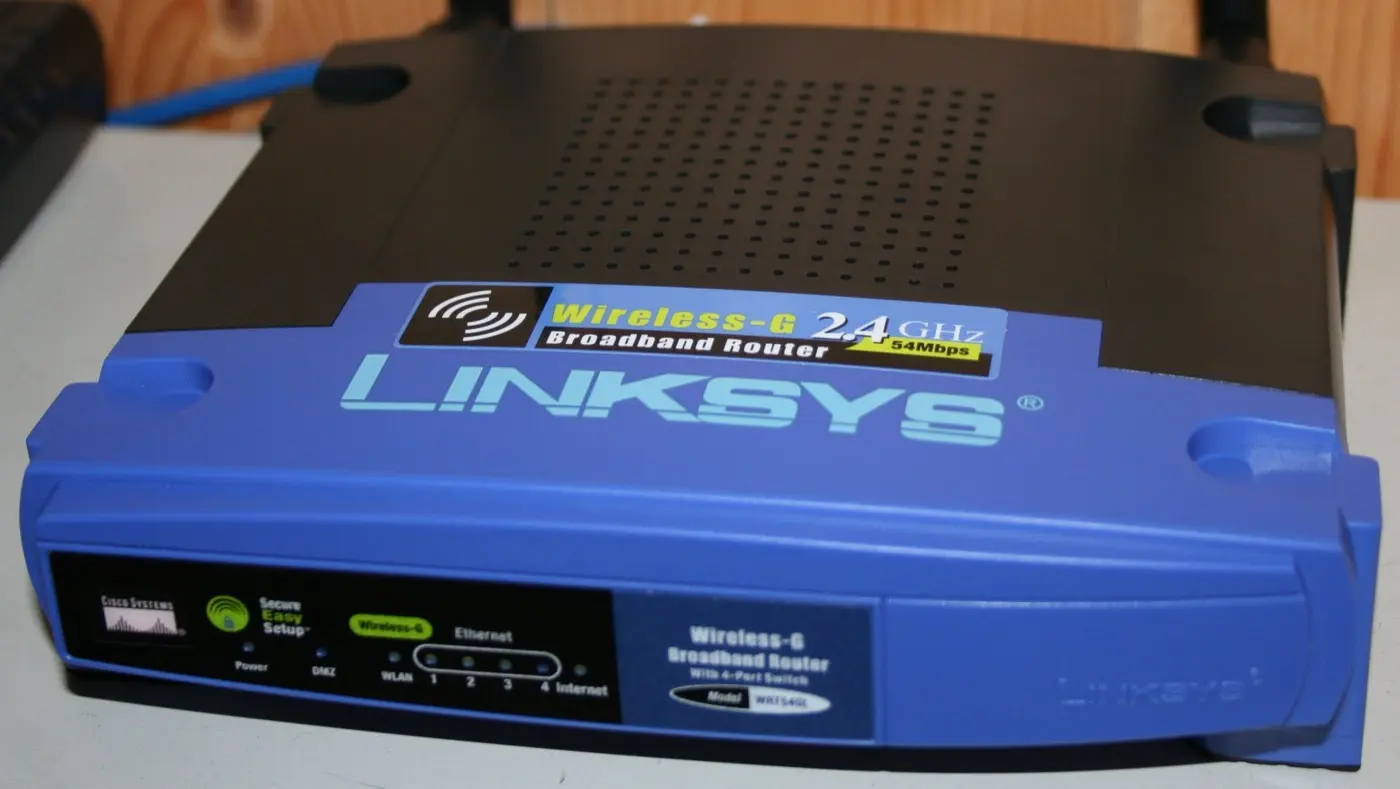
Image: Wikimedia Commons - Linksys WRT54G (wireless access / corporate Wi-Fi form-factor example).
Why Corporate Wi-Fi Triggers 5651
Giving staff or guests wireless internet means sharing the line. Under 5651 the goal is not “log every click”—it is showing which internal user/device owned traffic leaving a public IP.
Short definition:
5651 on corporate Wi-Fi means recording wireless sessions with identity, DHCP lease, and NAT mapping in an evidentiary form—and retaining them.
Scope: 5651 Logging. Company overview: What Is 5651?.
Staff vs Guest SSIDs
| SSID type | Recommended design | 5651 risk if wrong |
|---|---|---|
| Staff | 802.1X / WPA3-Enterprise, corp VLAN | Shared PSK = weak identity |
| Guest | Separate SSID + VLAN + Captive Portal | Anonymous open Wi-Fi = broken chain |
| IoT / printers | Separate SSID, limited internet | Wrong VLAN = noisy logs |
Do not bridge guests onto the staff network. Segmentation pitfalls: 5651 Network Architecture.
Pro Tip: Name the guest SSID
GUEST/VISITORand mirror that language in DHCP pools and firewall zones. Inventories stay readable in audits.
Identity: Captive Portal and 802.1X
Identity is the first link in the Wi-Fi evidence chain:
- Staff: 802.1X + enterprise IdP (MFA where possible)
- Guests: Captive Portal (SMS/email/sponsor approval)
- Log session start/stop times
- Avoid shared “wifi123” PSKs
Under Zero Trust, guests are a separate trust zone: Zero Trust + 5651.
DHCP, NAT, and the Evidence Chain
| Link | Wi-Fi source | If it breaks |
|---|---|---|
| Identity | Captive Portal / 802.1X | “Who connected?” unknown |
| DHCP | Controller / DHCP server | MAC↔IP breaks |
| NAT/PAT | Firewall | Cannot attribute on one public IP |
| Time | NTP | Clock drift ruins evidence |
On a single office IP, NAT source ports are mandatory. Chain: 5651 Evidentiary Value. Firewall: FortiGate Logging.
VLAN, Firewall, and Central Logs
- Guest VLAN → internet only; default-deny to internal servers
- Staff VLAN → least-privilege policy
- AP/controller management on a separate network
- DHCP + NAT + portal logs → syslog/SIEM
- Do not rely on on-box AP logs for long retention
VLAN: FortiGate VLAN. SIEM: SIEM and 5651 Architecture. Integrity: Log Integrity.
Retention, NTP, and Operations
| Control | Practical target |
|---|---|
| NTP offset | <1–2 s (AP, controller, firewall, SIEM) |
| SOC hot | 30–90 days |
| 5651 archive | policy; common frame 2 years |
| Legal-request SLA | e.g. 1–3 business days |
| Delete rights | Separate role |
Archiving: 5651 Archiving. Do not conflate with KVKK: 5651 vs KVKK.
Most Common Mistakes
- Mixing staff and guests on one SSID
- Opening guest Wi-Fi with no logging
- Trusting only AP traffic logs (no NAT/DHCP)
- Ultra-short DHCP leases without logging
- Expecting multi-year archives from a home-grade router
- Bridging guests onto the corporate VLAN
Related Articles
- What Is 5651? Short Company Guide
- Zero Trust with 5651 Compliance
- 5651, Cybersecurity, and Evidentiary Value
- 5651 Network Architecture Mistakes
- SIEM, Syslog and 5651 Architecture
- What Is 5651 Logging?
- How to Configure FortiGate Logging
- FortiGate VLAN Configuration
Checklist
- Staff and guest SSID/VLAN separated.
- Guest Captive Portal or equivalent identity exists.
- Staff 802.1X / enterprise PSK policy is clear.
- DHCP + NAT/PAT land in a central archive.
- Default-deny from guest to internal servers.
- NTP aligned across Wi-Fi and firewall sources.
- Timestamping / retention written (
2-yearframe). - Legal-request procedure includes Wi-Fi log queries.
- AP/controller management on a separate network.
Next Step with Leon-X
5651 on corporate Wi-Fi is identity + segmentation + evidence—not the SSID name. Leon-X finds gaps via Cybersecurity Assessment and builds Wi-Fi + firewall logging through Network Security, Firewall and IPS/IDS and SIEM Integration. Start at Contact.
Frequently Asked Questions
Does office Wi-Fi fall under 5651?
In most scenarios yes—sharing internet with staff or guests triggers obligation. Confirm legal scope with counsel.
Is logging only guest Wi-Fi enough?
No. If staff Wi-Fi also egresses via the same public IP, the DHCP/NAT chain is needed for both SSIDs.
Is Captive Portal mandatory?
Anonymous open Wi-Fi weakens the identity link. For guests, Captive Portal or equivalent identity binding is practically required.
Can a home router achieve compliance?
A small office can produce basic NAT/DHCP logs; without central archive, timestamps, and guest isolation, evidence stays weak.
Does this conflict with KVKK?
Captive Portal identity may be personal data; manage 5651 evidence purpose separately from KVKK notices/retention: 5651 vs KVKK.