FortiGate logging sends traffic, event, and security records to disk, syslog/SIEM, or FortiAnalyzer so you get visibility and audit evidence. Short answer: enable logging, choose which log types go where, turn on log allowed/denied on policies, define a central destination, and size retention for compliance. Logs kept only on the appliance disappear when the disk fills—production needs a central archive.
This guide is written for:
- Network and security teams operating FortiGate
- SOC/ops teams deploying SIEM or FortiAnalyzer
- IT managers producing evidence for Law No. 5651 and ISO 27001
- Decision makers standardizing edge visibility
Quick Summary
- FortiGate has three main families: Traffic, Event, and Security logs.
- If logging is off on a policy, allowed traffic can be invisible—enable log on critical allow/deny rules.
- On-box disk is for short-term troubleshooting; use syslog/SIEM or FortiAnalyzer for long retention.
- Wrong NTP breaks timestamp trust in audits.
- For 5651, firewall logs alone may be insufficient—plan DHCP/NAT/identity layers too.
- ISO 27001 evidence needs logging + monitoring + defined retention together.
Table of Contents
- What Is FortiGate Logging?
- Log Types
- Step-by-Step Configuration
- Disk, Syslog, and FortiAnalyzer
- How Policies Relate to Logs
- 5651, ISO 27001, and Retention
- Validation and Troubleshooting
- Most Common Mistakes
- Related Articles
- Checklist
- Next Step with Leon-X
- Frequently Asked Questions
- Sources
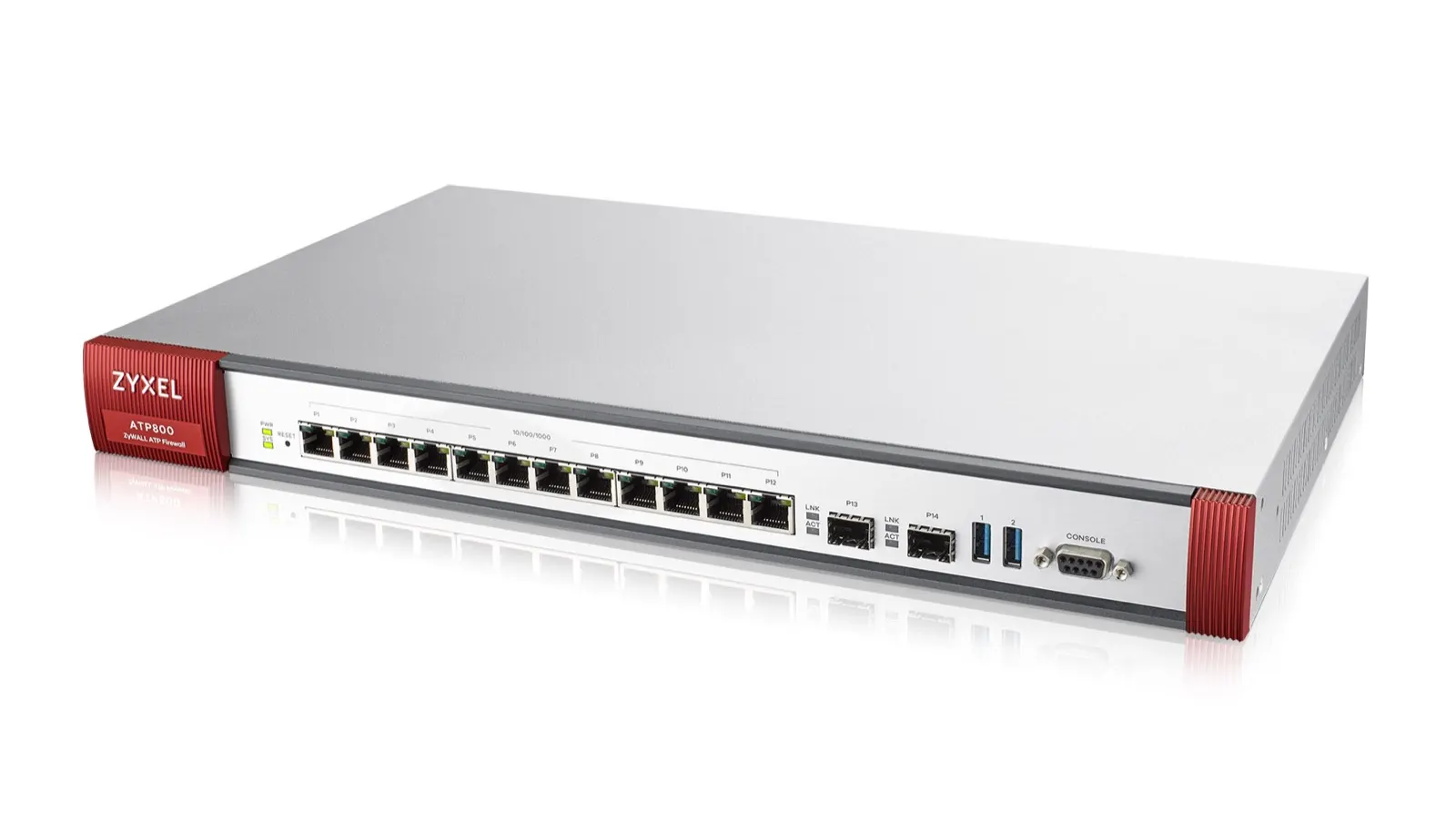
Image: Wikimedia Commons - Img atp800 p 01 (example enterprise security appliance form factor).
What Is FortiGate Logging?
FortiGate writes session and security events to configurable destinations. For product context, see What Is a FortiGate Firewall?; for session/policy behavior, see How Does a Fortinet Firewall Work?.
Short definition:
FortiGate logging is the process of sending traffic/event/security records to disk, memory, syslog/SIEM, or FortiAnalyzer to support operations, forensics, and compliance evidence.
Without logs, even a correct policy cannot answer “who went where, when?” For policy design, see Policy Configuration.
Log Types
| Type | What it records | Typical use |
|---|---|---|
| Traffic | Allow/deny sessions, bytes, policy ID | Access and capacity analysis |
| Event | System, HA, admin, VPN events | Ops and change trail |
| Security | IPS, AV, web filter, app control | Threat and UTM review |
Security logs depend on FortiGuard profiles; without licenses, expected records will not appear: Fortinet License Types.
Step-by-Step Configuration
- Set NTP (
System > Settingsor CLI). Clock skew breaks log integrity. - Under Log Settings, choose disk / memory / FortiAnalyzer / syslog destinations.
- Decide severity and which log types are forwarded (All / Warning+ etc.).
- On critical firewall policies, enable Log Allowed Traffic and deny logging.
- Confirm VPN (SSL/IPsec) event logging: SSL VPN, Site-to-Site VPN.
- Send a test event to the central target; confirm it in Analyzer/SIEM.
- Watch disk quota and overwrite behavior—when full, older records are dropped.
Pro Tip: Do not start with “log everything to disk.” High traffic can fill local storage in hours. Strategy: short on-box retention + long central archive.
Disk, Syslog, and FortiAnalyzer
| Destination | Pros | Cons |
|---|---|---|
| Disk (on-box) | Fast troubleshooting | Limited space; no long retention |
| Syslog / SIEM | Central correlation | Needs format/parser work |
| FortiAnalyzer | Native Fortinet reports/analytics | Extra license/appliance cost |
For SIEM architecture, see SIEM, Syslog, and 5651 Architecture. For fabric visibility, see What Is Fortinet Security Fabric?. Analyzer/Manager line items belong in the purchase plan: Buying Guide.
How Policies Relate to Logs
Even with global logging enabled, traffic may stay invisible if the policy has logging disabled. Best practice:
- Log on for every production allow
- Explicit deny + log (visible default deny)
- Even temporary any-any rules must log—then delete them
For ISO access-control evidence, see FortiGate Access Control for ISO 27001 and ISO 27001 Network Security.
5651, ISO 27001, and Retention
In Turkey, Law No. 5651 logging is not “something is recorded on the firewall.” Timestamping, retention, and identity/IP mapping matter. See What Is 5651 Logging? and Log Integrity in 5651 Compliance.
Practical split:
| Need | FortiGate contribution | Also required |
|---|---|---|
| Operational troubleshooting | Traffic/event logs | — |
| ISO 27001 monitoring evidence | Central logs + retention | Process/reporting |
| 5651 evidentiary value | NAT/traffic log source | Timestamping, archive, DHCP/identity |
Define retention (for example ops 30-90 days, legal multi-year under 5651 frameworks) on Analyzer/SIEM. Archive strategy: 5651 Archiving.
Validation and Troubleshooting
- Do new traffic/event records appear under GUI Log & Report?
- On the syslog server, is the source IP the FortiGate management/log interface?
- Does the log line show the expected policy ID?
- Is NTP offset
<1-2 seconds? - Is disk usage climbing into overwrite?
- In HA, do both nodes log, or mainly the active? (HA)
For internet/NAT incidents, logs reveal the matched policy: No Internet Access, NAT Troubleshooting.
Most Common Mistakes
- Leaving policy logging disabled
- Expecting years of retention on local disk
- Logging without NTP / wrong timezone
- Enabling full debug logging and filling the disk
- Sending syslog in clear text over the internet
- Assuming “FortiGate logging on = 5651 compliant”
Related Articles
- FortiGate Policy Configuration
- What Is a FortiGate Firewall?
- Fortinet License Types Explained
- SIEM, Syslog, and 5651 Architecture
- What Is 5651 Logging?
- Log Integrity in 5651 Compliance
- ISO 27001 Network Security: Firewall and VPN
- What Is Fortinet Security Fabric?
Checklist
- NTP correct and monitored
- Traffic/event/security destinations defined
- Critical policies log allowed/denied
- Central syslog or FortiAnalyzer tested
- Disk quota and overwrite policy known
- Retention (ops + compliance) written down
- Log channel on management network / encrypted
- HA log source behavior clarified
Next Step with Leon-X
FortiGate logging makes the firewall auditable. Wrong destinations or silent policies blind both ops and compliance. Leon-X designs FortiGate + syslog/Analyzer under Hardware and Software Solutions, especially Network Security, Firewall and IPS/IDS Solutions and SIEM and Security Incident Management Integration. For discovery, continue through Contact.
Frequently Asked Questions
How do you configure FortiGate logging?
Fix NTP, choose destinations (disk/syslog/Analyzer), enable logging on policies, and confirm records arrive centrally. On-box disk is not enough for long retention.
Which log types are required?
Traffic + event for operations; security for threat analysis. Compliance scope can widen—5651 often needs identity/DHCP/NAT layers too.
Is FortiAnalyzer mandatory?
No; syslog/SIEM works. FortiAnalyzer makes Fortinet-native reporting easier and needs its own license/appliance.
How long should logs be kept?
Ops often uses 30-90 days; legal/compliance needs (for example multi-year under 5651 frameworks) belong in a central archive. Write the policy down.
Do HA pairs double the logs?
Often the active unit dominates. Plan SIEM dedup and identify devices by hostname/serial.