How do you choose a 5651-compliant logging solution? The right product is not a “5651-ready” label—it is an architecture that carries DHCP + NAT/PAT + identity mapping + timestamps + central retention end to end. Short answer: inventory your sources (firewall, DHCP, Wi-Fi Captive Portal) first; then prove the candidate can collect them, protect integrity, and archive them under a 2-year frame. Buying a box ≠ compliance; the selection criterion is the evidence chain.
This guide is written for:
- IT and procurement teams investing in 5651 logging
- Security managers shortlisting SIEM / log appliances
- Network teams merging firewall + Wi-Fi logs into one archive
- Decision makers who must validate “compliant software” claims technically
Quick Summary
- Architecture first, product second: source → collect → integrity → retain → access.
- Must-haves: NAT/PAT, DHCP lease, NTP, timestamping, controlled deletion.
- SIEM, a 5651 appliance, or hybrid can work; a hot index ≠ legal archive.
- Without Captive Portal / 802.1X, the Wi-Fi identity link stays weak.
- Basics: What Is 5651?; evidence: IT Perspective.
- Architecture reference: SIEM, Syslog and 5651.
Table of Contents
- What to Clarify Before Selecting
- Non-Negotiable Technical Criteria
- SIEM vs 5651 Appliance vs Hybrid
- Source Integrations
- Retention, Integrity, and Operations
- Buying / PoC Checklist
- Most Common Selection Mistakes
- Related Articles
- Checklist
- Next Step with Leon-X
- Frequently Asked Questions
- Sources
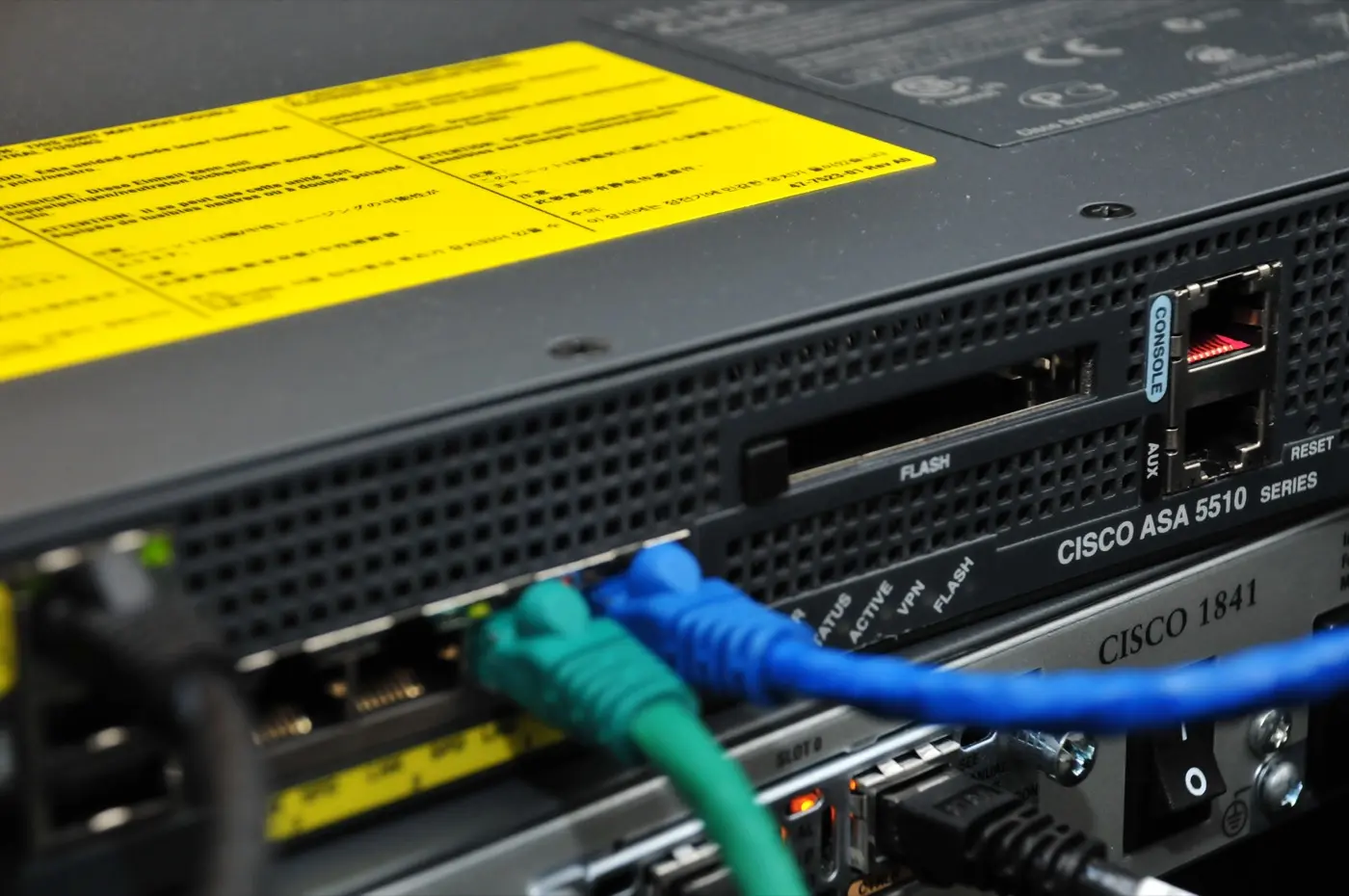
Image: Wikimedia Commons - Cisco ASA 5510 (example enterprise security / log-source appliance form factor).
What to Clarify Before Selecting
Answer these before any vendor demo:
- How many sites / public IPs?
- Firewall brand and NAT log format?
- Where does DHCP live (firewall, Windows, IPAM, Wi-Fi controller)?
- Is there guest Wi-Fi? Who produces the Captive Portal?
- Target retention? (common frame
2 years) - Who owns legal requests, and what is the
SLA? (e.g.1–3 business days)
Scope: 5651 Logging. Wi-Fi specifics: Corporate Wi-Fi 5651.
Short definition:
A 5651-compliant logging solution collects, protects, and makes queryable the internet-access evidence chain (identity → DHCP → NAT → time → archive) without breaking it.
Non-Negotiable Technical Criteria
| Criterion | Why required | PoC red flag |
|---|---|---|
| NAT/PAT (source port) | Attribute on one public IP | “Destination IP only” logs |
| DHCP lease | MAC↔private IP | No lease logs |
| NTP alignment | Time integrity | Offset >2 s |
| Timestamp / immutability | Evidentiary value | Deletable CSV |
| Central retention | Disk overwrite risk | Device disk only |
| RBAC + audit | Who deleted what? | Everyone is admin |
| Searchable archive | Legal requests | “Logs exist but can’t be found” |
Integrity: Log Integrity. Archiving: 5651 Archiving.
Pro Tip: Do not ask the vendor to “say 5651-compliant.” Ask them, in PoC, to map a specific public IP+port to an internal user/MAC within
15 minutes.
SIEM vs 5651 Appliance vs Hybrid
| Model | Strength | Watch-out |
|---|---|---|
| General SIEM | Shared SOC + 5651 pipe | Hot index ≠ legal archive; retention separate |
| 5651-focused appliance | Timestamp / legal pack | Source integrations may be limited |
| Hybrid | SIEM correlation + legal cold archive | Most common balanced design |
Architecture: SIEM and 5651. Do not confuse with ISO monitoring, but you can share the pipe: FortiGate Logging ISO 27001.
Source Integrations
The solution must ingest these natively or via syslog:
- Firewall NAT/traffic (e.g. FortiGate) — FortiGate Logging
- DHCP ACK/lease
- Wi-Fi Captive Portal / 802.1X auth
- (Optional) Proxy / DNS — useful for security; not enough alone for 5651 minimums
If the network design is broken, the best product still fails: 5651 Network Architecture Mistakes. With Zero Trust: Zero Trust + 5651.
Retention, Integrity, and Operations
| Tier | Purpose | Typical duration |
|---|---|---|
| Hot | Ops / IR | 30–90 days |
| Legal | 5651 evidence | policy; often 2 years |
| Export | Legal request | With hash / timestamp |
NTP target: offset <1–2 s on all sources. Purpose split vs KVKK: 5651 vs KVKK.
Buying / PoC Checklist
Mandatory PoC scenario:
- Connect a test device to Wi-Fi or LAN → DHCP lease appears
- Browse the internet → NAT source-port record appears
- Skew the clock by
±5 s→ NTP warning / inconsistency is caught - Retrieve the same record from archive after
24 hourswith hash - A non-admin cannot delete the record
- Report: public IP + port → user/MAC in
<15 min
Most Common Selection Mistakes
- Skipping architecture because the box “says 5651”
- Treating URL-filter / proxy logs as 5651
- Using the SOC SIEM hot index as the only archive
- Buying firewall-only packs with no DHCP
- Leaving guest Wi-Fi out of scope
- Keeping years of untimestamped “cheap log server” data
Related Articles
- What Is 5651? Short Company Guide
- SIEM, Syslog and 5651 Architecture
- 5651, Cybersecurity, and Evidentiary Value
- Log Integrity under 5651
- Archiving in 5651 Projects
- Corporate Wi-Fi 5651 Compliance
- How to Configure FortiGate Logging
- Zero Trust with 5651 Compliance
Checklist
- Source inventory (firewall, DHCP, Wi-Fi portal) complete.
- Candidate proved NAT + DHCP in PoC.
- Timestamp / immutability tested.
- Retention policy written (
2-yearframe). - Hot SOC vs legal archive separated (or hybrid planned).
- RBAC: delete rights separated.
- Legal-query
SLAdefined (e.g.1–3 business days). - Guest Wi-Fi scope written into contract/PoC.
- NTP monitoring plan exists (
<1–2 s).
Next Step with Leon-X
Choosing a 5651 logging solution is an architecture decision—not a catalog pick. Leon-X maps sources and gaps via Cybersecurity Assessment and runs PoC plus lasting archives through SIEM Integration and Network Security, Firewall and IPS/IDS. Start at Contact.
Frequently Asked Questions
Is every product labeled “5651-compliant” enough?
No. Labels are not enough—NAT/DHCP, timestamps, retention, and searchability must be proven in PoC.
Does buying a SIEM solve 5651?
SIEM is a good pipe. A deletable hot index is not a legal archive; retention and integrity need separate design.
Can a firewall-only logging solution work?
Usually no. Proving the internal user needs DHCP (and identity on Wi-Fi): Evidentiary Value.
What should a small office choose?
A light hybrid: firewall syslog + central archive + timestamps. Captive Portal is required if guest Wi-Fi exists.
Is a KVKK-compliant logger the same thing?
No. Purposes differ; they can share a platform under separate policies: 5651 vs KVKK.