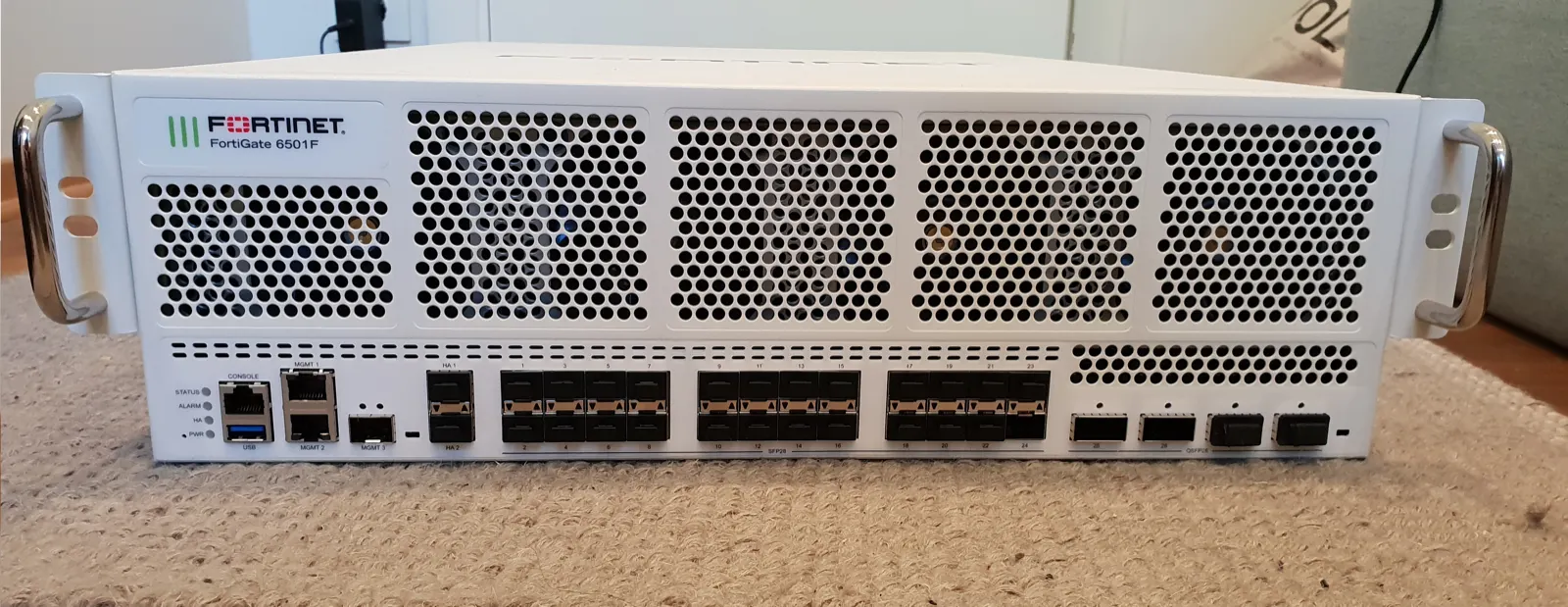
KVKK-compliant network security with FortiGate means implementing technical safeguards—access control, segmentation, encrypted access, monitoring, and logging—on a FortiGate NGFW where personal data is processed. Short answer: FortiGate alone does not “certify KVKK,” but default-deny policy, zone/VLAN separation, VPN, careful SSL inspection policy, central logging, and restricted admin access strengthen the technical layer KVKK expects. Compliance = process + technical controls + evidence.
This guide is written for:
- IT/security teams applying KVKK technical measures on the network
- FortiGate operators answering audit questions
- Ops teams protecting HR, CRM, ERP, and email systems that hold personal data
- Decision makers running KVKK and ISO 27001 together
Quick Summary
- KVKK requires technical and organizational measures to protect personal data; FortiGate serves the technical layer.
- Core controls: segmentation, least-privilege policy, MFA VPN, logging, separate management network.
- SSL inspection on personal-data traffic needs a privacy/purpose balance—do not enable blindly.
- On-box disk logs are not enough; retention and access rights must be written down.
- Law No. 5651 logging and KVKK serve different goals—do not confuse them, but design them together.
- Audits ask for evidence (logs, access matrix, change records), not only a policy screenshot.
Table of Contents
- How KVKK Relates to FortiGate
- Technical Controls Map
- Segmentation and Access Control
- VPN, Remote Access, and Identity
- Logging, Monitoring, and Retention
- Encryption and SSL Inspection Balance
- KVKK + 5651 + ISO 27001
- Most Common Mistakes
- Related Articles
- Checklist
- Next Step with Leon-X
- Frequently Asked Questions
- Sources
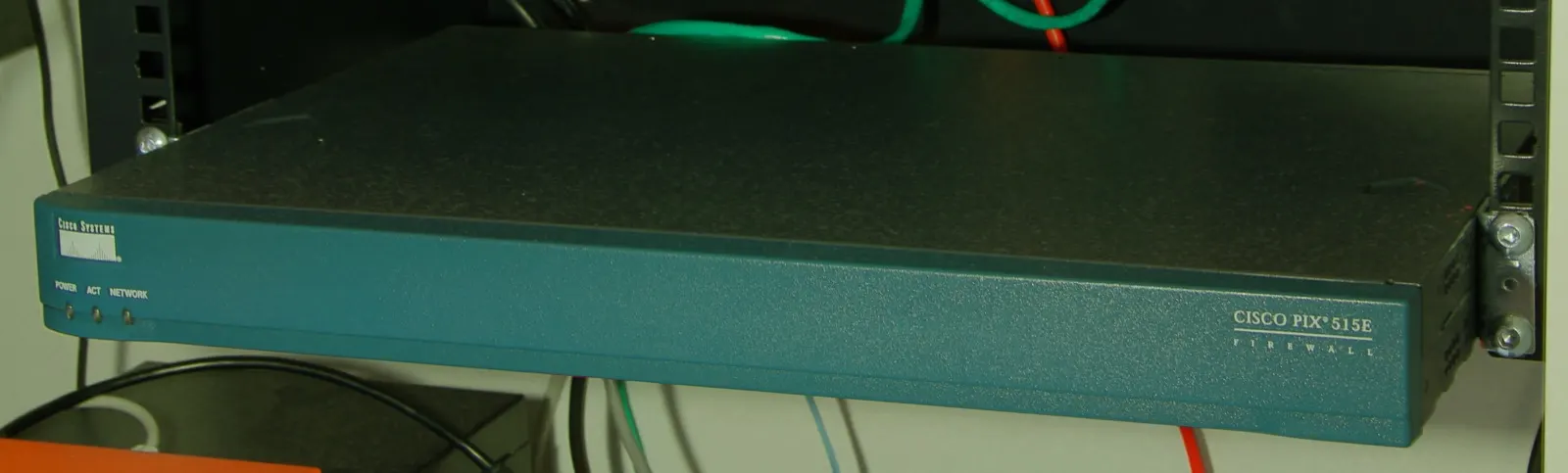
Image: Wikimedia Commons - Cisco PIX 515 (example enterprise firewall form factor).
How KVKK Relates to FortiGate
Turkey’s KVKK (Law No. 6698) requires lawful processing and security of personal data. FortiGate acts as an edge and segmentation control point: it limits who reaches which systems, monitors traffic, and produces evidence. For product context, see What Is a FortiGate Firewall?; for KVKK–IT fundamentals, see IT Infrastructure for KVKK.
Short definition:
KVKK-aligned FortiGate network security is a FortiGate design that protects paths to personal-data systems with least privilege, segmentation, encrypted access, and auditable logs.
FortiGate is not a “compliant product” label; correctly configured technical measures plus process are required.
Technical Controls Map
| KVKK-oriented need | FortiGate capability | Evidence |
|---|---|---|
| Block unauthorized access | Zones + default-deny policy | Policy export, change log |
| Network separation | VLAN/zone (HR, finance, guest) | Diagram + interface config |
| Secure remote access | SSL/IPsec VPN + MFA | VPN policy, auth logs |
| Monitoring / records | Traffic/event/security logs | Analyzer/SIEM archive |
| Protect data in transit | VPN / TLS termination policy | Tunnel and certificate inventory |
| Admin access control | Mgmt network, trusted hosts, admin profiles | Admin config + login logs |
Policy foundation: Policy Configuration. Access control (also overlaps ISO): FortiGate Access Control for ISO 27001.
Segmentation and Access Control
Do not keep personal-data servers (HR, payroll, CRM) on the same broadcast/zone as user LAN and guest Wi-Fi.
- Separate WAN / LAN / DMZ / Guest / Mgmt zones.
- Allow only required sources into the personal-data VLAN.
- Narrow services (
HTTPS,LDAPS, custom ports)—avoid ALL. - Apply firewall policy to east-west traffic too (edge-only is not enough).
VLAN design: FortiGate VLAN Configuration. Inventory and scope: IT Infrastructure for KVKK.
Pro Tip: Create an address group labeled for personal-data systems and bind allows to that group. Auditors see scope in one view.
VPN, Remote Access, and Identity
Remote processing of personal data (WFH, vendor support) increases KVKK risk. On FortiGate:
- Encrypted tunnel via SSL VPN or IPsec
- MFA (FortiToken / IdP)
- Prefer full-tunnel or tight resource ACLs over open split-tunnel
- One person per VPN account; no shared admin IDs
Setup references: SSL VPN, Site-to-Site VPN. License/MFA items: Fortinet License Types.
Logging, Monitoring, and Retention
For breach response and investigation under KVKK, “who accessed what, when?” is critical. FortiGate logging steps: How to Configure FortiGate Logging.
Minimum practice:
- Log on for critical allow/deny
- Central syslog/SIEM or FortiAnalyzer
- Correct NTP
- Restricted log access; limited delete/modify rights
- Written retention (ops
30-90 days+ organizational policy)
For 5651 vs KVKK, see Differences Between 5651 and KVKK and What Is 5651 Logging?. SIEM design: SIEM and 5651 Architecture.
Encryption and SSL Inspection Balance
Personal data often rides inside HTTPS. SSL inspection increases visibility, but:
- Purpose and legal basis must be clear
- Employee notice / policy is required
- Certificate and bypass lists (banking, health portals, etc.) must be planned
- Capacity impact is high
Technical guide: FortiGate SSL Inspection. Without inspection, URL/app control and DNS filtering still reduce risk—but you cannot claim full content visibility.
KVKK + 5651 + ISO 27001
| Framework | What it wants on the network | FortiGate role |
|---|---|---|
| KVKK | Personal-data security measures | Segmentation, access, logs, VPN |
| 5651 | Internet access records / evidence | Traffic/NAT log source |
| ISO 27001 | ISMS controls (access, monitoring) | Policy + logs + change evidence |
Integrated view: KVKK and ISO 27001 Integration, ISO 27001 Network Security. HA may matter for continuity of personal-data services: HA Installation.
Most Common Mistakes
- Starting with any-any allow “to harden later”
- Bridging guest Wi-Fi into personal-data VLANs
- Expecting audits with logging disabled on policies
- Enabling SSL inspection without notice/policy
- Using shared VPN accounts
- Installing FortiGate and declaring KVKK “done”
Related Articles
- How to Configure FortiGate Logging
- FortiGate Policy Configuration
- IT Infrastructure for KVKK
- KVKK and ISO 27001 Integration
- Differences Between 5651 and KVKK
- FortiGate Access Control for ISO 27001
- ISO 27001 Network Security: Firewall and VPN
- FortiGate SSL Inspection
Checklist
- Personal-data system inventory and VLAN/zone map ready
- Default-deny + least-privilege policy applied
- Guest / user / data zones separated
- VPN + MFA mandatory; no shared accounts
- Critical access logs land in a central archive
- Admin access on a separate network; trusted hosts set
- SSL inspection policy (if any) written and communicated
- KVKK technical-evidence pack (export + screens + change) archived
Next Step with Leon-X
KVKK alignment with FortiGate is about controls, not just the appliance. Leon-X aligns segmentation, policy, and logging with KVKK technical measures under Hardware and Software Solutions, especially Network Security, Firewall and IPS/IDS Solutions and Router, Switch and Firewall Deployment Service. For process-side support, use Business Management Consulting via Contact.
Frequently Asked Questions
Is FortiGate KVKK compliant by itself?
No. It contributes to KVKK technical measures when segmentation, access control, VPN, logging, and process are done correctly.
Which FortiGate settings are “mandatory” for KVKK?
The law does not name models. It expects outcomes such as blocking unauthorized access, monitoring, and secure transmission. In practice, default-deny, zone separation, MFA VPN, and central logging are the minimum package.
Does SSL inspection violate KVKK?
Not inherently—but opening personal-data traffic without purpose, notice, and data minimization is risky. Policy and legal review are required.
Do 5651 logs satisfy KVKK?
No. 5651 focuses on internet-access records; KVKK focuses on personal-data security. They produce different evidence sets.
Can a small business meet KVKK with FortiGate?
Yes. One FortiGate can host zones, VPN, and central logging. Process (inventory, notices, breach procedure) is still required: KVKK for Small Businesses.