How to improve Dell storage performance means proving the bottleneck first, then applying the right lever. Short answer: after latency/IOPS/bandwidth analysis, work host (MPIO, queue depth, paths), fabric (FC/Ethernet), array (QoS, hotspot spread, cache/DRE), media (NVMe vs hybrid), and growth (shelf / node / appliance) in that order—“a bigger box” is not always step one. Measurement: Latency Analysis. PowerStore-specific optimize: PowerStore Performance. Access model: SAN vs NAS.
This guide is written for:
- Storage/ops teams finished measuring and asking “what do we change now?”
- Architects bundling host, network, and array changes into one plan
- IT leaders preventing the wrong upgrade across PowerStore / PowerMax / PowerScale
- Procurement teams who want performance levers before buying capacity
Quick Summary
- Order: measure → isolate → fix → verify → (if needed) grow.
- Cheapest wins are often host path, queue depth, multipathing, and fabric errors.
- Array side: spread top consumers, QoS, current OS/firmware, snapshot/replication pressure.
- Media: right tier — Disk Types.
- Scale: PowerStore appliance/cluster; PowerScale add nodes; PowerMax FE/media plan.
- PowerStore Best Practices: distribute work, keep it simple, design for resiliency, stay current on PowerStoreOS.
- Emergency high latency: PowerStore High Latency.
Table of Contents
- Measure First, Then Pull Levers
- 1. Host and Application Levers
- 2. Fabric (FC / Ethernet)
- 3. Array Configuration
- 4. Media and Tier
- 5. Scale-Up / Scale-Out
- Short Platform Map
- Common Mistakes
- Checklist
- Next Step with Leon-X
- Frequently Asked Questions
- Sources

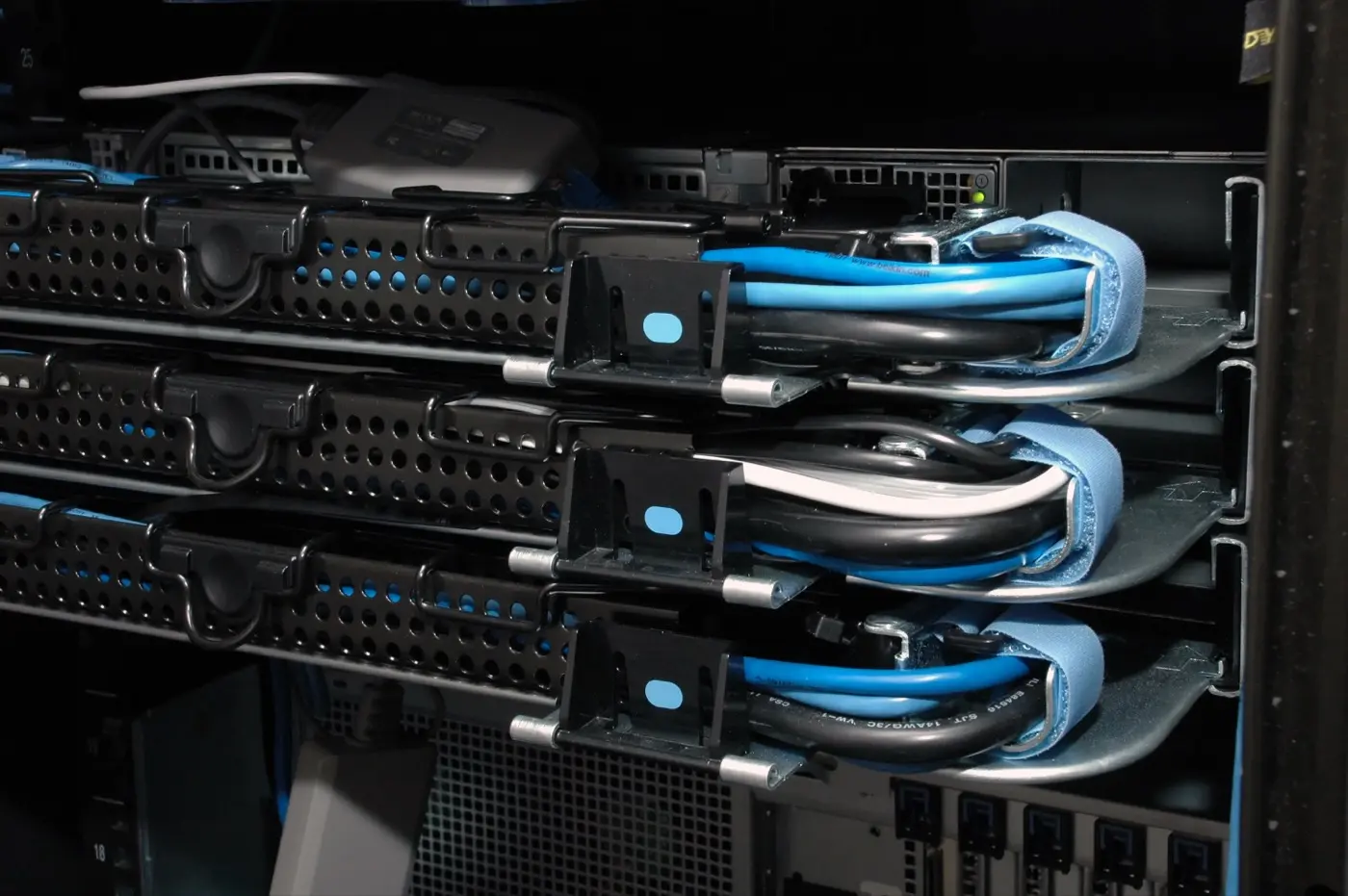
Image: Pexels - Server hardware / data center (storage performance context).
Measure First, Then Pull Levers
Performance improvement is evidenced change—not “turn everything on.”
| Evidence | Try first | Consider later |
|---|---|---|
| Host high, array low | Path, queue, guest FS | Array upgrade |
| Fabric CRC / congestion | Cable, SFP, switch QoS | New array |
| Single volume hotspot | QoS, move, I/O pattern | Grow whole cluster |
| Array CPU/frontend saturated | Spread + OS update | Add appliance/node |
| Media saturated (HDD/hybrid) | Tier / NVMe | Cache-only bump |
Short definition: Improving Dell storage performance means applying host, fabric, array, media, or scale levers that match the bottleneck found in latency analysis.
1. Host and Application Levers
Common items in Dell PowerStore Best Practices and host guides:
- MPIO / NMP — active path count and policy (RR vs fixed)
- Queue depth — too low hurts throughput; too high queues the device and raises latency
- iSCSI / NVMe/TCP — timeouts, delayed ACK, consistent jumbo/MTU
- ESXi claim rules / HBA firmware — mismatched drivers = hidden latency
- Application I/O size — separate needless 4K random from large sequential
Guest CPU steal, lock contention, or antivirus scans can look like “slow storage”—split them with host metrics.
2. Fabric (FC / Ethernet)
- FC: zoning, ISL congestion, single remaining path, SFP/cable faults
- Ethernet: oversubscription, pause frames, wrong MTU (especially NVMe/TCP)
- PowerScale: separate front-end clients from back-end internode — PowerScale install
Array upgrades disappoint when fabric stays broken.
3. Array Configuration
Shared:
- Spread top consumers (volume/share across FE/nodes)
- Cap noisy neighbors with QoS
- Move snapshot / replication / clone windows off production peaks
- Current storage OS / drive firmware (support matrix)
PowerStore: Performance top consumers, compare metrics, host connectivity; detail in Performance Optimize.
PowerMax: Service level / FE port balance; read SRDF load separately — PowerMax.
PowerScale: SmartConnect, protocol workers, metadata-heavy small files; add nodes for bandwidth+capacity — Use cases.
Pro Tip: “Just add cache” is rarely enough; cache issues need their own diagnosis — Cache Problem.
4. Media and Tier
Wrong media is a ceiling you cannot configure away.
| Need | Direction |
|---|---|
| Low-latency OLTP | All-flash / NVMe block (PowerStore / PowerMax) |
| High-throughput file / AI | PowerScale F-series + strong front-end |
| Capacity + acceptable latency | Hybrid / right tier |
| Archive | Economy node / cold tier |
Detailed media comparison: Disk Types and Performance.
5. Scale-Up / Scale-Out
- PowerStore: add drives (capacity) vs appliance/cluster (compute+IO)—use worksheet and capacity planning
- PowerScale:
isi devices node add; plan before ~90% capacity — install - PowerMax: FE/backend and media plan; do not think “add one disk”
If the array is not saturated in measurement, scale is expensive and ineffective.
Short Platform Map
| Platform | First 3 levers |
|---|---|
| PowerStore | Host path + top consumers + PowerStoreOS |
| PowerMax | FE balance + service level + SRDF load |
| PowerScale | Front-end bandwidth + metadata + node scale |
| Unified vs NAS | SAN vs NAS |
Common Mistakes
- Upsizing the model without measuring
- Skipping host/fabric and staring only at the array GUI
- Spreading a single-volume issue to the whole array
- Setting queue depth to “max”
- Running snapshots/replication at peak
- Confusing PowerStore file with PowerScale scale-out
- Mixing latency µs/ms units — Latency analysis
Checklist
- Latency/IOPS/bandwidth read in the same window.
- Bottleneck layer (host/fabric/array/media) written down.
- MPIO / queue / MTU reviewed.
- Fabric CRC/congestion/path count clean.
- Top consumer spread or QoS applied.
- Snapshot/replication window off-peak.
- OS/firmware current per support matrix.
- Media/tier matches the workload.
- Scale decision tied to saturation evidence.
- Same metrics used to verify after change.
Next Step with Leon-X
Leon-X runs performance improvement as measure → lever → verify via Storage Capacity Planning and Performance Optimization. Discovery: Contact Us.
Frequently Asked Questions
What is the first step to improve performance?
Measure the bottleneck. If the host is high, buying array rarely helps — Latency Analysis.
Is raising queue depth always good?
No. Excess queue grows latency; stay in Dell host best-practice ranges and measure.
How do you improve PowerScale performance?
Front-end bandwidth, SmartConnect distribution, metadata-friendly layout, and node adds when needed. There is no single-disk “turbo.”
Does a firmware update improve performance?
Sometimes (known fixes); not always. Support matrix + change window required.
When do you need a new array?
When host/fabric are clean, media fits, config is optimized, and the array is still saturated—then scale or refresh.