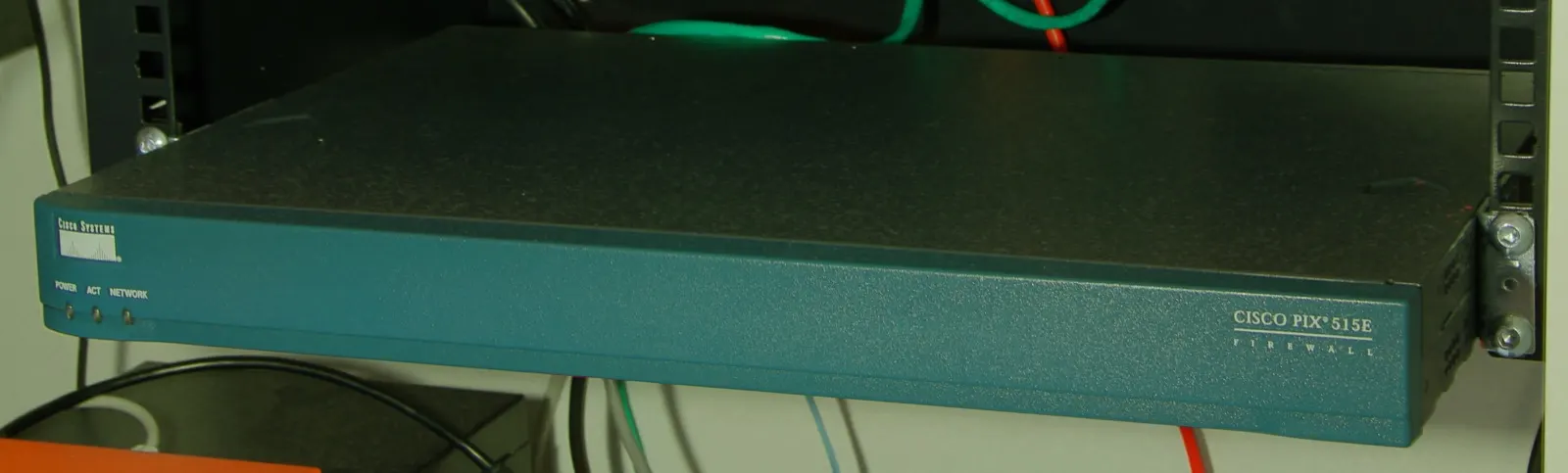
ISO 27001 network security with FortiGate means translating ISMS network-security controls into concrete FortiGate NGFW technical measures and auditable evidence. Short answer: FortiGate alone does not “certify ISO 27001,” but zone/VLAN segmentation, default-deny policy, VPN, restricted admin access, central logging, and change records strengthen the technical backbone of network controls. Compliance = ISMS process + technical controls + evidence.
This guide is written for:
- IT/security teams preparing for ISO 27001 certification or surveillance audits
- FortiGate operators producing technical answers for Statement of Applicability (SoA) controls
- Ops teams that must document firewall, VPN, and logging as network security evidence
- Decision makers running KVKK and ISO 27001 together
Quick Summary
- ISO 27001 network security expects policy, risk, access, monitoring, and continuity together.
- FortiGate’s main contribution: segmentation, least-privilege policy, VPN, management-plane lock-down, log evidence.
- “We have a FortiGate” is not enough—you need a policy matrix, admin role list, VPN groups, and review records.
- Access control goes deeper here: FortiGate Access Control ISO 27001.
- Retention and SIEM integration are frequent audit topics: FortiGate Logging.
- Broader control framing: ISO 27001 Network Security: Firewall and VPN.
Table of Contents
- How ISO 27001 Relates to FortiGate
- Controls Map
- Segmentation and Network Separation
- Firewall Policy and Least Privilege
- VPN and Remote Access
- Admin Access and Change Control
- Logging, Monitoring, and Evidence
- ISO + KVKK + 5651
- Most Common Mistakes
- Related Articles
- Checklist
- Next Step with Leon-X
- Frequently Asked Questions
- Sources
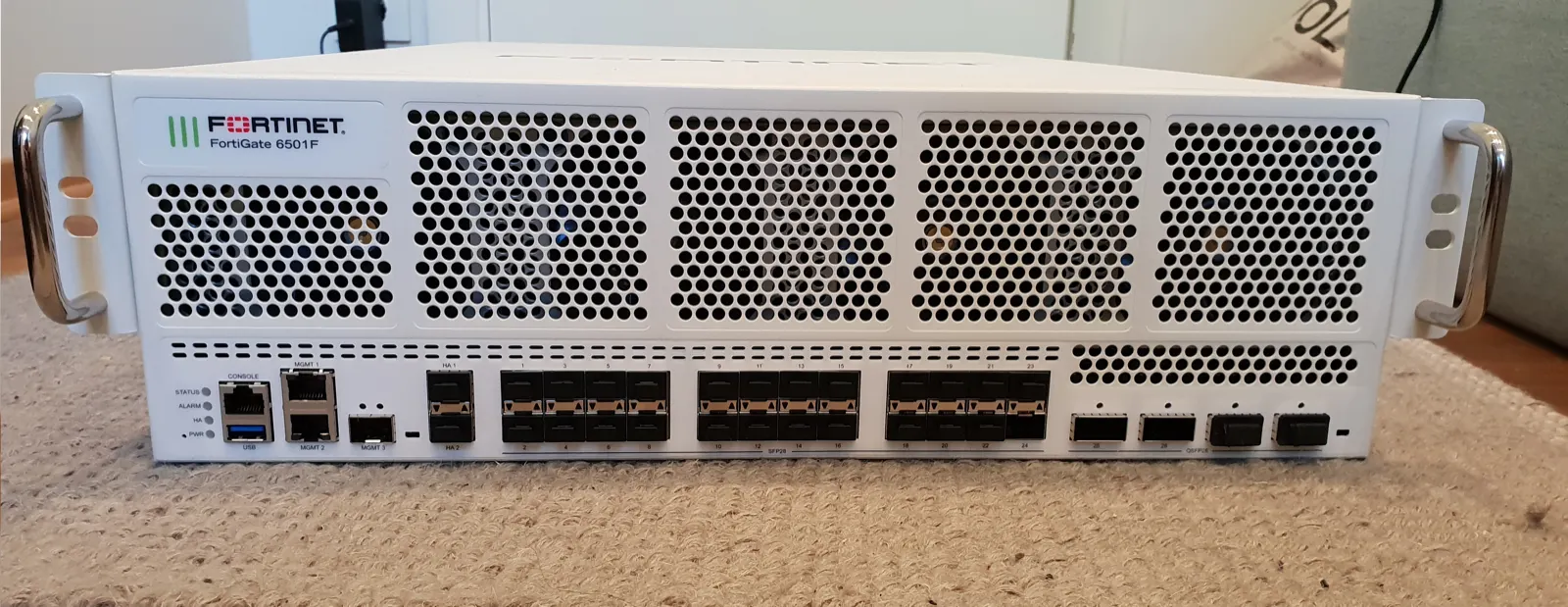
Image: Wikimedia Commons - Fortinet FortiGate 6501F (example enterprise FortiGate form factor).
How ISO 27001 Relates to FortiGate
ISO/IEC 27001 manages information security through people, process, and technology. FortiGate is the edge and segmentation enforcement point: which traffic may pass between zones, who connects remotely over VPN, and how management access is restricted.
Short definition:
ISO 27001 network security with FortiGate means making network-security controls enforceable and auditable through FortiGate policy, VPN, admin privileges, and logs.
Product overview: What Is a FortiGate Firewall?. Platform context: What Is Fortinet?.
Controls Map
| ISO-oriented need | FortiGate counterpart | Audit evidence |
|---|---|---|
| Network separation / secure zones | Zone, VLAN, interface groups | Diagram + interface/zone config |
| Block unauthorized access | Default-deny + firewall policy | Policy export, change log |
| Secure remote access | SSL/IPsec VPN + MFA + group ACL | VPN policy, auth/session logs |
| Admin access control | Admin profiles, trusted hosts, local-in | Admin list, login logs |
| Monitoring and records | Traffic/event/security logs → Analyzer/SIEM | Retention policy + sample reports |
| Continuity | HA cluster, firmware plan | HA status, maintenance records |
| Cryptography / TLS visibility | VPN; SSL inspection (policy-driven) | Certificate inventory, bypass list |
Policy foundation: FortiGate Policy Configuration. Access-control deep dive: Access Control ISO 27001.
Segmentation and Network Separation
A frequent audit question: “Are critical systems flat with the user LAN and guest Wi-Fi?” On FortiGate, the answer is zone/VLAN design.
- Separate WAN / LAN / DMZ / Guest / Mgmt / Server zones.
- Move finance, HR, and production into distinct VLANs.
- Enforce east-west firewall policy—not only the internet edge.
- Align the diagram with SoA / risk assessment.
VLAN steps: FortiGate VLAN Configuration. Broader ISO framing: ISO 27001 Network Security.
Pro Tip: Name zones in business language (
ZONE_HR,ZONE_FIN,ZONE_GUEST). Auditors and operators share the same vocabulary; bareport3labels weaken evidence.
Firewall Policy and Least Privilege
In Fortinet documentation, firewall policy is the primary control traffic must match to pass. For ISO, policies should:
- Narrow source / destination / service—no
ALLany-any - Keep intentional order without shadow rules
- Enable logging on critical allows
- Record business justification and approval for broad rules
- Schedule periodic policy review (every
90 daysis a common cadence)
How-to: Policy Configuration. If you need TLS visibility, open SSL Inspection only with a separate risk decision.
VPN and Remote Access
Remote access sits at the intersection of access control and cryptography controls.
- Encrypted tunnel via SSL VPN or IPsec
- MFA (FortiToken / enterprise IdP)
- One person, one account—no shared admin VPN users
- Prefer documented source ACL or full-tunnel over uncontrolled split-tunnel
- Inventory and monitor site-to-site tunnels
Setup references: SSL VPN Setup, Site-to-Site VPN. License/MFA items: Fortinet License Types.
Admin Access and Change Control
Network security is not only the data plane. The FortiGate management plane is in scope for ISO:
- Management UI on a separate Mgmt zone / trusted hosts
- Minimum
super_admincount; role-based admin profiles - Disable unused admin services beyond HTTPS/SSH
- Config backup + change ticket (who, what, why, when)
- Firmware update plan and maintenance window
Firmware discipline: FortiGate Firmware Update. Continuity: HA Setup.
Logging, Monitoring, and Evidence
Audits ask for access and event evidence—not only a policy screenshot. Minimum package:
- Logging on for critical allow/deny and admin login
- Central syslog/SIEM or FortiAnalyzer
- Correct NTP; clock drift breaks the evidence chain
- Written retention (
30–90 daysops + corporate policy) - Separated rights to delete/alter logs
Step-by-step: How to Configure FortiGate Logging. SIEM architecture: SIEM and 5651 Architecture.
ISO + KVKK + 5651
| Framework | What it wants on the network | FortiGate role |
|---|---|---|
| ISO 27001 | ISMS controls (access, monitoring, change) | Policy + VPN + admin + log evidence |
| KVKK | Technical safeguards for personal data | Segmentation, access, secure transit |
| Law No. 5651 | Internet-access records / evidence | Traffic/NAT log source |
KVKK-oriented design: KVKK-Compliant Network Security with FortiGate. Integration: KVKK and ISO 27001 Integration. 5651 difference: Difference Between 5651 and KVKK.
Most Common Mistakes
- Leaving “temporary” any-any allows forever
- Bridging guest Wi-Fi into the server zone
- Auditing with logging disabled
- Exposing the management UI to the internet
- Using shared VPN/admin accounts
- Treating a deployed FortiGate as “ISO done” without process/SoA
Related Articles
- FortiGate Access Control ISO 27001
- ISO 27001 Network Security: Firewall and VPN
- FortiGate Policy Configuration
- How to Configure FortiGate Logging
- KVKK-Compliant Network Security with FortiGate
- FortiGate SSL Inspection
- FortiGate VLAN Configuration
- ISO 27001 Access Control
Checklist
- Zone/VLAN diagram matches SoA and risk records.
- Default-deny + least-privilege policy applied; no any-any.
- Guest / user / server / mgmt zones separated.
- VPN + MFA required; no shared accounts.
- Admin profiles and trusted hosts defined.
- Critical access and admin logins land in a central archive.
- Config change ticket + backup routine exists.
- Firmware/HA plan documented; last review date recorded.
- Policy review (e.g.
90 days) completed and signed.
Next Step with Leon-X
ISO 27001 network security with FortiGate is about controls and evidence—not the box alone. Under Hardware & Software Solutions, Leon-X aligns segmentation, policy, and logging with ISMS expectations. See especially Network Security, Firewall and IPS/IDS and Router, Switch and Firewall Installation. For governance, use Network Security Policy Management and Contact.
Frequently Asked Questions
Is FortiGate ISO 27001 compliant?
The product alone does not create compliance. Correct segmentation, access control, VPN, logging, change management, and SoA contribute to ISO 27001 network-security controls.
Which Annex A controls relate to FortiGate?
Typically technological controls around access control, network security, monitoring/logging, cryptography, and change management. The exact list depends on your SoA—confirm with your consultant.
Is firewall policy enough?
No. Without admin access control, VPN, log retention, reviews, and documentation, a policy screenshot is weak evidence.
Is SSL inspection mandatory for ISO?
No. Enable it only with a visibility need and accepted risk; balance privacy for personal data: SSL Inspection.
Can a small business use FortiGate for ISO?
Yes. A single FortiGate can host zones, VPN, admin restrictions, and central logging. ISMS processes (scope, risk, SoA, internal audit) are still required: What Is ISO 27001?.