VMware network isolation for ISO 27001 means separating management, application, database, backup, replication, storage, and monitoring traffic into controlled segments within the same security architecture. The short answer is this: vCenter and ESXi management surfaces should be separated from user networks, VM port groups should follow business and risk classes, inter-segment paths should be constrained by firewall policy, and the whole design should be supported by audit-ready evidence.
This guide is written for:
- information security teams mapping ISO 27001 controls to VMware vSphere environments
- system teams managing vCenter, ESXi, distributed switches, and port groups
- network teams defining VLAN, firewall zone, and segmentation standards
- governance teams preparing SoA, risk treatment plans, and audit evidence
Quick Summary
- ISO/IEC 27001 requires organizations to identify information security risks, select controls, and operate them with evidence.
- VMware network isolation should treat vCenter management, ESXi management, vMotion, storage, backup, replication, DMZ, monitoring, and VM segments as separate risk classes.
- In vSphere, VLANs, VMkernel adapters, port groups, distributed switches, and port group security settings should be tied to one design standard.
- VLANs alone are not enough for ISO 27001 evidence; they need firewall policy, access review, logging, change records, and exception management.
- Port group security settings such as Promiscuous Mode, MAC Address Changes, and Forged Transmits should be standardized to reduce unnecessary Layer 2 behavior.
- Strong audit evidence includes segment matrices, vDS and port group exports, firewall rule lists, SIEM logs, change tickets, and periodic review outputs.
Table of Contents
- What Does VMware Network Isolation Cover for ISO 27001?
- Which VMware Networks Should Be Separated?
- How Should VLAN, Port Group, and Distributed Switch Standards Be Built?
- How Should Port Group Security and Exceptions Be Managed?
- How Should Firewall Zones, Logging, and Audit Evidence Be Prepared?
- 90-Day Implementation Plan
- Related Content
- Checklist
- Next Step with Leon-X
- Frequently Asked Questions
- Sources
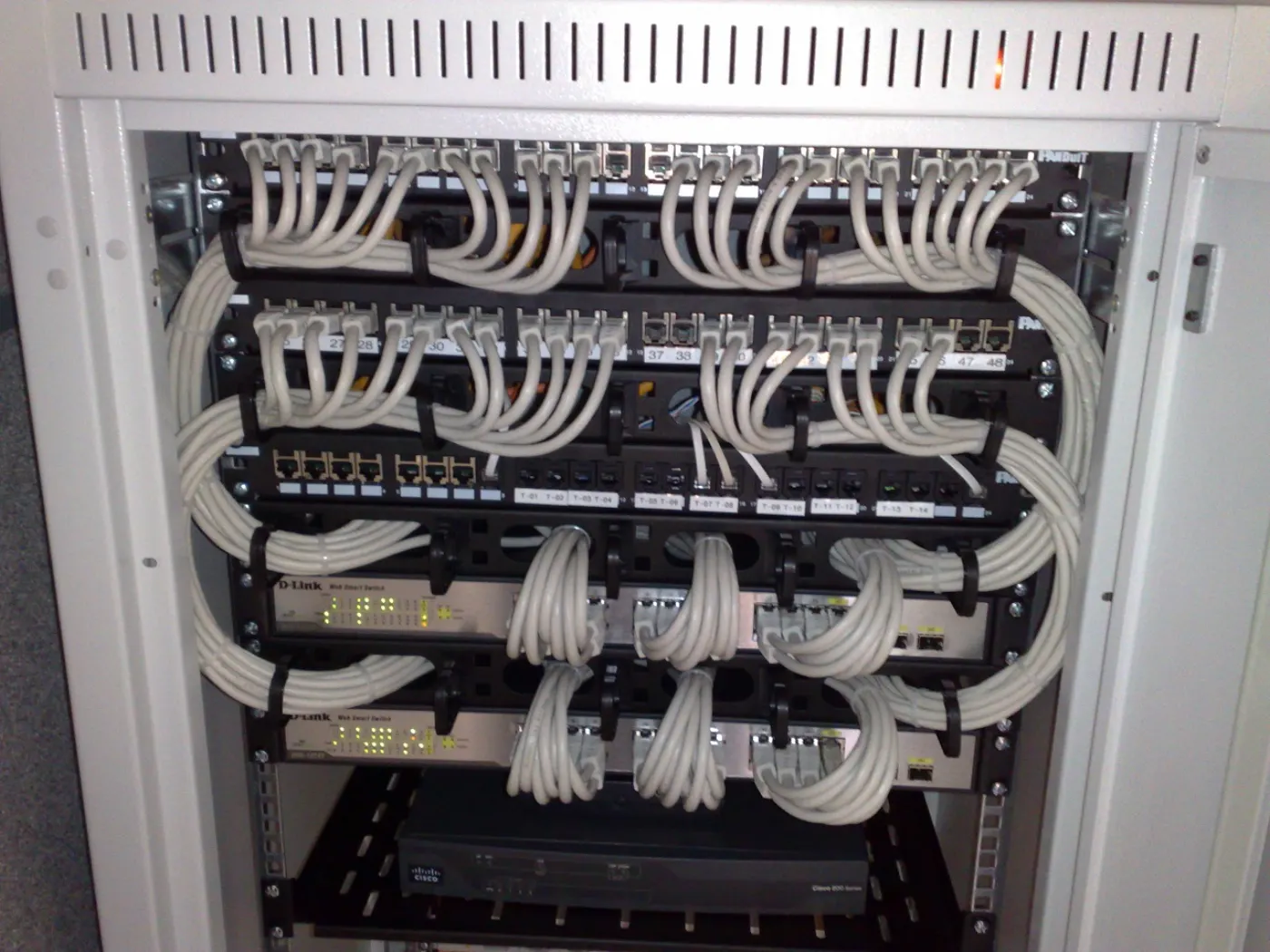
Image: Wikimedia Commons - 19-inch rackmount Ethernet switches and patch panels, Dsimic, CC BY-SA 4.0. Optimized as WebP.
What Does VMware Network Isolation Cover for ISO 27001?
For ISO 27001, network isolation does not stop at saying "we use different VLANs." The standard is risk-based: which information asset runs where, who can reach it, which network path is used, how access is approved, how incidents are observed, and how the design can be audited.
In a VMware vSphere environment, that question set becomes these technical topics:
- is the vCenter Server management network in the same segment as user or server traffic?
- is ESXi management VMkernel traffic inside a separate firewall zone?
- are vMotion, storage, backup, and replication traffic separated through dedicated VMkernel or port group designs?
- do critical application VMs, test/dev VMs, and DMZ services share the same L2/L3 space?
- are distributed switch and standard switch port group settings consistent across hosts?
- are inter-segment paths monitored through firewall, microsegmentation, or gateway policy?
- are temporary exceptions managed with time-bound approval and closure evidence?
For that reason, VMware network isolation for ISO 27001 should be designed together with the risk, control, and audit logic in Business Management Services. On the implementation side, Network Traffic Monitoring and Isolation clarifies the technical and operational meaning of each segment.
Which VMware Networks Should Be Separated?
Every environment has a different topology, but an audit-defensible VMware isolation model for ISO 27001 should at least assess the following network classes separately.
| Network class | Purpose | ISO 27001 control value |
|---|---|---|
| vCenter management | vCenter administration, admin access, API usage | separates the management surface from user and application traffic |
| ESXi management | host administration, lifecycle, core services | restricts hypervisor management to controlled admin networks |
| vMotion | live migration traffic | prevents sensitive runtime traffic from crossing general networks |
| Storage | iSCSI, NFS, vSAN, or storage access | separates data path traffic from application and user networks |
| Application VM | application servers | creates an access surface by business function |
| Database VM | database servers | reduces direct user access and lateral movement |
| Backup/Replication | backup proxy, repository, replication appliance | prevents backup data from mixing with unnecessary segments |
| Monitoring/Logging | syslog, SIEM, monitoring collector | creates central visibility and event evidence |
| DMZ | externally exposed services | blocks default direct paths into internal segments |
Use risk class and access need instead of a simplistic "one VLAN per application" rule. For example, if the web, application, and database tiers of the same application stay inside one port group, firewall and logging controls become weaker. On the other hand, an over-fragmented but undocumented VLAN structure creates operational complexity and rule mistakes.
To refresh the core components of VMware networking, read How VMware Network Architecture Works. For VLAN implementation details, How to Configure VMware VLANs is a useful companion.
How Should VLAN, Port Group, and Distributed Switch Standards Be Built?
Broadcom vSphere Networking documentation shows that standard switches, distributed switches, port groups, VMkernel adapters, and VLAN separation must be designed together. For ISO 27001, the goal is to turn these technical settings into an auditable standard.
A practical standard should include:
- port group names should clearly include VLAN ID, environment, function, and security class
- every port group should have a business owner, technical owner, and risk class
- vCenter and ESXi management traffic should not mix with user or general server port groups
- vMotion, storage, backup, and replication VMkernel traffic should use separated networks
- distributed switch environments should document central policy, version tracking, and rollback plans
- standard switch environments should run periodic port group drift checks
- physical switch trunk and allowed VLAN lists should match the VMware port group standard
- new VLAN or port group creation should follow change tickets, security approval, and test records
This standard directly relates to the VLAN Design and Configuration Service. On the virtualization platform side, Hardware & Software Services and Enterprise Virtualization Platforms Sales and Licensing support the licensing, capacity, and architecture dimensions of vSphere topology.
How Should Port Group Security and Exceptions Be Managed?
VMware port group security settings affect the Layer 2 behavior of the isolation model. If these settings are left too open, a virtual appliance, NLB design, or misconfigured VM can make segment boundaries more permissive than expected.
Recommended defaults for ISO 27001:
- Promiscuous Mode: reject
- MAC Address Changes: reject
- Forged Transmits: reject
- exceptions: allow only for a specific port group, defined period, ticket, risk approval, and closure record
Broadcom KB 324520 explains that a port group promiscuous mode setting can override the virtual switch setting. Broadcom KB 427110 shows why forged transmits and MAC address changes matter for Layer 2 traffic behavior. For critical segments, use "allow only when evidenced" instead of "allow by default."
A simple exception table is often enough:
| Exception | Reason | Risk | Duration | Evidence |
|---|---|---|---|---|
| Promiscuous mode for IDS port group | traffic analysis need | high visibility privilege | time-bound | ticket, approval, log |
| Forged transmits for NLB | application architecture | spoofed MAC acceptance risk | time-bound or architectural decision | design document, test |
| Trunk port for virtual firewall appliance | zone transition control | wrong trunk risk | permanent but review required | rule set, change record |
This model creates stronger evidence when combined with the monitoring approach in How to Monitor VMware for ISO 27001.
How Should Firewall Zones, Logging, and Audit Evidence Be Prepared?
VLAN and port group design separate segments, but ISO 27001 also cares how access decisions are made, recorded, and reviewed. VMware network isolation therefore needs firewall zones, logging, and periodic review.
Recommended access policy:
- user networks should not directly access vCenter, ESXi management, or database segments
- application segments should reach only required database ports
- DMZ segments should have no default access to internal application and data segments
- backup segments should communicate only with the relevant hypervisors, proxies, repositories, and management services
- monitoring/logging segments should receive controlled and observable log flows
- management network access should be restricted through VPN, PAM, jump hosts, or defined admin networks
- temporary firewall rules should use time-bound approval and closure dates
Prepare these outputs for audit evidence:
- segment matrix and data flow diagram
- vDS, vSS, port group, and VMkernel export outputs
- firewall zone and rule list
- vCenter role/permission and admin access lists
- SIEM allow/deny logs for critical segment paths
- change tickets, approval history, and test results
- high-risk port group security exceptions
- 90-day segment and firewall review output
To mature logging and event visibility, SIEM and Security Event Management Integration adds a supporting layer. From an audit perspective, How to Handle Dell Server Network Security for ISO 27001 complements the physical network and server security side.
90-Day Implementation Plan
Days 1-30: Discovery and risk classification
- inventory vCenter, ESXi, vDS/vSS, port groups, VMkernel adapters, and VLANs
- identify which VMs carry critical information assets, personal data, financial data, or management systems
- map existing firewall zone paths and direct access routes
- prepare quick risk notes for management, backup, storage, and DMZ networks
Days 31-60: Standard and pilot isolation
- document port group naming, VLAN ID, risk class, and ownership standards
- define the target segment model for vCenter/ESXi management, vMotion, storage, and backup
- pilot web, application, and database separation for one application family
- review port group security settings on critical segments
Days 61-90: Evidence, review, and audit readiness
- simplify firewall rule sets according to least access
- prepare SIEM dashboards or searches for critical segment paths
- clarify the exception list, durations, and approvers
- package segment matrices, export outputs, and change records for audit
This plan moves the change away from a one-time VLAN project and closer to the continuous control operation expected by ISO 27001.
Related Content
- How to Design VMware Network Isolation for KVKK
- VMware KVKK Technical Measures Guide
- How VMware Network Architecture Works
- How to Configure VMware VLANs
- How to Fix VMware Network Not Working
- How to Monitor VMware for ISO 27001
Checklist
- vCenter management network is separated from user and application networks
- ESXi management VMkernel traffic is defined in a separate zone
- vMotion, storage, backup, and replication networks are classified separately
- critical VMs are separated into application, database, DMZ, and monitoring segments
- port group naming and VLAN ID standard is documented
- distributed switch rollback plan and change flow are ready
- Promiscuous Mode, MAC Address Changes, and Forged Transmits are reviewed
- inter-segment firewall rules follow least access
- critical segment paths are monitored in SIEM
- exceptions are managed with time-bound approval and closure records
- 90-day segment review evidence is being prepared
Next Step with Leon-X
VMware network isolation for ISO 27001 is not only port group creation or VLAN migration. It brings information assets, access paths, management surfaces, logging flows, and audit evidence into the same model. Leon-X makes segmentation gaps visible through Business Management Services, Network Traffic Monitoring and Isolation, VLAN Design and Configuration Service, and Network Security Policy Management.
On the VMware implementation and platform side, Hardware & Software Services and Enterprise Virtualization Platforms Sales and Licensing support the technical rollout of the standard. To assess your existing vSphere environment with ISO 27001 control language or request a proposal, continue through the Contact page.
Relevant pages:
- Business Management Services
- Network Traffic Monitoring and Isolation
- VLAN Design and Configuration Service
- Network Security Policy Management
- Hardware & Software Services
- Enterprise Virtualization Platforms Sales and Licensing
- SIEM and Security Event Management Integration
- Contact
Frequently Asked Questions
Why is VMware network isolation important for ISO 27001?
When vCenter, ESXi, critical VMs, databases, backup, and DMZ traffic stay in the same access area, unauthorized access and lateral movement risk increases. Isolation limits those paths and creates audit-ready control evidence.
Is VLAN usage enough for ISO 27001?
No. VLANs are a useful separation layer, but they do not create enough evidence without firewall policy, logging, access review, change records, and exception management.
Why should the vMotion network be separate?
vMotion traffic can carry sensitive runtime data during live VM migration. Keeping it away from user or general application networks is a stronger security design.
Is a distributed switch mandatory?
It is not mandatory for every environment, but it provides central policy, consistency, and operational control in larger deployments. Standard switch environments need stricter drift checks.
When should port group security settings be set to allow?
They can be allowed for specific designs such as IDS, NLB, or virtual firewalls. The decision should be managed with a specific port group, ticket, risk approval, duration, and closure evidence.
Which evidence should be prepared for audit?
Prepare segment matrices, vDS and port group exports, VMkernel separation evidence, firewall rule lists, SIEM records, change tickets, exception lists, and periodic review outputs.
Sources
- ISO - ISO/IEC 27001 Information security management systems
- Broadcom TechDocs - vSphere Networking
- Broadcom KB 304952 - vMotion interface: Creating a VMkernel port
- Broadcom KB 324520 - Configuring promiscuous mode on a virtual switch or port group
- Broadcom KB 427110 - Forged transmits and MAC address changes
- Broadcom KB 312753 - Isolating the network traffic of vSphere Replication
- Broadcom KB 311145 - Understanding network rollback and recovery
- Wikimedia Commons - 19-inch rackmount Ethernet switches and patch panels