Buying a Dell PowerEdge Server is not just choosing a processor and RAM; workload, form factor, generation, storage, networking, iDRAC licensing, power, and a 3–5 year growth plan must be evaluated together. Short answer: size the VM/database/file/AI workload first, then choose rack or tower, single or dual socket, 16G or 17G, and the right disk architecture. Architecture basics: What Is a Dell PowerEdge Server?.
This guide is written for:
- IT managers planning a new server or cluster investment
- Procurement teams comparing models such as R650, R750, and R760
- Systems admins designing virtualization, database, backup, or branch servers
- Organizations calculating total cost of ownership instead of purchase price alone
Quick Summary
- Start with the workload, not the model.
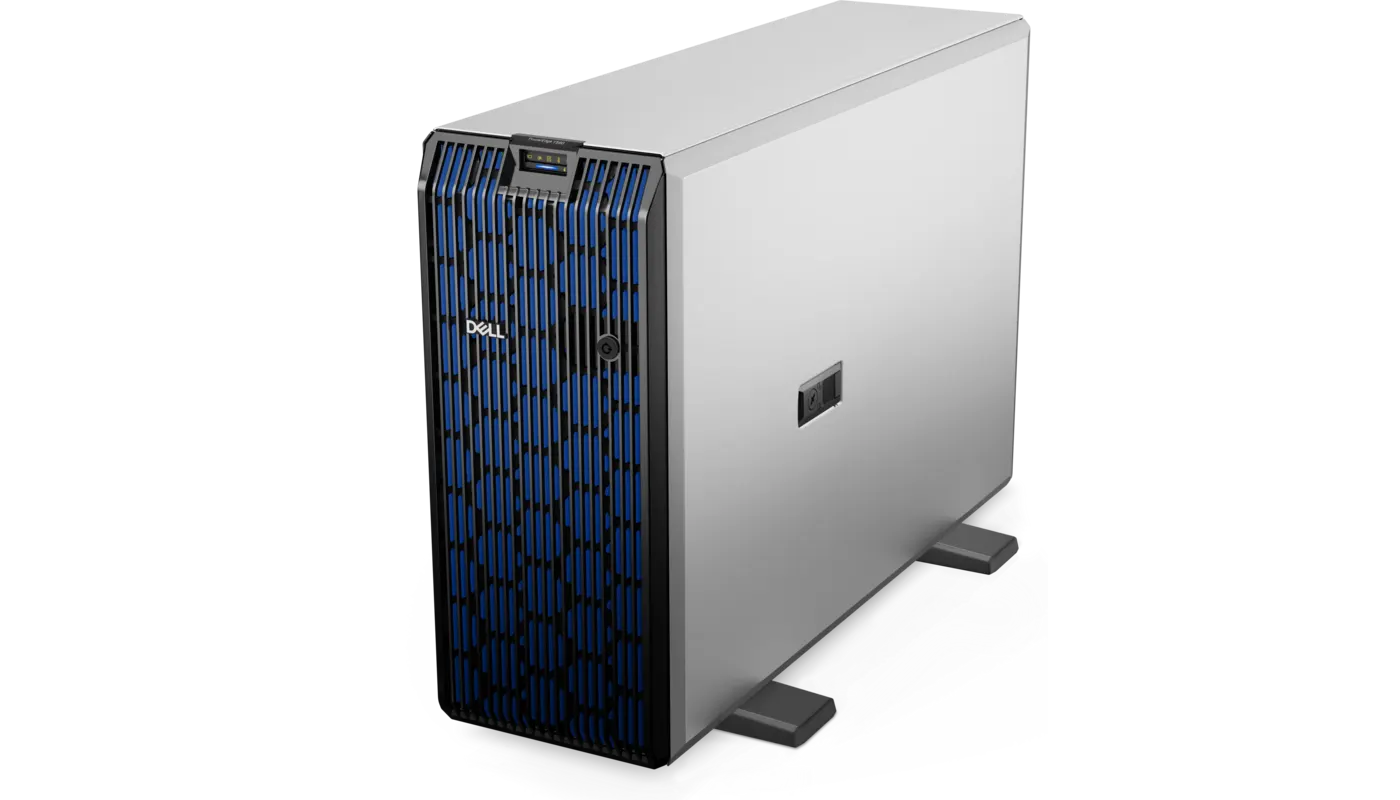
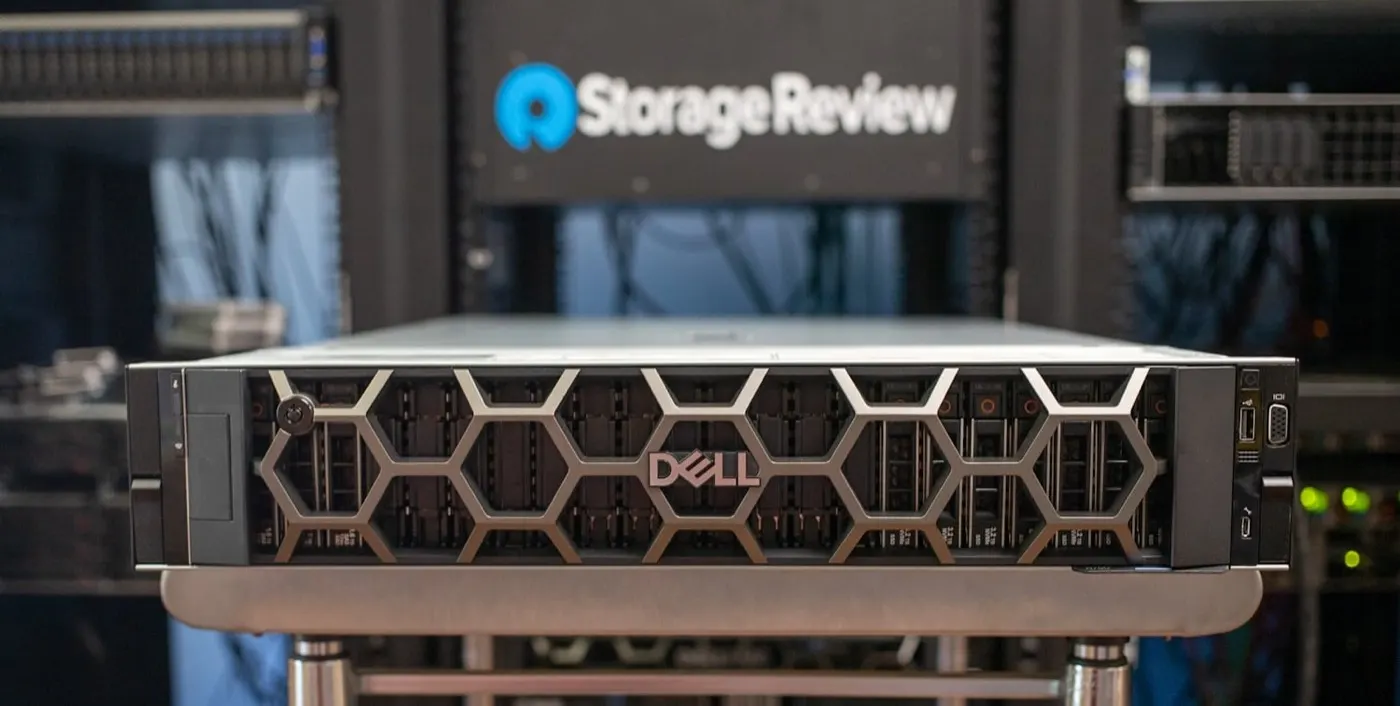
- Rack suits data centers and growth; tower suits offices/branches without racks.
- 17G supports new builds and intensive growth; 16G balances maturity and price.
- Software licensing, NUMA, and memory channels matter as much as CPU cores.
- Separate OS boot (BOSS/M.2) from the data RAID.
- Include iDRAC Enterprise and 3–5 years of support in the quote.
- Deployment: PowerEdge Installation Guide.
Table of Contents
- Define the Workload Before Buying
- Rack or Tower?
- 16G or 17G?
- How to Choose CPU and Memory
- RAID and Disk Configuration
- Networking, GPU, and Expansion
- iDRAC and Support
- Calculating TCO
- Example Choices by Workload
- Quote Checklist
- Frequently Asked Questions
- Sources
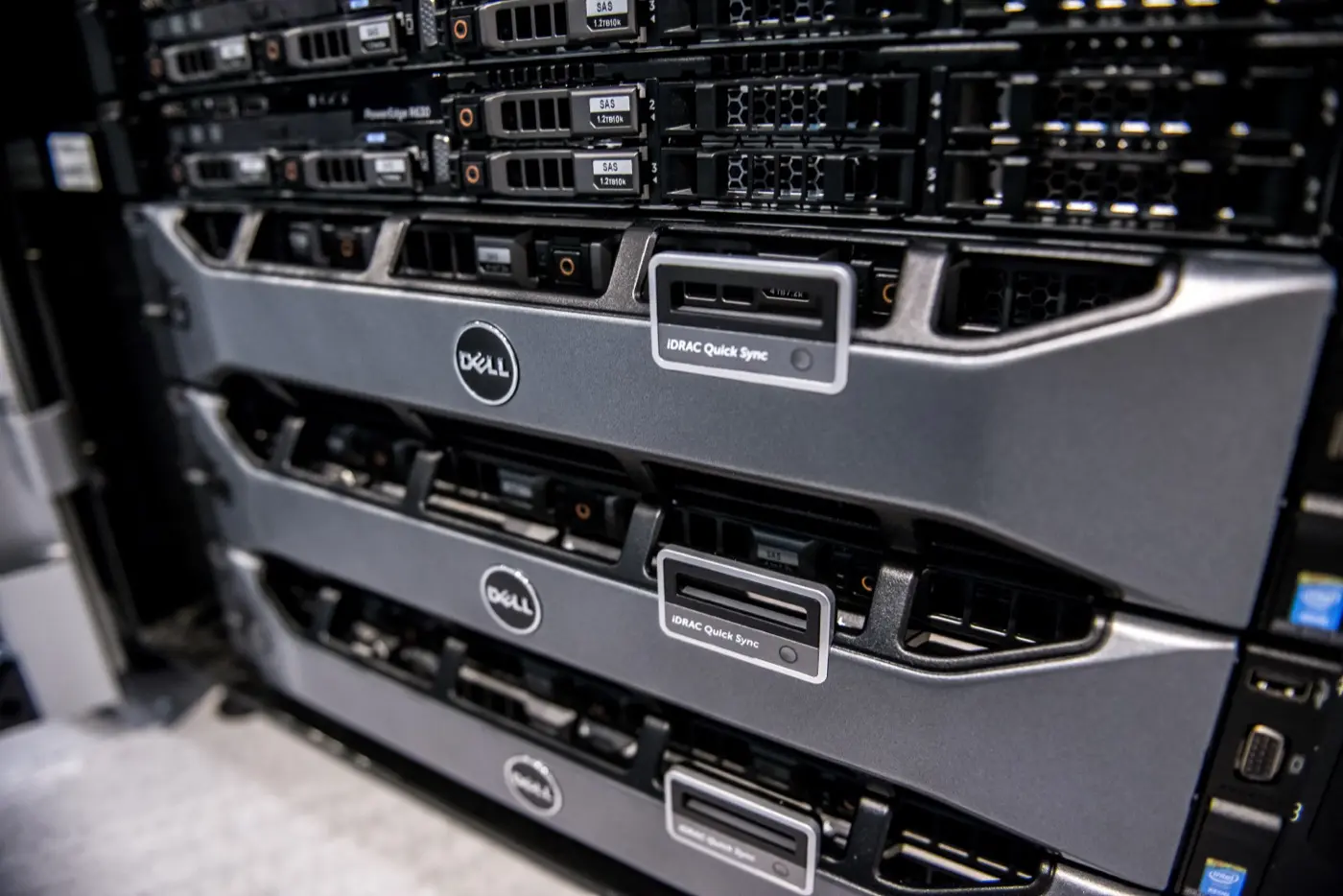
Image: Wikimedia Commons - Dell PowerEdge servers (rack PowerEdge servers).
Define the Workload Before Buying
Build a capacity table before selecting a PowerEdge:
- VM count, total vCPU, and peak CPU utilization
- Active RAM and expected three-year growth
- IOPS, throughput, and acceptable disk latency
- Network speed: 1/10/25/100 GbE
- Availability: standalone, N+1, or cluster
- Software licensing: per socket, core, or VM
Pro Tip: Do not copy the current server's CPU/RAM. Size from at least 7–14 days of peak measurements and add 25–30% growth headroom.
For the performance layers, see PowerEdge Performance Optimization.
Rack or Tower?
| Criterion | Rack (R Series) | Tower (T Series) |
|---|---|---|
| Use | Data center, cluster | Office, branch, no rack |
| Density | High at 1U/2U | Larger footprint |
| Noise | Needs a server room | Quieter depending on model |
| Expansion | PCIe/disks by model | Usually more physical room |
| Operations | Rack/PDU/UPS standard | Simple standalone deployment |
In Dell naming, R = rack, T = tower, MX/M = modular, XE = specialized intensive workloads, and XR = edge/industrial. For naming and architecture, see the PowerEdge architecture guide.
16G or 17G?
As of 2026, the 17th-generation PowerEdge rack family includes models such as R470, R570, R670, and R770. The R670/R770 are dual-socket high-performance platforms; R470/R570 are single-socket systems for scalable workloads. The 16G R660/R760 remains mature and capable for traditional enterprise workloads.
| Choice | When does it fit? |
|---|---|
| 17G | New platform, high core density, AI/analytics, long lifecycle |
| 16G | Virtualization/DB, stock availability, balanced acquisition cost |
| 15G | Standardizing an existing R650/R750 fleet; check support life |
Generation alone does not decide the purchase. Document spare-parts availability, hypervisor compatibility, and support end dates in the quote.
How to Choose CPU and Memory
Do not look at core count alone:
- High clock speed: low-latency applications and some licensed databases
- High core count: virtualization, containers, parallel workloads
- Single socket: licensing and energy advantage
- Dual socket: more RAM, I/O, and consolidation capacity
Populate memory channels evenly. Filling every slot with small DIMMs makes growth expensive; using too few DIMMs reduces bandwidth. NUMA and BIOS: How to Optimize BIOS Settings.
RAID and Disk Configuration
A quote saying only “8 disks” is insufficient. Specify disk type, capacity, endurance, backplane, PERC, and hot spare together.
| Workload | Typical approach |
|---|---|
| OS / hypervisor boot | BOSS/M.2 RAID1 |
| OLTP / write-intensive | NVMe/SAS SSD + RAID10 |
| General VM datastore | SSD/NVMe, RAID10/6 by capacity |
| Backup / archive | Large SAS/SATA + RAID6 |
Details: RAID Configuration Best Practices, SAS vs SATA vs NVMe, and NVMe Installation.
Networking, GPU, and Expansion
Verify these items in the quote:
- OCP NIC and additional PCIe NIC count/speed
- Fibre Channel or HBA requirement
- GPU physical size, power, and cooling requirements
- Free PCIe slots for future NVMe/HBA expansion
- PSU capacity and
1+1redundancy
Even if 10 GbE is enough today, estimate the cost of moving cluster/storage traffic to 25 GbE.
iDRAC and Support
iDRAC Express can cover basic monitoring; Virtual Console, Virtual Media, and advanced remote administration may require Enterprise. Details: What Is iDRAC?.
The quote should specify:
- Three- or five-year ProSupport level
- On-site response SLA
- Failed disk retention policy
- Firmware and Lifecycle Controller support
- Included spare PSU, disks, rails, and cable set
Calculating TCO
True cost is:
TCO = Server + licensing + support + rack/PDU/UPS + power/cooling + operations + upgrades
More cores can raise VM density but also increase Windows Server, SQL Server, or VMware licensing. A lower-core, higher-frequency CPU can reduce total cost for some workloads. Energy planning: How to Reduce PowerEdge Power Consumption.
Example Choices by Workload
| Scenario | Starting direction |
|---|---|
| Small office / file server | Single-socket tower or entry rack, RAID1/6 |
| General virtualization | 1U/2U rack, balanced CPU, high RAM, 10/25 GbE |
| SQL / ERP | High-frequency CPU, RAID10/NVMe, redundant PSU |
| Backup | Capacity-focused 2U, RAID6, many drive bays |
| AI / GPU | GPU-ready 2U/XE, high-watt PSU, suitable cooling |
Quote Checklist
- Workload and 3–5 year growth documented.
- Rack/tower and U height defined.
- CPU model/core/socket count defined.
- DIMM count, capacity, and free slots listed.
- Disk type/endurance/backplane/PERC specified.
- BOSS/M.2 boot separated from data.
- NIC speeds, optics, and HBAs included.
- iDRAC license level explicitly stated.
-
1+1PSUs, rails, and cable set included. - Three/five-year support SLA and lead time clear.
- OS/hypervisor/database licensing impact calculated.
- Deployment and firmware baseline scope defined.
Next Step with Leon-X
Leon-X plans PowerEdge investments from capacity measurement and BOM selection through Server Installation, Configuration and Commissioning and High Availability Server Infrastructure. For discovery and a quote, contact us.
Frequently Asked Questions
Which should I choose: R650, R750, or R760?
R650 is 1U/15G, R750 is 2U/15G, and R760 is 2U/16G. Decide by generation, disk/GPU capacity, memory, and support lifecycle.
Is 16G or 17G the better buy?
17G fits new, long-lived, intensive deployments. 16G can be stronger for price, maturity, and consistency with an existing fleet.
Single socket or dual socket?
Single socket reduces licensing and power costs. Choose dual socket when you need more cores, memory channels, or I/O.
Is iDRAC Enterprise necessary?
Usually yes if you need remote console and ISO mounting. Express can be enough for basic health and power monitoring.
Should I buy a refurbished PowerEdge?
It can be viable, but verify disk endurance, battery/CacheVault health, warranty, firmware availability, and vendor support end dates.