Optimizing Dell PowerEdge BIOS settings means aligning System Profile, power states (C-States), Turbo, NUMA, and security options to the workload. Short answer: default “Performance Per Watt (DAPC)” is a balanced start for most virtual hosts; low-latency DB/HPC often needs Performance with controlled C-States; density/power caps prefer Dense or Custom Watt/Latency targets—“set everything to Maximum Performance” is rarely correct. Architecture: What Is PowerEdge?. Install order: Installation Guide.
This guide is written for:
- Systems admins locking down hypervisor (VMware / Hyper-V / Proxmox) host BIOS
- Teams tuning CPU/power profiles for database / low-latency workloads
- Data center ops reducing power and heat
- Security teams combining BIOS with an ISO 27001 / Secure Boot baseline
Quick Summary
- Pick the workload first; then lock System Profile.
- Document changes via iDRAC or Lifecycle Controller.
- Plan Secure Boot / TPM / SR-IOV together with virtualization flags.
- Aggressively disabling C-States raises power and heat—measure before locking.
- Power: Power Consumption.
- Security: BIOS Security for ISO 27001.
Table of Contents
- What Is BIOS Optimization?
- Choosing System Profile
- CPU, Turbo, and C-States
- Memory and NUMA Settings
- Virtualization and I/O Flags
- Security: Secure Boot, TPM, Password
- Applying and Validating Changes
- Example Profiles by Workload
- Most Common Mistakes
- Related Articles
- Checklist
- Next Step with Leon-X
- Frequently Asked Questions
- Sources
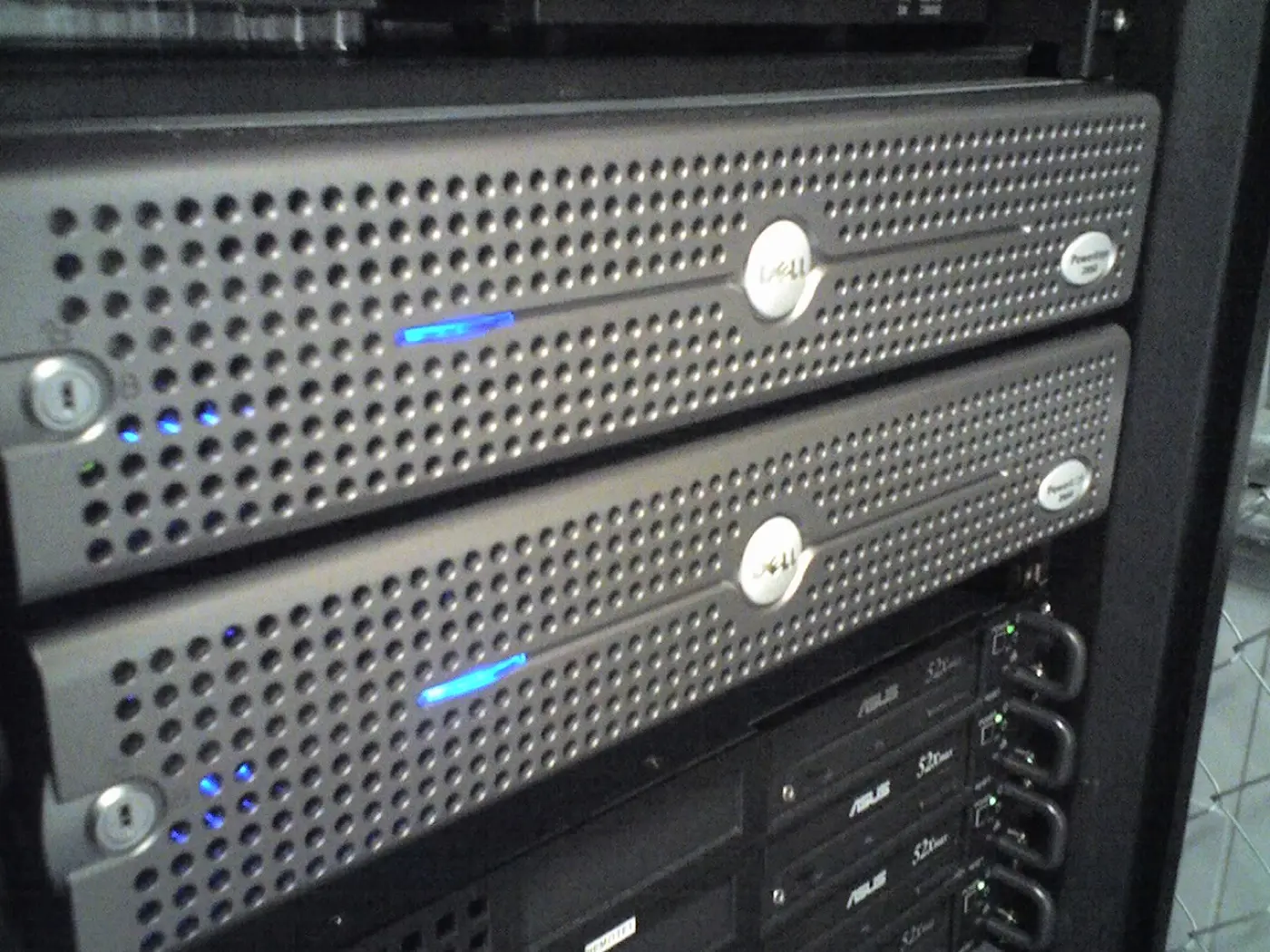
Image: Wikimedia Commons - Dell PowerEdge Servers (example rack PowerEdge environment).
What Is BIOS Optimization?
Short definition:
PowerEdge BIOS optimization is tuning CPU power profile, memory, boot, and security parameters via F2 System Setup / iDRAC / Lifecycle Controller to a measurable baseline matched to the workload SLA.
Access paths:
- During boot F2 → System Setup
- iDRAC → Configuration → BIOS Settings (remote)
- Lifecycle Controller (F10) → System Setup / Hardware Configuration
Clarify BIOS before the OS on install day to reduce boot loops and driver surprises — Installation Guide, BIOS Boot Loop.
Choosing System Profile
Dell’s top-level switch on most models is System Profile:
| Profile | Typical use | Note |
|---|---|---|
| Performance Per Watt (DAPC) | General VM host, balanced | Default / good start |
| Performance | Low latency, DB, HPC | Higher power/heat |
| Dense Configuration | Dense rack / power ceiling | Performance trade-off |
| Custom | Fine-grained control | Separate C-State, Turbo |
Pro Tip: Lock the profile first; do not flip one-off flags immediately. Write the “why” before going Custom (latency, watts, density).
If power is the primary goal: Power Consumption.
CPU, Turbo, and C-States
Practical controls (menu names vary slightly by model):
- Turbo Boost / Intel Turbo: On for most workloads; test Off for consistent latency
- C-States: Deep C-States save power; some low-latency cases constrain them
- Logical Processor (HT/SMT): Per license/core plan; some DBs trial Off
- CPU Power Management: OS Controlled vs System DBPM — follow hypervisor docs
Fully disabling C-States without measurement can raise watts in the %10–30 range (workload-dependent; lab measurement required).
Memory and NUMA Settings
- Memory Operating Mode: Optimizer / Spare / Mirror — capacity vs resilience
- Node Interleaving: Usually Disabled (preserve NUMA); enabling can feel like one big pool but increases remote-node penalties
- Memory Frequency: Auto is enough in most cases; follow validated DIMM lists
- Correctable Error Logging: On — early DIMM signal
Populate DIMMs per the manufacturer guide; wrong slot order breaks both speed and NUMA. Architecture: What Is PowerEdge?.
Virtualization and I/O Flags
Typical minimum on hypervisor hosts:
- Virtualization Technology (VT-x / AMD-V): Enabled
- VT-d / IOMMU: Enabled (SR-IOV, PCIe passthrough)
- SR-IOV Global Enable: On when needed
- Embedded NICs / PXE boot: leave only what you need
Boot Mode: UEFI for modern OS; Secure Boot must match the image. If it will not boot: Boot Failure.
Security: Secure Boot, TPM, Password
| Setting | Recommendation |
|---|---|
| System Password / Setup Password | Setup password + procedure; do not leave blank |
| Secure Boot | On per policy; image/driver compatibility verified |
| TPM 2.0 | Enabled for BitLocker / measured boot + OS integration |
| Boot Sequence Lock | Blocks unwanted USB boot in production |
Details: BIOS Security for ISO 27001, ISO PowerEdge Configuration, iDRAC Security.
Applying and Validating Changes
- Export BIOS config from iDRAC before changes
- Keep the firmware baseline current (BIOS + iDRAC alignment)
- Soft reboot after changes; check iDRAC Lifecycle log / SEL
- Validate in the OS with
lscpu, power/perf counters, or hypervisor latency tests - Write the baseline into the runbook (profile name + exceptions)
Post-firmware boot issues: BIOS Boot Loop.
Example Profiles by Workload
| Workload | System Profile | Note |
|---|---|---|
| General VM host | Performance Per Watt | Balanced start |
| OLTP / low-latency DB | Performance | Constrain C-States with measurement |
| VDI density | Dense / Per Watt | Watt ceiling first |
| Storage / backup node | Per Watt | CPU burst less critical |
| HPC / compile farm | Performance + Turbo On | Verify cooling capacity |
RAID / disk is separate from BIOS but planned together: RAID Best Practices.
Most Common Mistakes
- Forcing every server to Maximum Performance and surprising the PDU
- Enabling Node Interleaving for “simplicity”
- Leaving Secure Boot mismatched to the image
- Rebooting without saving / without an export
- Leaving iDRAC and BIOS firmware misaligned
- Disabling HT/SMT without a license/core plan
Related Articles
- What Is a Dell PowerEdge Server? Architecture Guide
- PowerEdge Installation Guide
- How to Reduce Power Consumption
- BIOS Security for ISO 27001
- ISO 27001 PowerEdge Configuration
- BIOS Boot Loop
- Boot Failure
- RAID Best Practices
Checklist
- Workload and goal (latency / watts / density) written down.
- System Profile selected and documented.
- VT-x/VT-d (and SR-IOV if needed) correct.
- NUMA: Node Interleaving off (unless a deliberate exception).
- UEFI + Secure Boot / TPM aligned with policy.
- Setup password and boot order locked.
- BIOS config exported.
- Post-reboot OS/hypervisor validation done.
- Power/heat within PDU and cooling limits.
Next Step with Leon-X
BIOS baselines lock with install and security. Leon-X builds PowerEdge BIOS/iDRAC standards under Server Installation, Configuration and Commissioning and High Availability Server Infrastructure. Start at Contact.
Frequently Asked Questions
What is the best PowerEdge BIOS profile?
There is no single answer. Performance Per Watt is a solid start for general VM hosts; low latency often uses Performance with measured C-State tuning.
Can I change BIOS from iDRAC?
Yes. iDRAC Configuration → BIOS Settings applies remotely; changes usually require a reboot.
Does disabling C-States guarantee performance?
No. It can help some latency cases; power/heat rise. Do not lock without measurement.
Is Secure Boot mandatory on hypervisors?
It depends on policy and image support. Verify bootloader/driver compatibility before enabling.
Does a firmware update reset BIOS settings?
Sometimes defaults return or new menu items appear. Compare against your export after updates.