What is Dell PowerEdge iDRAC? iDRAC (Integrated Dell Remote Access Controller) is the embedded BMC for out-of-band management on PowerEdge servers. Short answer: even when the OS is down, you get power control, console, firmware, hardware health, and logs; Express covers basic monitoring, while Enterprise (or model-equivalent) unlocks Virtual Console / Virtual Media. Architecture: What Is PowerEdge?. Install: Installation Guide.
This guide is written for:
- Systems admins managing PowerEdge remotely
- Procurement teams clarifying Express vs Enterprise
- Ops teams standardizing firmware and Lifecycle workflows
- Security teams hardening iDRAC for ISO 27001
Quick Summary
- iDRAC = out-of-band management; independent of the data OS.
- Use a separate mgmt VLAN—do not put it on the data network.
- Express ≠ Enterprise: Virtual Console / Media usually need a license.
- Lifecycle Controller ties firmware and OS deployment together.
- Security: iDRAC ISO 27001.
- Issues: iDRAC Not Responding, iDRAC Reset.
Table of Contents
- What Is iDRAC?
- Express vs Enterprise
- Core Features
- Virtual Console and Virtual Media
- Lifecycle Controller Relationship
- Initial Setup and Networking
- Security Best Practices
- Common Use Cases
- Most Common Mistakes
- Related Articles
- Checklist
- Next Step with Leon-X
- Frequently Asked Questions
- Sources
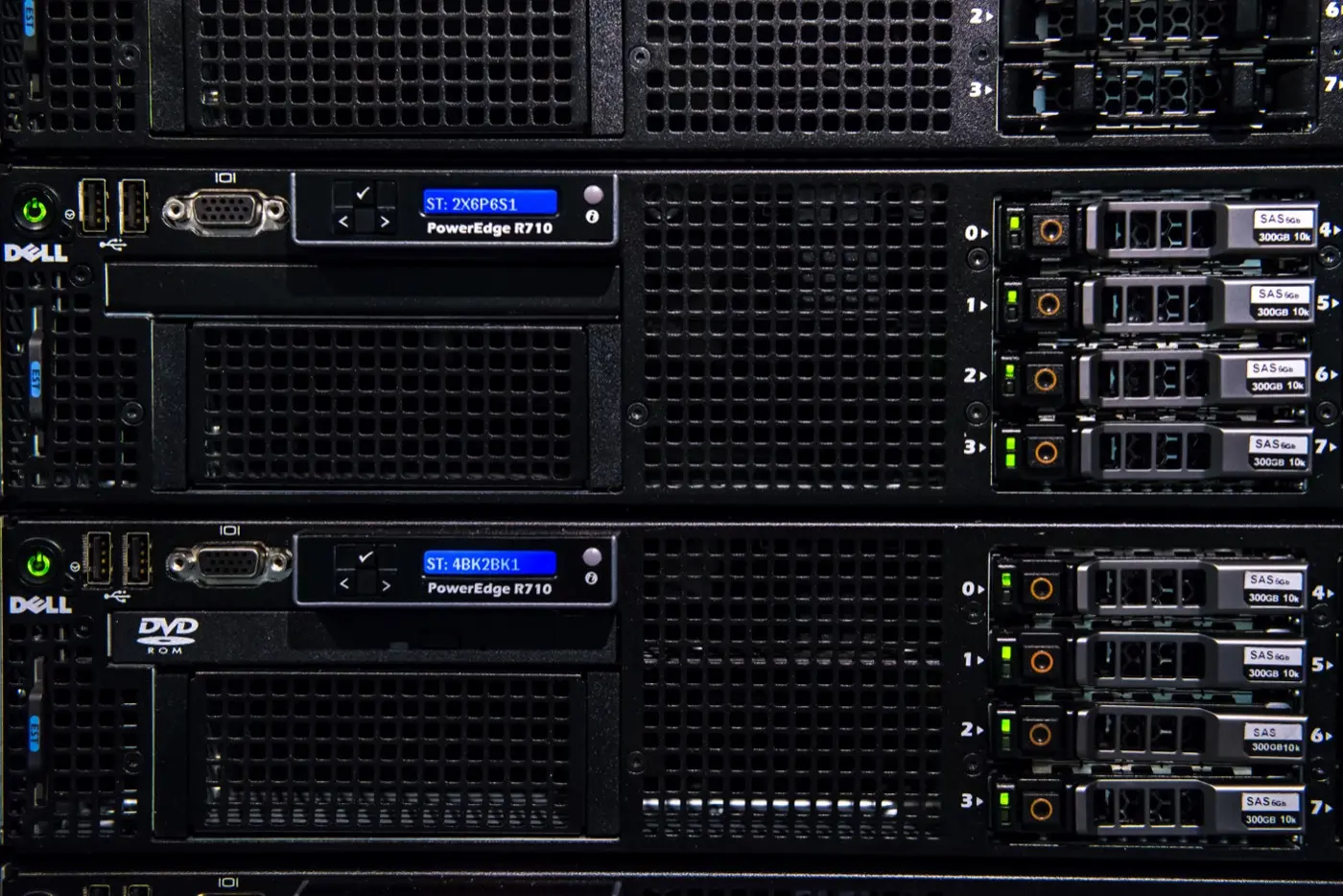
Image: Wikimedia Commons - Dell PowerEdge R710 servers (rack PowerEdge / remote management context).
What Is iDRAC?
Short definition:
iDRAC (Integrated Dell Remote Access Controller) is the embedded management controller on Dell PowerEdge servers that provides OS-independent power control, hardware monitoring, remote console, and firmware management.
iDRAC is reached over HTTPS via a dedicated or shared NIC. Prefer the dedicated port; shared mode risks mixing with data traffic.
Express vs Enterprise
| Feature | Express (typical) | Enterprise / Advanced (typical) |
|---|---|---|
| Web UI / power on-off | Yes | Yes |
| Hardware sensors / SEL | Yes | Yes |
| Virtual Console | Limited / no | Yes |
| Virtual Media (ISO mount) | Limited / no | Yes |
| Directory / SSO | Limited | Broader |
| Group Manager / script API | Basic | Advanced |
Licensing varies by generation (iDRAC9 Express/Enterprise, iDRAC10, etc.). Verify on Dell Support with the Service Tag.
Pro Tip: “We have iDRAC” does not guarantee remote OS install. If you need Virtual Console/Media, confirm the license on day one.
Core Features
- Power control: Graceful shutdown, force off, power cycle, NMI
- Hardware health: CPU, memory, PSU, fans, temperature sensors
- SEL / Lifecycle Log: Hardware events and change history
- Storage view: PERC / VD / disk status (by model)
- Firmware inventory: BIOS, iDRAC, NIC, PERC versions
- Users / roles: Local accounts, LDAP/AD (by license)
- Alerts: Email, SNMP, syslog / remote syslog
Audit / ISO: PowerEdge Audit Log, ISO PowerEdge.
Virtual Console and Virtual Media
- Virtual Console: HTML5 (preferred) or legacy Java; remote access to the OS boot screen
- Virtual Media: Mount ISO/IMG for OS install or recovery
- Bandwidth: low-latency mgmt network; HTML5 is more resilient over WAN
On install day, Virtual Media + Lifecycle are often used together — Installation Guide.
Lifecycle Controller Relationship
Lifecycle Controller (F10) is the local management environment integrated with iDRAC:
- Firmware updates (Catalog / Repository)
- Hardware Configuration / RAID
- OS Deployment
- Diagnostics / SupportAssist export
For BIOS: BIOS Optimization. Post-firmware boot issues: BIOS Boot Loop, Boot Failure.
Initial Setup and Networking
- Connect the dedicated iDRAC port to a mgmt VLAN
- First access via F2 System Setup or DHCP/default IP
- Set static IP, hostname, DNS, NTP
- Change the default password (printed with the Service Tag)
- Restrict access with trusted hosts / VPN / jump host
- Enable syslog and email alerts
If connectivity drops: iDRAC Not Responding. Soft/hard reset: iDRAC Reset.
Security Best Practices
| Control | Target |
|---|---|
| Network | Mgmt only; not on the internet |
| Identity | Strong password / MFA if available; AD/LDAP |
| TLS | Modern ciphers; replace self-signed with org CA |
| Users | Least privilege; disable unused accounts |
| Logs | Syslog + retention policy |
| Firmware | iDRAC + BIOS on one baseline |
Details: iDRAC Security for ISO 27001, BIOS Security.
Common Use Cases
| Scenario | iDRAC use |
|---|---|
| OS hung | Virtual Console + power cycle |
| New install | Virtual Media + Lifecycle OS Deploy |
| Firmware update | iDRAC / Lifecycle Catalog |
| Disk alert | Storage + SEL; RAID follow-up |
| Remote branch | HTTPS via jump host |
RAID / disks: RAID Best Practices, Foreign State.
Most Common Mistakes
- Putting iDRAC on the data VLAN or a public IP
- Leaving the default password
- Expecting Enterprise features on Express
- Calling it “managed” without NTP/syslog
- Updating iDRAC firmware out of sync with BIOS
- Treating shared NIC as dedicated and prolonging troubleshooting
Related Articles
- What Is a Dell PowerEdge Server?
- PowerEdge Installation Guide
- How to Optimize BIOS Settings
- iDRAC Security for ISO 27001
- iDRAC Not Responding
- iDRAC Reset
- ISO 27001 PowerEdge Configuration
- PowerEdge Audit Log
Checklist
- Dedicated port on mgmt VLAN.
- Static IP / DNS / NTP set.
- Default password changed.
- License (Express/Enterprise) matches need.
- Virtual Console/Media tested (if required).
- Syslog / email alerts enabled.
- TLS and user roles hardened.
- Firmware baseline (iDRAC+BIOS) recorded.
- Config exported.
Next Step with Leon-X
iDRAC sits at the center of install and security baselines. Leon-X builds iDRAC standards under Server Installation, Configuration and Commissioning and High Availability Server Infrastructure. Start at Contact.
Frequently Asked Questions
Does iDRAC work without an OS?
Yes. As long as the server has power (including standby, depending on model), out-of-band management is available.
Is Express enough?
Often yes for monitoring and basic power. Remote OS install / Virtual Console usually needs Enterprise.
How do I find the iDRAC IP?
F2 System Setup → iDRAC Settings, LCD (if present), or DHCP reservation records.
What if iDRAC hangs?
Check network/DNS first; then soft reset, then iDRAC reset — Not Responding, Reset.
Should I use shared NIC?
Preferably no. Use the dedicated management port.