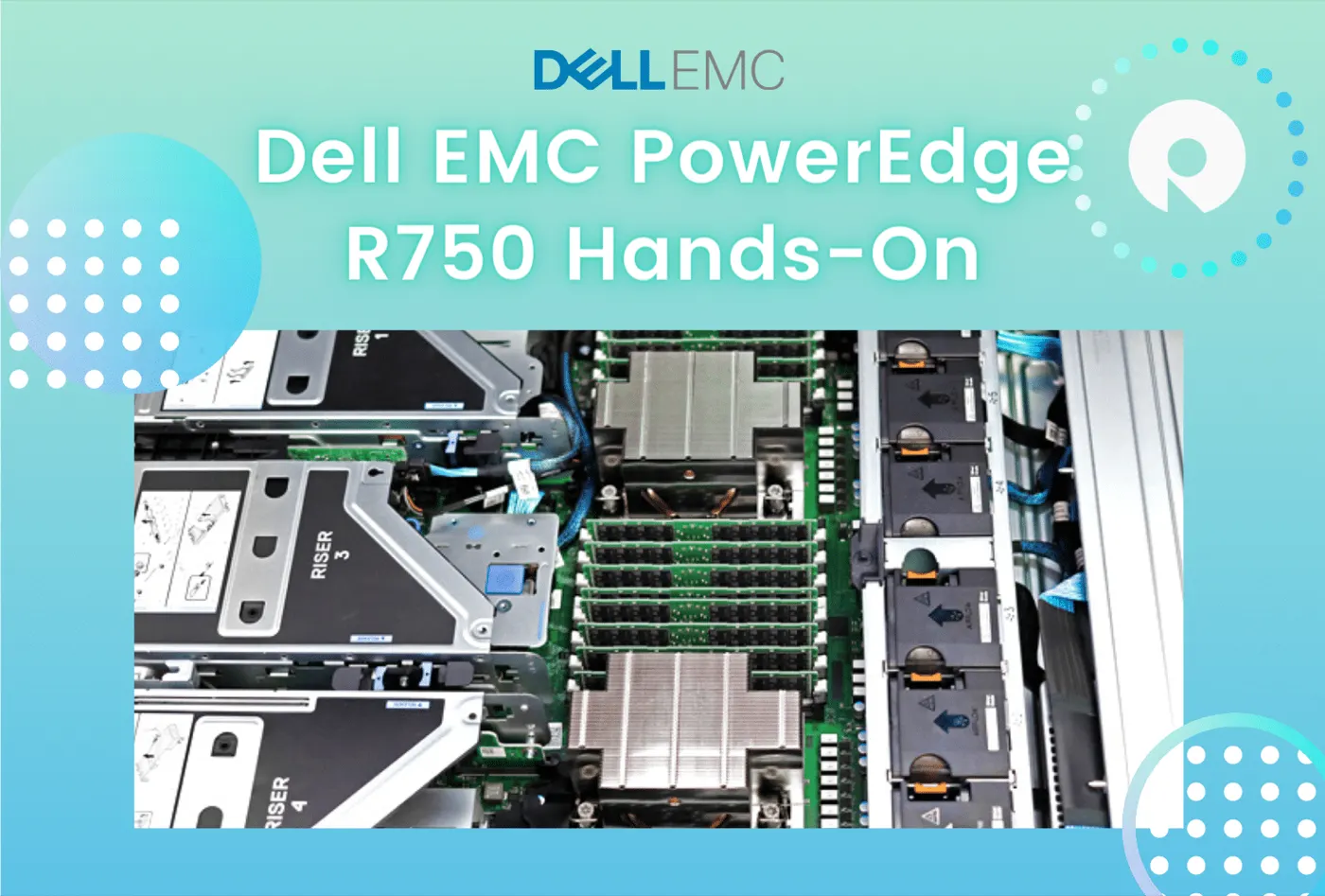
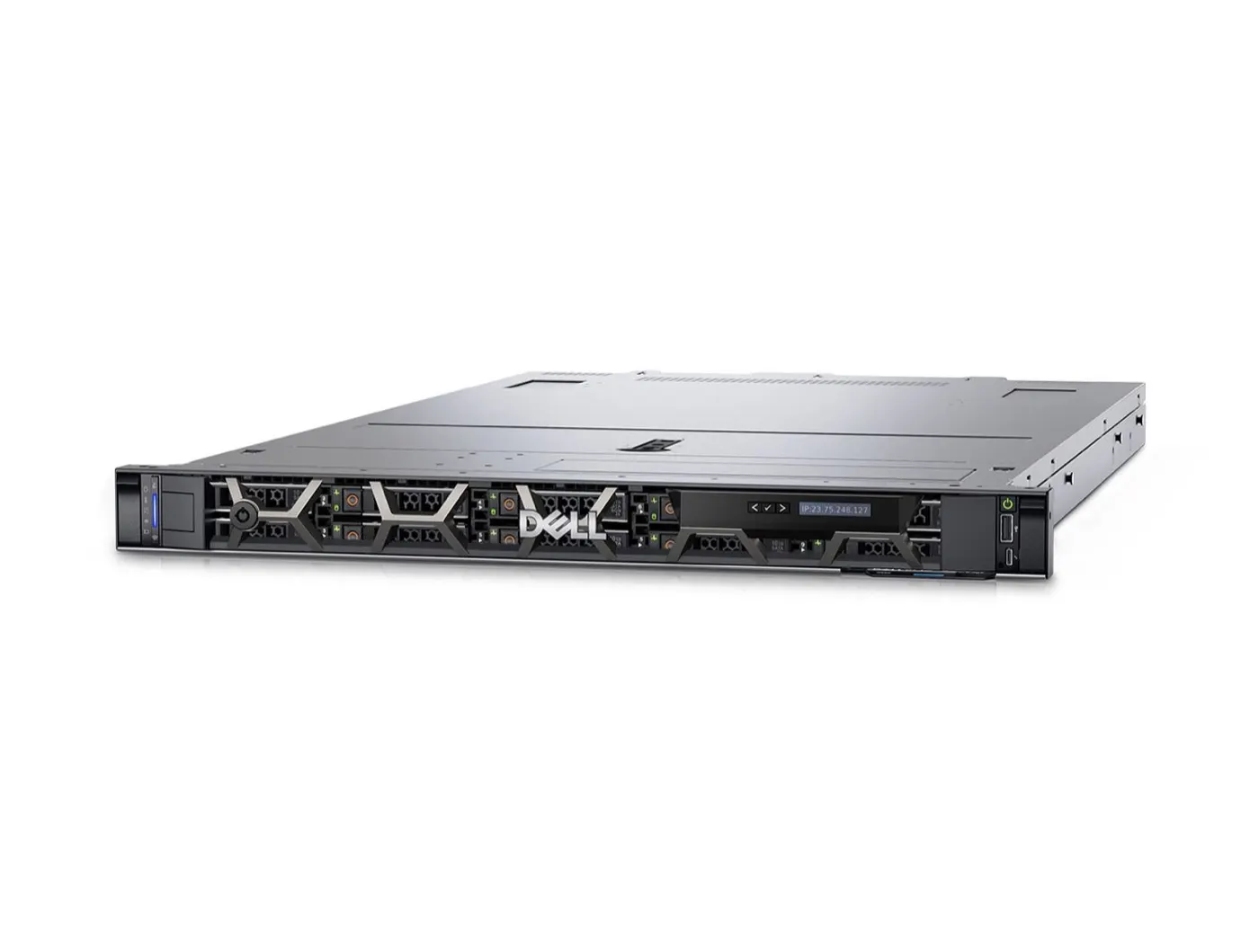
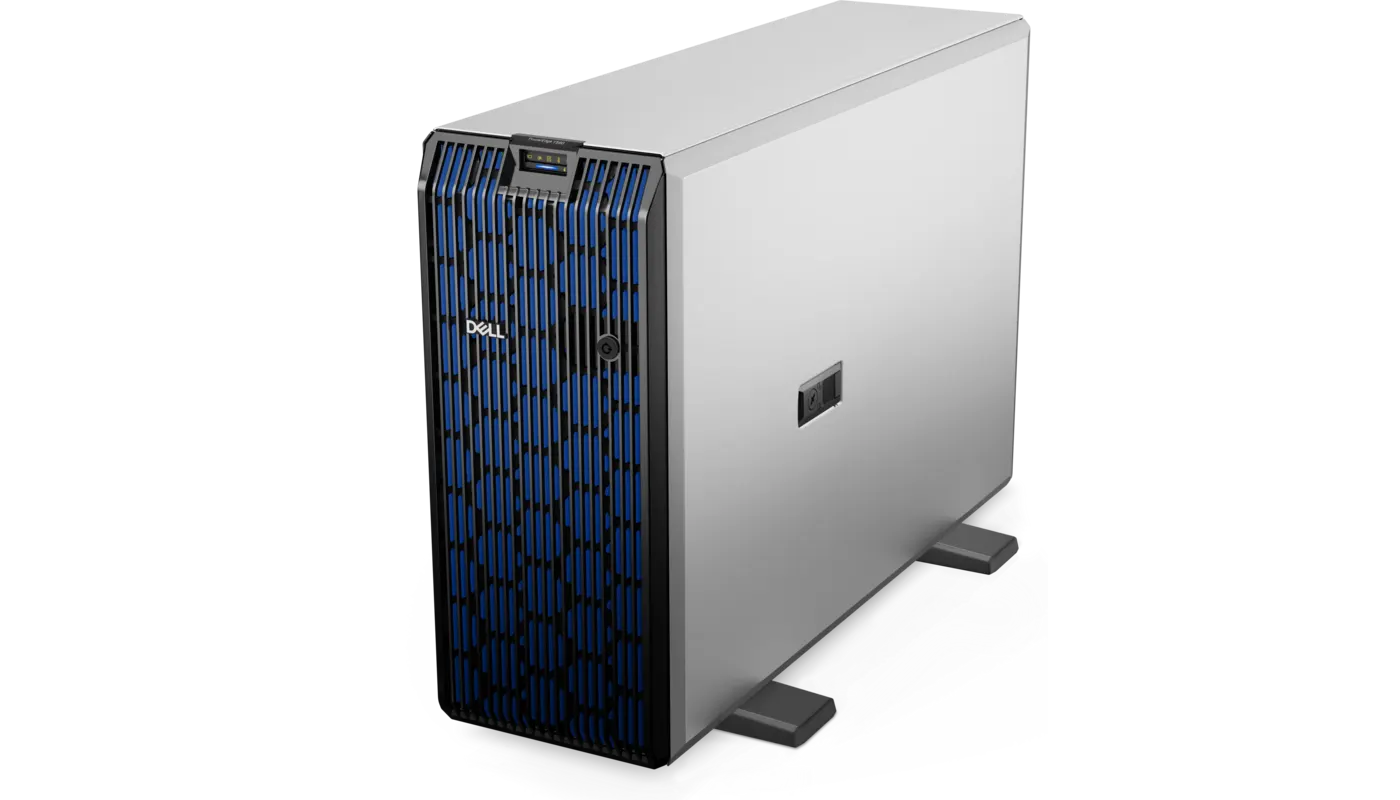
The Dell PowerEdge R760 is a 16th-generation general-purpose rack server that delivers dual sockets, DDR5 memory, PCIe 5.0, Gen5 NVMe, and GPU options in a 2U chassis. Short answer: with up to two 4th Generation Intel Xeon Scalable/Xeon Max or 5th Generation Intel Xeon Scalable processors, 32 DDR5 DIMMs, and up to 24 2.5-inch drives, it is strong for virtualization, databases, analytics, VDI, and SDS. In 2026, evaluate the R760's mature 16G ecosystem and its DDR5/PCIe Gen5 jump over R750 against the TCO of the newer R770.
This review is written for:
- Organizations moving from R750 to DDR5/PCIe Gen5
- Teams needing high VM density, NVMe, and PCIe expansion in 2U
- Systems admins building database/VDI infrastructure with 4th or 5th Gen Xeon
- Buyers comparing R760, R760xs, and R760xa positioning
Quick Summary
- Chassis: 2U rack with two processor sockets.
- CPU: Up to 56 cores with 4th Gen Xeon/Xeon Max or 64 with 5th Gen Xeon, per socket.
- Memory: 32 DDR5 RDIMMs, up to 8 TB; up to 5600 MT/s with 5th Gen.
- Storage: 12 × 3.5-inch or 8/16/24 × 2.5-inch; SAS/SATA/NVMe.
- EDSFF: Up to 16 front E3.S Gen5 NVMe drives.
- Expansion: Up to eight PCIe slots with Gen4/Gen5 options.
- GPU: Two 350 W double-width or six 75 W single-width.
- Management: iDRAC9 + Lifecycle Controller.
- Strength: DDR5, Gen5 I/O, and balanced 2U expansion.
Table of Contents
- R760 Technical Specifications
- Processors and DDR5 Memory
- Storage: NVMe, E3.S, and PERC12
- PCIe, Networking, and GPU
- Cooling and Power
- iDRAC9 and Security
- R750 vs R760
- R760, R760xs, and R760xa
- Which Workloads Fit?
- Buying an R760 in 2026
- Pros and Cons
- Checklist
- Frequently Asked Questions
- Sources
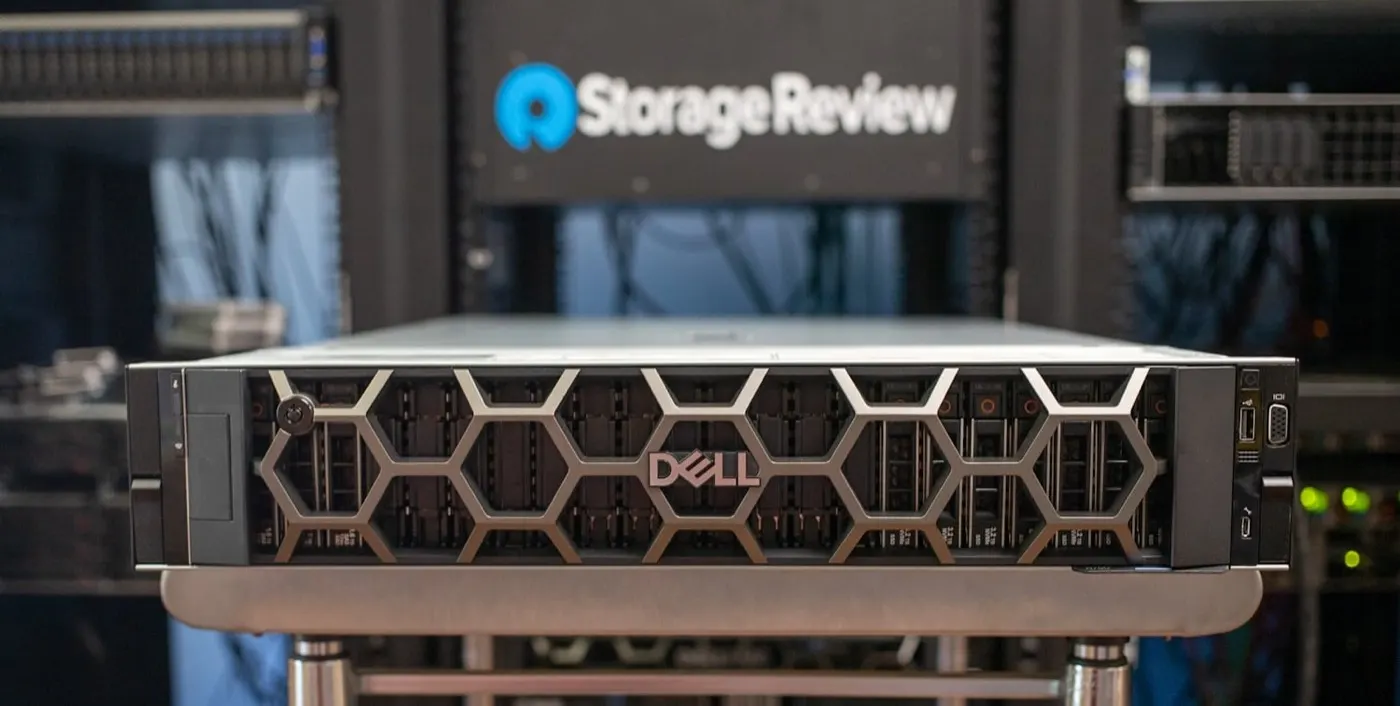
Image: StorageReview - Dell PowerEdge R760 Review (PowerEdge R760 product photo).
R760 Technical Specifications
| Feature | Dell PowerEdge R760 |
|---|---|
| Generation / chassis | 16G, 2U rack |
| Processor | 2 × 4th Gen Xeon Scalable/Xeon Max or 2 × 5th Gen Xeon Scalable |
| Maximum cores | 56 (4th Gen) / 64 (5th Gen), per socket |
| Memory | 32 × DDR5 RDIMMs, up to 8 TB |
| Memory speed | 4800 MT/s (4th Gen), 5600 MT/s (5th Gen), 1DPC |
| Front drives | 12 × 3.5-inch or 8/16/24 × 2.5-inch |
| EDSFF | Up to 16 × E3.S Gen5 NVMe |
| PCIe | Up to 8 slots; Gen4/Gen5 |
| Network | LOM/OCP 3.0 or MIC/DPU options |
| GPU | 2 × 350 W double-width or 6 × 75 W single-width |
| Management | iDRAC9, Lifecycle Controller |
Short definition: The R760 moves the R750's storage/PCIe flexibility to DDR5 and PCIe Gen5, adding higher compute, memory, and I/O bandwidth in a 2U PowerEdge platform.
Processors and DDR5 Memory
The R760 supports two CPU generations:
- 4th Generation Intel Xeon Scalable or Xeon Max: up to 56 cores per socket
- 5th Generation Intel Xeon Scalable: up to 64 cores per socket
With 5th Gen CPUs, DDR5 can reach 5600 MT/s in a one-DIMM-per-channel (1DPC) layout. Speeds can drop with 2DPC and dense population, so plan capacity and bandwidth together.
The 32 DIMM slots are divided across both processors. Symmetric placement, NUMA-aware VM placement, and per-core software licensing directly affect TCO.
BIOS and NUMA: PowerEdge BIOS Optimization. Measurement: PowerEdge Performance Optimization.
Storage: NVMe, E3.S, and PERC12
Alongside traditional SAS/SATA and U.2 NVMe, the R760 offers EDSFF E3.S Gen5 options:
- 12 × 3.5-inch SAS/SATA
- 8/16/24 × 2.5-inch SAS/SATA/NVMe
- 16 × front E3.S Gen5 NVMe
- Two/four rear 2.5-inch or four rear E3.S
- BOSS-N1/M.2 boot options
PERC12 improves NVMe HWRAID options, but direct attach, hardware RAID, and SDS/HBA designs are different. For vSAN or Ceph, select controller mode based on the software requirement.
Details: RAID Best Practices, SAS vs SATA vs NVMe, and NVMe Installation.
PCIe, Networking, and GPU
Depending on risers, the R760 offers up to eight PCIe slots, with some supporting PCIe Gen5 x16. This enables:
- 25/100/200 GbE networking
- Fibre Channel HBAs
- DPUs / SmartNICs
- NVMe expansion
- Two 350 W double-width GPUs
- Six 75 W single-width accelerators
GPU, DPU, drive backplane, and riser choices are not independent. The quote should include a slot map and thermal matrix.
Cooling and Power
High-performance fans or Direct Liquid Cooling may be required with 350 W CPUs or GPU-dense configurations. The 2U R760 has a thermal advantage over 1U systems such as R650, but the wrong fan/heatsink combination can still cause throttling.
Before purchasing, calculate together:
- CPU TDP and heatsink type
- Fan class
- PSU wattage and
1+1redundancy - Rack PDU capacity
- Air versus liquid cooling
For energy planning, see PowerEdge Power Consumption.
iDRAC9 and Security
iDRAC9 provides OS-independent power, sensor, firmware, Virtual Console, Redfish API, and Lifecycle Log management. Secure Boot, Silicon Root of Trust, TPM 2.0, and System Lockdown support platform security.
Related guides:
R750 vs R760
| Criterion | R750 | R760 |
|---|---|---|
| Generation | 15G | 16G |
| CPU | 3rd Gen Xeon, up to 40 cores | 4th/5th Gen Xeon, up to 64 cores |
| Memory | DDR4, 3200 MT/s | DDR5, up to 5600 MT/s |
| PCIe | Gen4 | Gen4 + Gen5 |
| NVMe | Mainly U.2 | U.2 + E3.S Gen5 |
| GPU | 2 × 300 W double-width | 2 × 350 W double-width |
R750 details: Dell PowerEdge R750 Review.
Pro Tip: The value of moving to R760 is not CPU alone; it appears when DDR5, PCIe Gen5, E3.S, and PERC12 are evaluated together.
R760, R760xs, and R760xa
| Model | Priority |
|---|---|
| R760 | General purpose; balanced storage, PCIe, memory, and GPU |
| R760xs | Standardized workloads; cost optimization with less memory/PCIe |
| R760xa | GPU/AI density; more accelerator capacity |
Do not buy by model name alone; DIMM count, GPU capacity, and drive chassis differ significantly.
Which Workloads Fit?
| Workload | R760 fit |
|---|---|
| Large virtualization cluster | Strong; high core count + DDR5 |
| SQL / ERP / analytics | Strong; DDR5 and NVMe |
| VDI | Strong; memory and GPU options |
| SDS / vSAN | Strong; NVMe/E3.S and fast networking |
| AI inference / light training | Suitable; two double-width GPUs |
| Dense AI training | Consider R760xa/XE or newer GPU platforms |
Buying an R760 in 2026
The R760 is a strong option for organizations wanting a mature DDR5/PCIe Gen5 platform before moving to R770. The quote should clearly state:
- 4th or 5th Gen CPU SKU and BIOS support
- DIMM speed, 1DPC/2DPC layout, and free slots
- 2.5/3.5/E3.S backplane type
- PERC11/PERC12, HBA, or direct-attach design
- BOSS-N1 and boot drives
- PCIe Gen5 slot map, risers, and OCP/DPU
- GPU fans, heatsinks, and PSU kit
- iDRAC9 license level
- ProSupport term and delivery SLA
- Firmware baseline and health report
For general selection, see the PowerEdge Server Buying Guide.
Pros and Cons
| Pros | Cons |
|---|---|
| DDR5 and 5th Gen Xeon support | Higher acquisition cost than R750 |
| PCIe Gen5 and E3.S Gen5 NVMe | Complex configuration matrix |
| 24 SFF / 12 LFF flexibility | Cooling cost with high TDP |
| Strong DPU/GPU options | Limited to two double-width GPUs |
| Mature iDRAC9 management | Requires lifecycle comparison with R770 |
Checklist
- R760/R760xs/R760xa matches the workload.
- CPU generation and core-based licensing cost clear.
- DDR5 1DPC/2DPC layout verified.
- Backplane and PERC/HBA/direct-attach compatibility clear.
- Boot separated from data RAID.
- PCIe Gen5 riser/OCP/DPU slot map documented.
- GPU/CPU thermal kit and PSU compatible.
- iDRAC9 and ProSupport level defined.
- Firmware baseline current.
- TCO compared with R750 and R770.
Next Step with Leon-X
Leon-X plans PowerEdge investments from R760 capacity and BOM validation through Server Installation, Configuration and Commissioning and High Availability Server Infrastructure. For discovery, contact us.
Frequently Asked Questions
Which generation is the Dell PowerEdge R760?
The R760 is a 16th-generation (16G) 2U dual-socket PowerEdge rack server.
Which processors does the R760 support?
It supports 4th Gen Intel Xeon Scalable/Xeon Max and 5th Gen Intel Xeon Scalable, reaching up to 64 cores per socket with 5th Gen.
What is the maximum memory in an R760?
It has 32 DDR5 RDIMM slots and up to 8 TB according to Dell's official specification.
R750 or R760?
R750 can be a lower-cost DDR4/PCIe Gen4 option. R760 offers DDR5, PCIe Gen5, E3.S, and newer CPUs for longer-term performance.
Is an R760 worth buying in 2026?
Yes; it is strong for mainstream enterprise workloads needing mature 16G, DDR5, and PCIe Gen5. Compare licensing, power, and lifecycle TCO with R770.