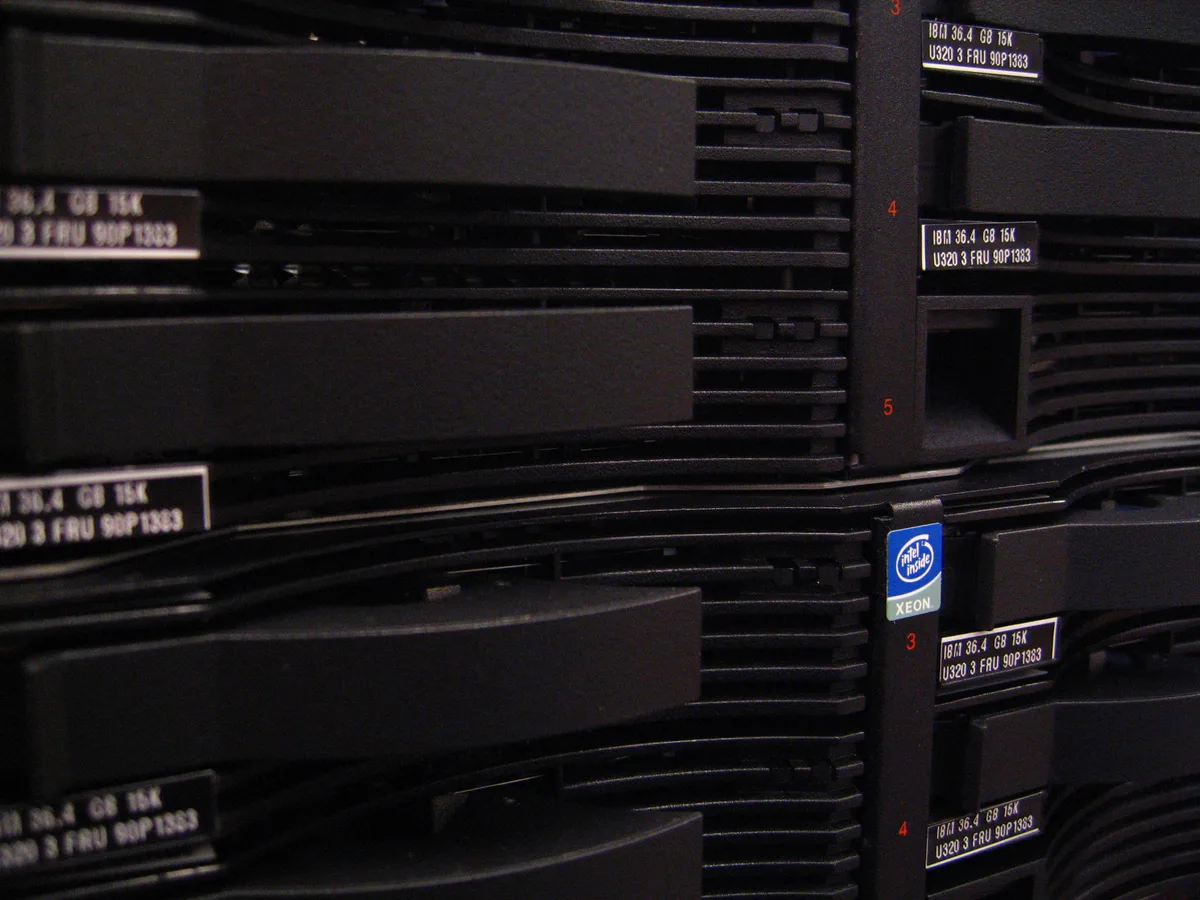
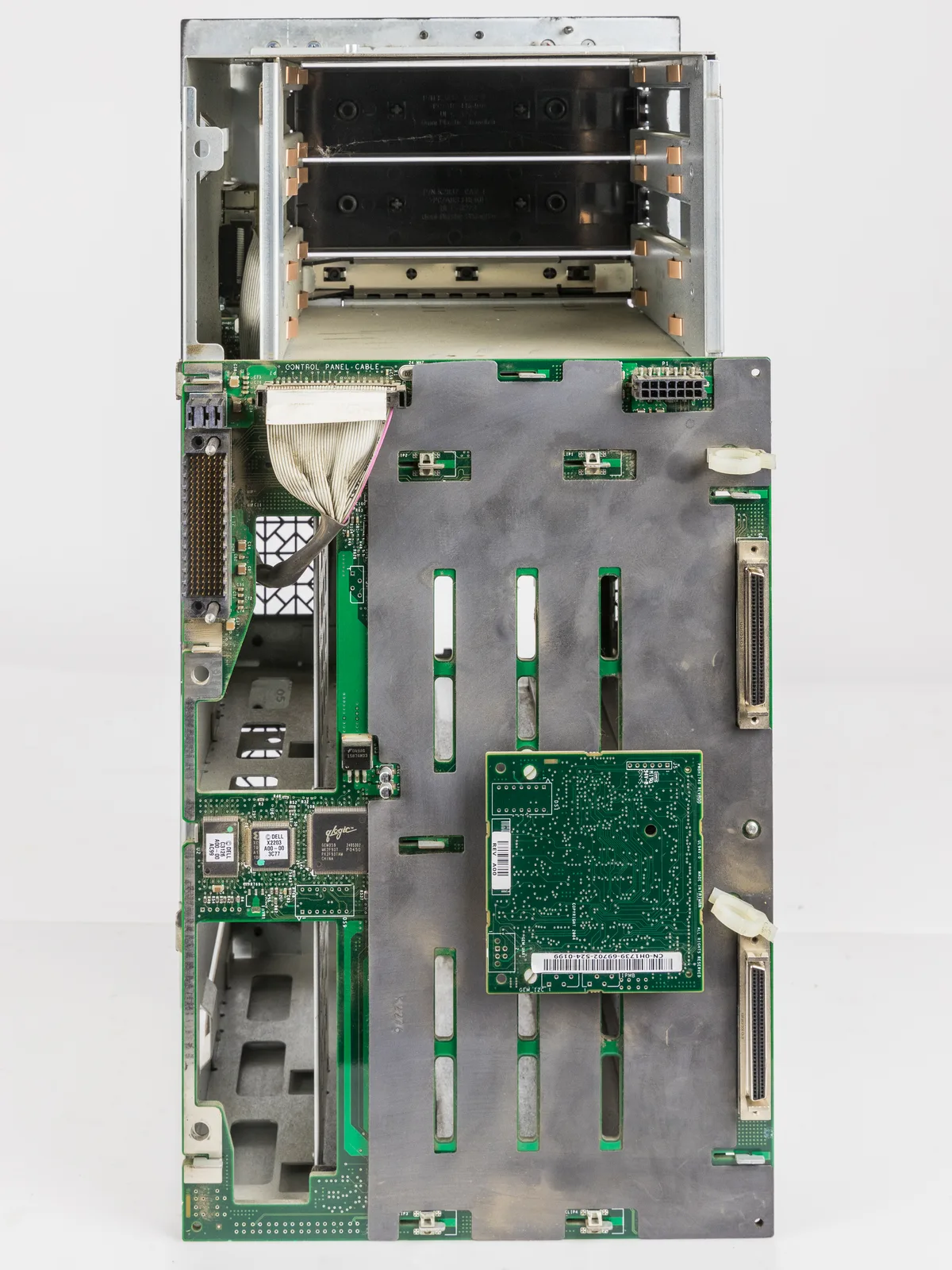
When a Dell server disk fails, the correct sequence matters more than pulling a drive in panic. Short answer: lock the slot and Physical Disk state in iDRAC or via the front LED; confirm whether the Virtual Disk is Degraded or Offline; verify backups and spare matching; only then hot-swap. This article is the incident playbook for the existing Disk Failure Error guide: first 15 minutes, severity matrix, RAID decision tree, and pull/don’t-pull rules.
This playbook is written for:
- Systems admins receiving overnight or weekend disk alerts
- Infrastructure teams seeing Failed or Predictive Failure in PERC/iDRAC
- Organizations without hot spares that need a standard first response
- Operations teams reducing the risk of pulling the wrong drive
Quick Summary
- First goal: correct slot + Virtual Disk state + backup integrity.
Failed≠Predictive Failure(PDR16); response tempo differs.- On RAID 1/5/6/10, one disk loss is usually
Degraded; RAID 0 or a second loss can goOffline. - Spare drive: same capacity, media type, interface, and preferably the same speed class.
- Before hot-swap, verify LED + iDRAC slot twice.
- Do not call it done until rebuild finishes and the VD is
Optimal. - Technical steps: Disk Failure Error guide.
Table of Contents
- First 15 Minutes
- Severity Matrix: Failed, Predictive, Degraded, Offline
- RAID Decision Tree
- Spare Drive Matching Check
- When to Hot-Swap
- Predictive Failure (PDR16) Path
- Multiple Disks or Offline Virtual Disk
- Post-Rebuild Verification
- Common Mistakes
- Checklist
- Frequently Asked Questions
- Sources
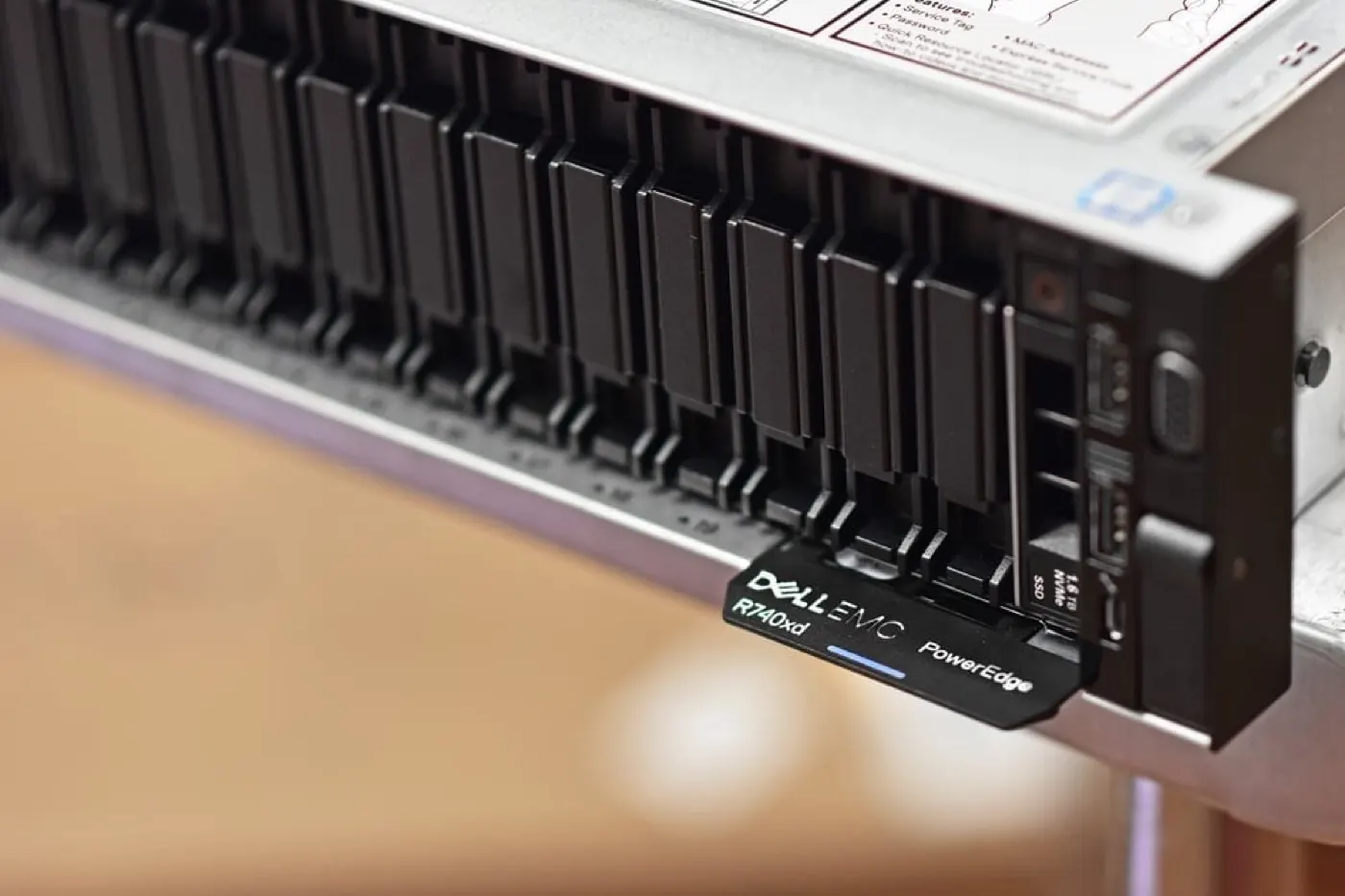
Image: StorageReview - Dell EMC PowerEdge R740xd NVMe Server Review (PowerEdge front drive bays).
First 15 Minutes
Do not break this order during an incident:
- Classify the alert. iDRAC Lifecycle Log / Storage: Failed or Predictive Failure?
- Lock the slot. Note
Enclosure:Bayor slot number from Physical Disks. - Record serial and capacity. Needed for procurement and warranty.
- Check Virtual Disk state.
Optimal,Degraded, orFailed/Offline? - Is there a hot spare? Global/dedicated spare may already be rebuilding.
- Confirm the backup window. Last successful backup and restore-test note.
- Export SupportAssist / controller logs. Especially for Predictive and repeating alerts.
Pro Tip: Even if the physical LED flashes amber, do not pull a carrier without an iDRAC slot number. Pulling a healthy disk can take a RAID 5 array Offline.
iDRAC basics: What Is iDRAC?.
Severity Matrix: Failed, Predictive, Degraded, Offline
| State | Meaning | Tempo |
|---|---|---|
| Predictive Failure (PDR16) | Drive may fail soon; can still be Online | Same-day planned replacement |
| Physical Disk Failed | Drive dropped from the RAID | Urgent spare + hot-swap |
| Virtual Disk Degraded | Redundancy reduced; data usually reachable | Rebuild with spare; no second failure allowed |
| Virtual Disk Offline/Failed | VD unreachable | Do not pull; recovery/restore path |
For Predictive Failure, Dell recommends backing up first, exporting a SupportAssist collection, and evaluating firmware updates; if multiple drives report PDR16, contact support.
RAID Decision Tree
| Virtual Disk / RAID | One disk loss | Second disk loss |
|---|---|---|
| RAID 0 | Offline / data at risk | — |
| RAID 1 / 10 | Degraded; hot-swap + rebuild | Critical; Offline risk |
| RAID 5 | Degraded | Offline |
| RAID 6 | Usually still redundant (one loss) | Degraded after a second loss |
RAID design: RAID Configuration Best Practices. Drive types: SAS vs SATA vs NVMe.
Short definition: The first action in a disk failure is not hot-swap; it is confirming the Virtual Disk is still within tolerance and identifying the correct physical slot.
Spare Drive Matching Check
The wrong part will not start a rebuild, or it will sit in Foreign/Ready.
Order / stock check:
- Capacity ≥ failed drive (usually identical)
- Media: HDD / SSD / NVMe
- Interface: SAS / SATA / NVMe
- Form factor: 2.5 / 3.5 / E3.S
- Speed class: 10K/15K or SSD endurance class
- Dell-certified / same backplane compatibility
- Keep BOSS/M.2 boot drives separate from data RAID
NVMe notes: NVMe Installation. If the controller does not see the disk: RAID Controller Not Detecting Disks.
When to Hot-Swap
Do it when:
- Slot and LED verified twice
- VD is
Degraded, or a planned window is open for Predictive - Spare matching is complete
- Critical I/O is softened if possible
- If there is no hot spare, a manual rebuild/assign plan is ready
Do not:
- When the slot is unclear
- When the VD is already
Offline - When a second disk also shows Predictive/Failed and tolerance is gone
- When the disk carries Foreign Config and import/clear is undecided: Foreign State
- Pulling a random carrier because “there is a yellow LED”
Physical hot-swap steps: Disk Failure Error – Hot-Swap.
Predictive Failure (PDR16) Path
Predictive Failure can arrive while the disk is still Online. Dell’s flow in short:
- Take a backup
- Collect SupportAssist + controller logs
- Update HDD/SSD, iDRAC, and PERC firmware if needed (false-positive risk)
- Replace the drive if the alert remains
- Prefer Replace Member / hot spare so the array is not forced Degraded during copy
Firmware: How to Update Firmware.
Multiple PDR16 alerts: call Dell Support; serial hot-swaps are risky.
Multiple Disks or Offline Virtual Disk
When the VD is Offline:
- Do not pull more disks
- Record OS access and application state
- Clarify last backup + RPO/RTO
- Preserve PERC logs and SupportAssist
- Decide Foreign import / professional recovery only in writing
- Separate Boot Failure and No Boot Device paths if needed
This stage is recovery discipline, not a “fast rebuild.”
Post-Rebuild Verification
After the new disk is installed, completion criteria:
| Check | Expected |
|---|---|
| Physical Disk | Online / Rebuild → Online |
| Virtual Disk | Optimal |
| Consistency / patrol | As scheduled |
| iDRAC alert | Failed/Predictive cleared |
| Application IOPS | Acceptable |
If rebuild is very slow: Slow Disk Rebuild. A high Rebuild Rate cuts OS IOPS; a low rate extends the degraded window.
Common Mistakes
- Pulling a healthy disk
- Leaving Predictive for weeks because “it still works”
- Installing a capacity/interface-mismatched spare
- Trial-and-error hot-swap on an Offline VD
- Starting a second maintenance window before rebuild finishes
- Treating RAID as a backup
Checklist
- Failed / Predictive / Degraded / Offline classified.
- Slot + serial + capacity + media type written down.
- Virtual Disk state screenshot captured.
- Hot spare status checked.
- Last backup time verified.
- SupportAssist / PERC log exported.
- Spare matching complete.
- Hot-swap or Replace Member decision written.
- Rebuild started and monitored.
- Alert cleared after VD became Optimal.
Next Step with Leon-X
Leon-X combines correct parts and safe intervention for disk failure incidents through Server Maintenance, Warranty and Technical Support, Original Hardware Component Supply and Compatibility Check, and Server Installation, Configuration and Commissioning. For discovery, contact us.
Frequently Asked Questions
What should I do first on a Disk Failure alert?
Lock the slot and Virtual Disk state in iDRAC; verify the last backup. Hot-swap comes after those two checks.
Are Predictive Failure and Failed the same?
No. Predictive (PDR16) is near-term failure risk; the disk may still be Online. Failed means the disk dropped from the RAID and needs urgent replacement.
If a hot spare exists, is action still required?
Yes. The spare starts rebuild, but you still replace the failed drive physically, redefine the spare, and confirm the VD is Optimal.
Should I pull disks when the Virtual Disk is Offline?
No. Preserve logs, backups, and a recovery plan first; random hot-swap can cause a second loss.
Can the system run before rebuild finishes?
In most Degraded scenarios yes, but IOPS drop and a second failure is catastrophic. Defer heavy batch jobs; finish only when the VD is Optimal.