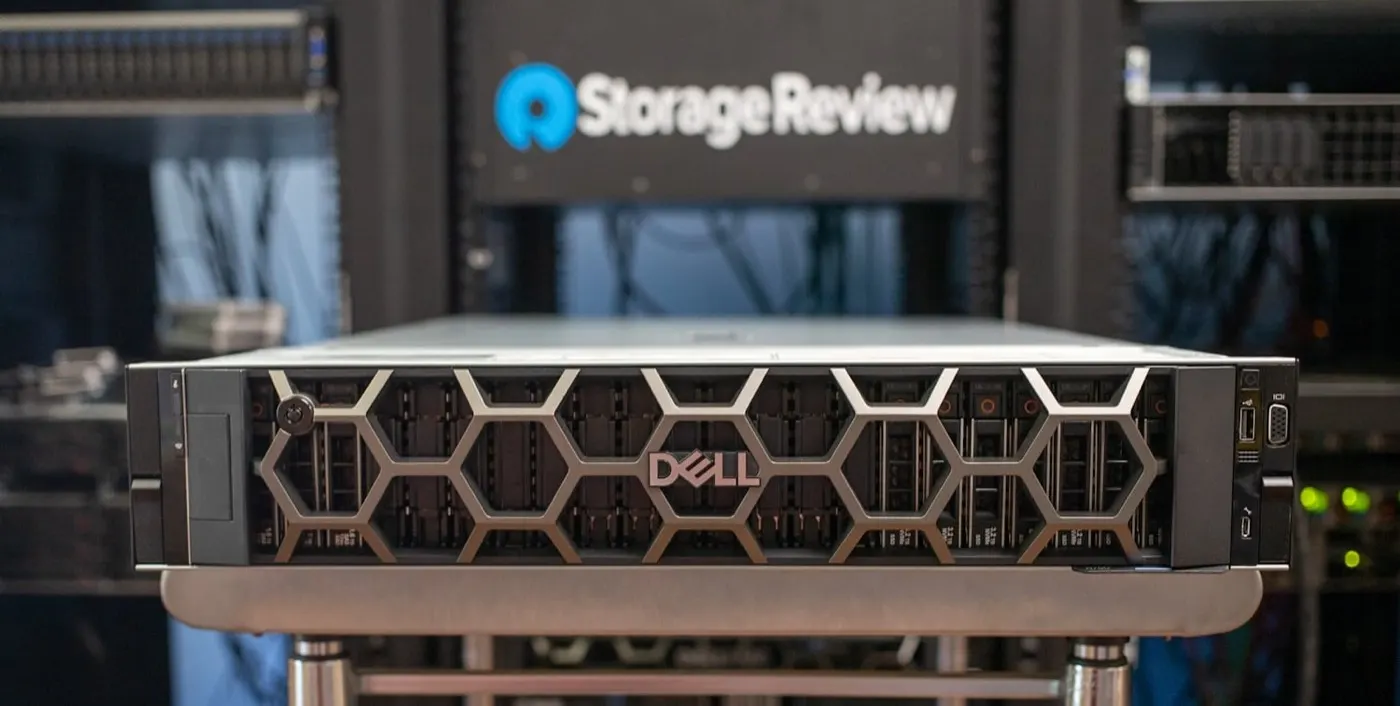
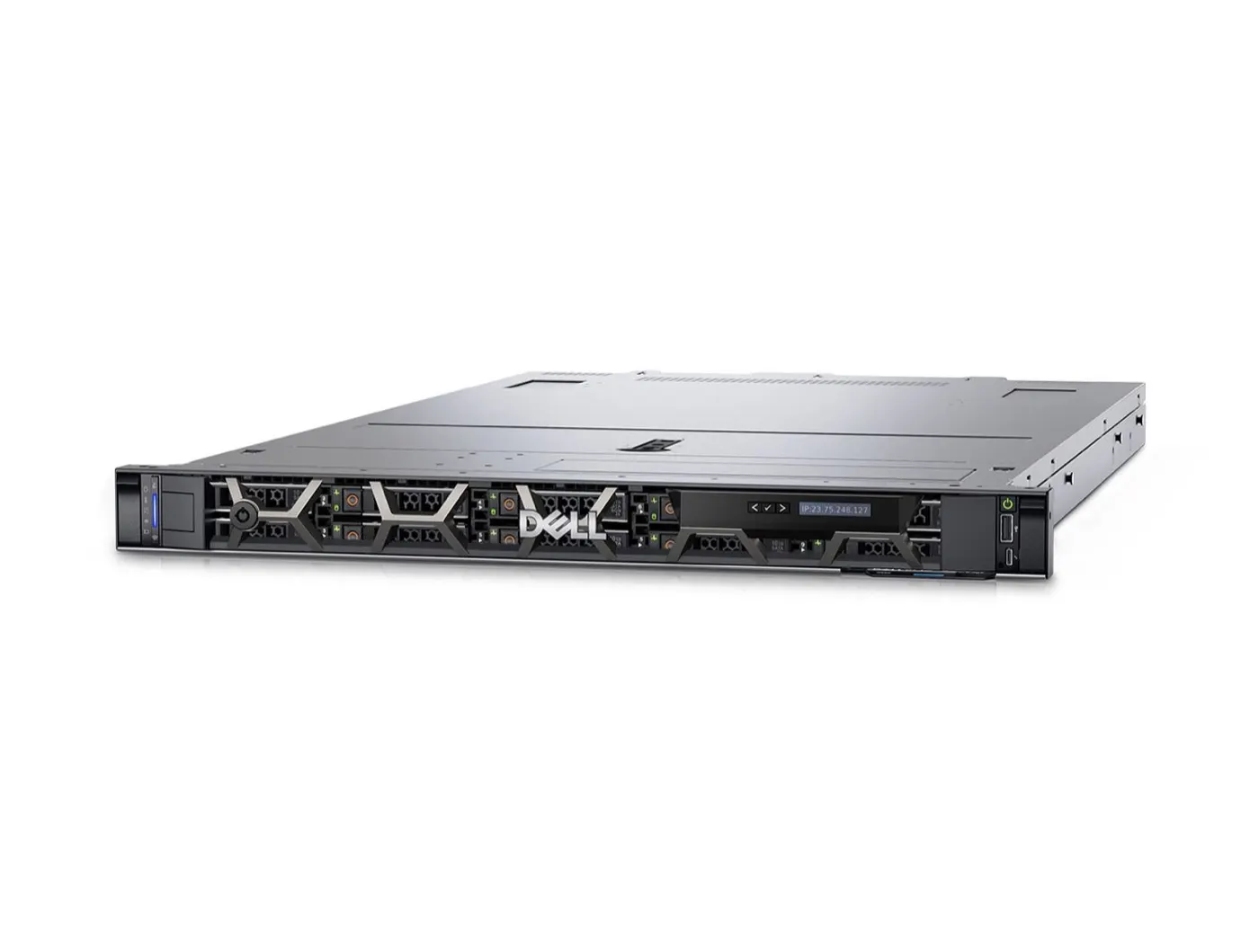
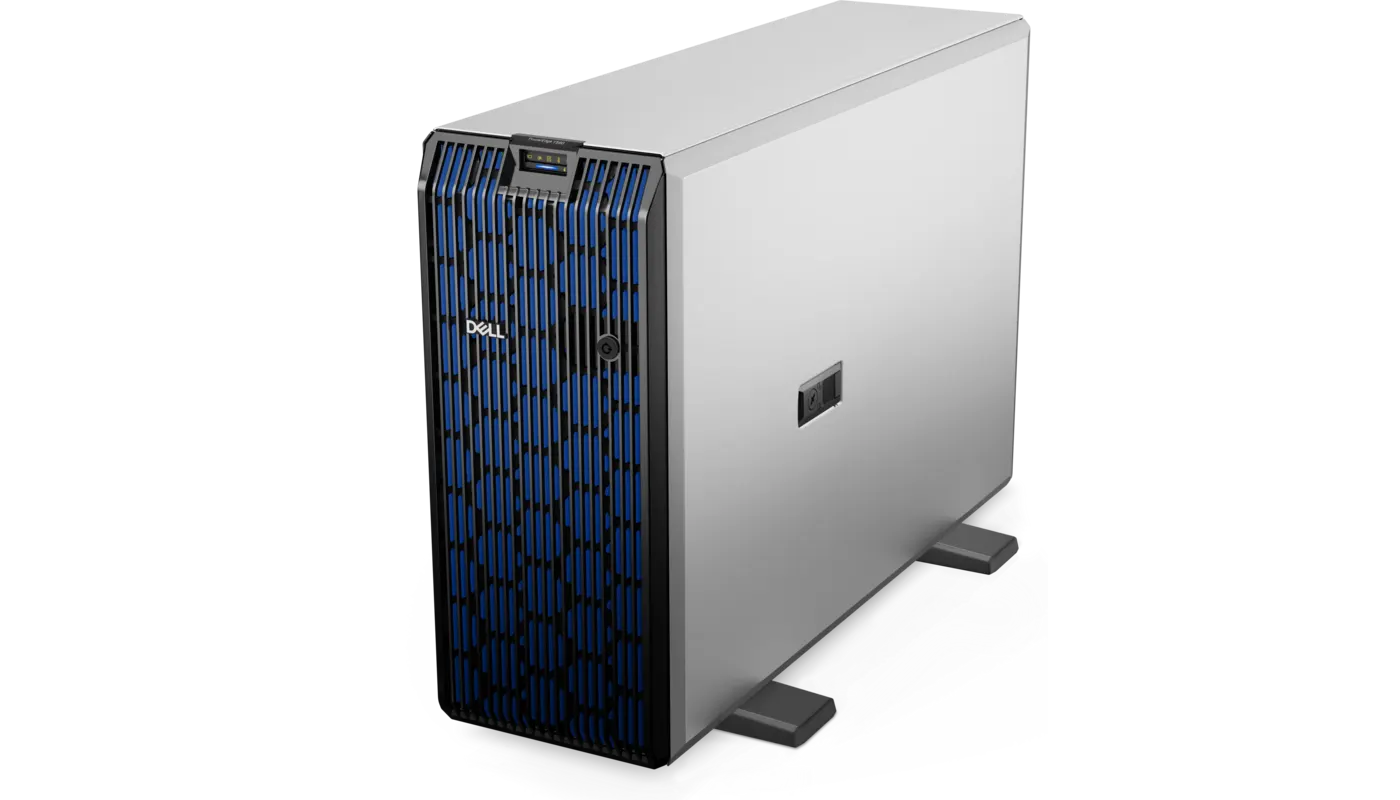
The Dell PowerEdge R750 is a 15th-generation rack server that delivers dual sockets, high drive density, up to eight PCIe Gen4 slots, and GPU options in a 2U chassis. Short answer: 3rd Generation Intel Xeon Scalable CPUs, 32 DDR4 DIMMs, and support for up to 24 NVMe/SAS/SATA drives make it strong for virtualization, databases, SDS, VDI, and capacity-focused workloads. A 2026 purchase should compare its price/capacity advantage against support life, power use, and R760/R770 alternatives.
This review is written for:
- Infrastructure teams needing high disk and PCIe expansion in 2U
- Procurement managers choosing between R650 and R750
- Systems admins designing large VM clusters, databases, or backup nodes
- Organizations expanding an existing 15G fleet
Quick Summary
- Chassis: 2U rack with two processor sockets.
- CPU: Up to two 3rd Generation Intel Xeon Scalable CPUs, up to 40 cores per socket.
- Memory: 32 DDR4 DIMMs at up to 3200 MT/s.
- Storage: 12 × 3.5-inch or 8/16/24 × 2.5-inch; SAS/SATA/NVMe.
- Expansion: Up to eight PCIe Gen4 slots.
- GPU: Up to two 300 W double-width or six 75 W single-width accelerators.
- Management: iDRAC9 + Lifecycle Controller.
- Strength: Drive, PCIe, and GPU flexibility in 2U.
- Limit: DDR4/15G platform and high power/cooling demand when fully configured.
Table of Contents
- R750 Technical Specifications
- Processor and Memory
- Storage and RAID
- PCIe, Networking, and GPU
- iDRAC9 and Security
- R650 vs R750
- Which Workloads Fit?
- Buying an R750 in 2026
- Pros and Cons
- Checklist
- Frequently Asked Questions
- Sources
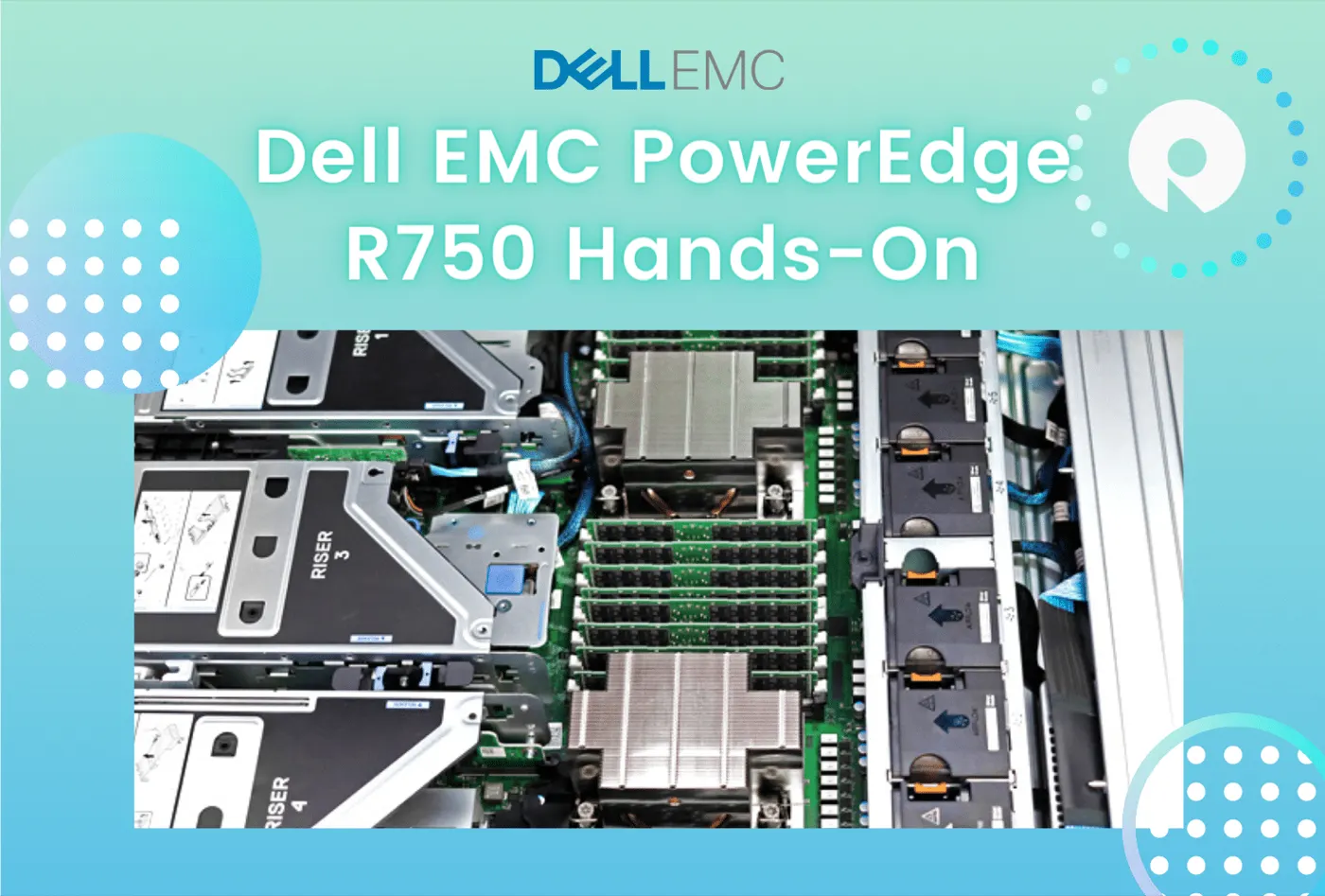
Image: StorageReview - Dell EMC PowerEdge R750 Hands-On (PowerEdge R750 product photo).
R750 Technical Specifications
| Feature | Dell PowerEdge R750 |
|---|---|
| Generation / chassis | 15G, 2U rack |
| Processor | 2 × 3rd Generation Intel Xeon Scalable |
| Maximum cores | Up to 40 per socket |
| Memory | 32 × DDR4 DIMMs, up to 3200 MT/s |
| Front drives | 12 × 3.5-inch or 8/16/24 × 2.5-inch |
| Drive types | SAS, SATA, NVMe |
| PCIe | Up to 8 PCIe Gen4; up to 6 × x16 |
| Network | 2 × 1 GbE LOM + OCP 3.0 |
| GPU | 2 × 300 W double-width or 6 × 75 W single-width |
| Management | iDRAC9, Lifecycle Controller |
| PSU | Redundant hot-plug; up to 2800 W by configuration |
Short definition: The R750 is a general-purpose 2U dual-socket PowerEdge that prioritizes storage, PCIe, and GPU flexibility over 1U density.
Processor and Memory
The R750 supports up to two 3rd Generation Intel Xeon Scalable processors with up to 40 cores per socket. Two CPUs can provide 80 physical cores, although the actual count depends on the selected SKU and licensing model.
Its 32 DIMM slots are distributed across eight memory channels per processor. Dell's official specification lists up to 2 TB with RDIMMs or 8 TB with LRDIMMs at up to 3200 MT/s. Symmetric DIMM placement is critical for NUMA and bandwidth.
Profiles and NUMA: PowerEdge BIOS Optimization. Measurement: PowerEdge Performance Optimization.
Storage and RAID
Storage capacity is the R750's clearest advantage over the R650. Front configurations include:
- 12 × 3.5-inch SAS/SATA
- 8 × 2.5-inch NVMe
- 16 × 2.5-inch SAS/SATA/NVMe
- 24 × 2.5-inch SAS/SATA/NVMe
- Two or four additional 2.5-inch rear drives
- Hot-plug BOSS-S2 with M.2 RAID1 for boot
Controllers such as PERC H755/H755N simplify separating data RAID from boot. In NVMe-dense builds, verify the backplane, direct-attach design, and RAID/HBA compatibility at part-number level.
Details: RAID Best Practices, SAS vs SATA vs NVMe, and NVMe Installation Guide.
PCIe, Networking, and GPU
The 2U chassis gives the R750 up to eight PCIe Gen4 slots. That space matters for:
- 25/100 GbE OCP plus additional NICs
- Fibre Channel HBAs
- NVMe expansion / DPUs
- Two 300 W double-width GPUs
- Up to six 75 W single-width accelerators
GPU support depends on the drive chassis, risers, fans, heatsinks, and PSU combination. For example, 12 × 3.5-inch and certain rear-drive configurations restrict GPU options. Check Dell's thermal matrix before purchasing.
iDRAC9 and Security
iDRAC9 provides OS-independent power, sensors, firmware, Virtual Console, Virtual Media, and Lifecycle Log management. Secure Boot, Secure Erase, Silicon Root of Trust, and TPM 2.0 support platform security.
Related guides:
R650 vs R750
| Criterion | R650 | R750 |
|---|---|---|
| Chassis | 1U | 2U |
| CPU / memory | 2 sockets / 32 DIMMs | 2 sockets / 32 DIMMs |
| Front drives | Up to 10 × 2.5-inch | Up to 24 × 2.5 or 12 × 3.5-inch |
| PCIe | Up to 3 slots | Up to 8 slots |
| GPU | 3 × 75 W single-width | 2 × 300 W double-width or 6 × 75 W |
| Priority | Rack density | Storage and expansion |
R650 details: Dell PowerEdge R650 Review.
Pro Tip: Even with similar CPU and RAM, the reason to choose R750 is more drives, PCIe, GPU capacity, and more forgiving thermals.
Which Workloads Fit?
| Workload | R750 fit |
|---|---|
| Virtualization cluster | Strong; CPU/RAM + PCIe flexibility |
| SQL / ERP / analytics | Strong; NVMe and high memory |
| SDS / vSAN | Strong; 24 drives and fast networking |
| Backup / archive | Strong; 12 × 3.5-inch option |
| VDI | Strong; memory and GPU options |
| Dense AI training | Limited; consider newer GPU-ready/XE |
Buying an R750 in 2026
The R750 can fit an existing 15G fleet or provide substantial storage/PCIe capacity at a favorable price. The quote should state:
- Service Tag, manufacturing date, warranty, and support life
- CPU SKUs and core-based licensing cost
- DIMM layout and free slots
- 2.5/3.5-inch backplane and NVMe cabling
- PERC/HBA model and CacheVault health
- BOSS-S2/M.2 boot drives
- OCP NIC, HBAs, risers, and optics
- GPU thermal kit and PSU capacity if applicable
- iDRAC9 license level
- Firmware baseline and iDRAC health report
For the complete BOM approach, see the PowerEdge Server Buying Guide.
Pros and Cons
| Pros | Cons |
|---|---|
| 24 SFF or 12 LFF drive flexibility | Uses 2U rack space |
| 8 PCIe Gen4 and strong GPU options | Power/heat rises when fully configured |
| Dual sockets and 32 DIMMs | DDR4/15G, not current generation |
| Mature iDRAC9 management | Complex backplane/riser combinations |
| Balanced for virtualization, DB, SDS | Support life is critical in 2026 |
Checklist
- R750 matches workload and rack plan.
- CPU/DIMM/NUMA layout verified.
- Backplane, drives, and PERC/HBA compatibility clear.
- BOSS-S2 boot separated from data.
- PCIe risers and OCP NIC listed.
- GPU fan/heatsink/PSU thermal matrix compatible.
- iDRAC9 license matches requirements.
- Service Tag, warranty, and support life verified.
- Firmware baseline and health report clean.
- TCO compared with R760/R770.
Next Step with Leon-X
Leon-X plans PowerEdge investments from R750 capacity and BOM validation through Server Installation, Configuration and Commissioning and High Availability Server Infrastructure. For discovery, contact us.
Frequently Asked Questions
Which generation is the Dell PowerEdge R750?
The R750 is a 15th-generation (15G) 2U dual-socket PowerEdge server.
How many drives does the R750 support?
Front options include up to 24 × 2.5-inch or 12 × 3.5-inch drives, with two or four additional rear 2.5-inch drives in some configurations.
What is the maximum memory in an R750?
It has 32 DDR4 DIMM slots. Dell's specification lists up to 8 TB with LRDIMMs; the real limit depends on the CPU and DIMM matrix.
R650 or R750?
Choose R650 for rack density; choose R750 for more drives, PCIe slots, and GPU capacity.
Is an R750 worth buying in 2026?
It can fit an existing 15G fleet, SDS, backup, or cost-effective expansion. For a new long-lived deployment, compare support and TCO with R760/R770.