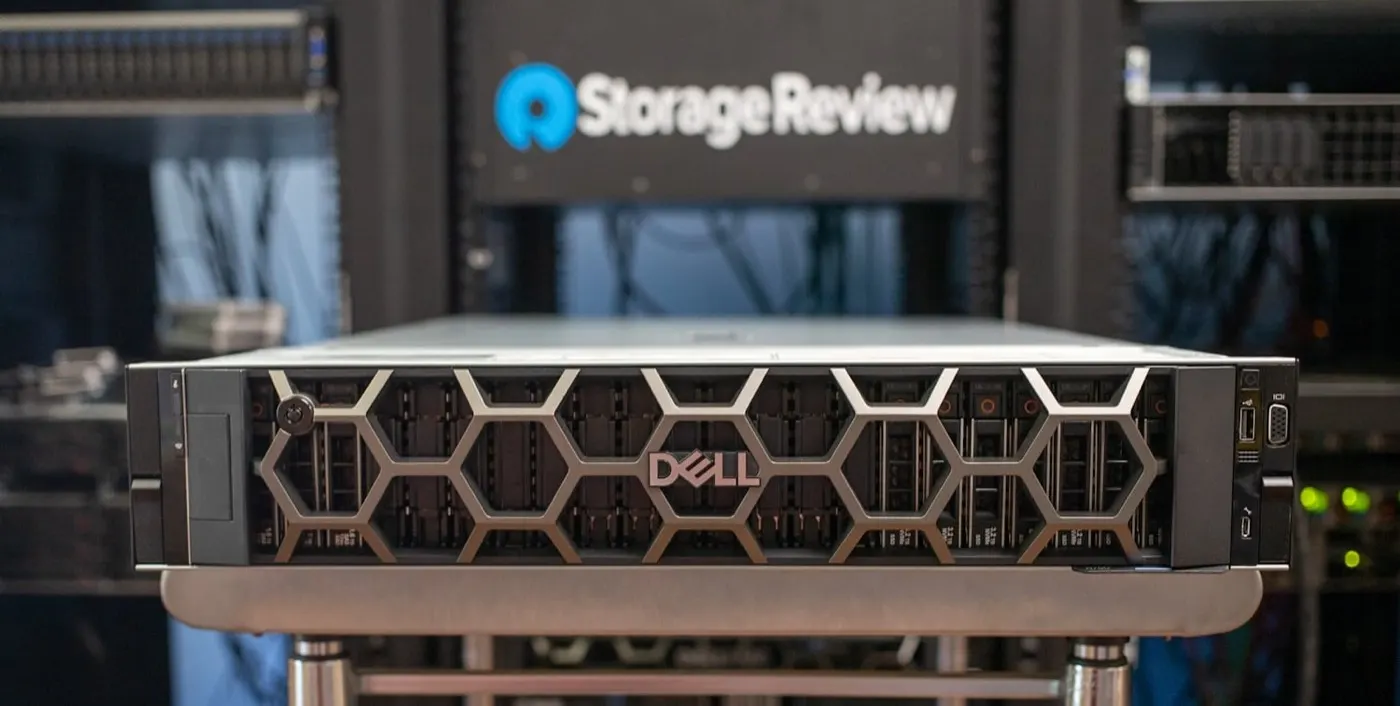
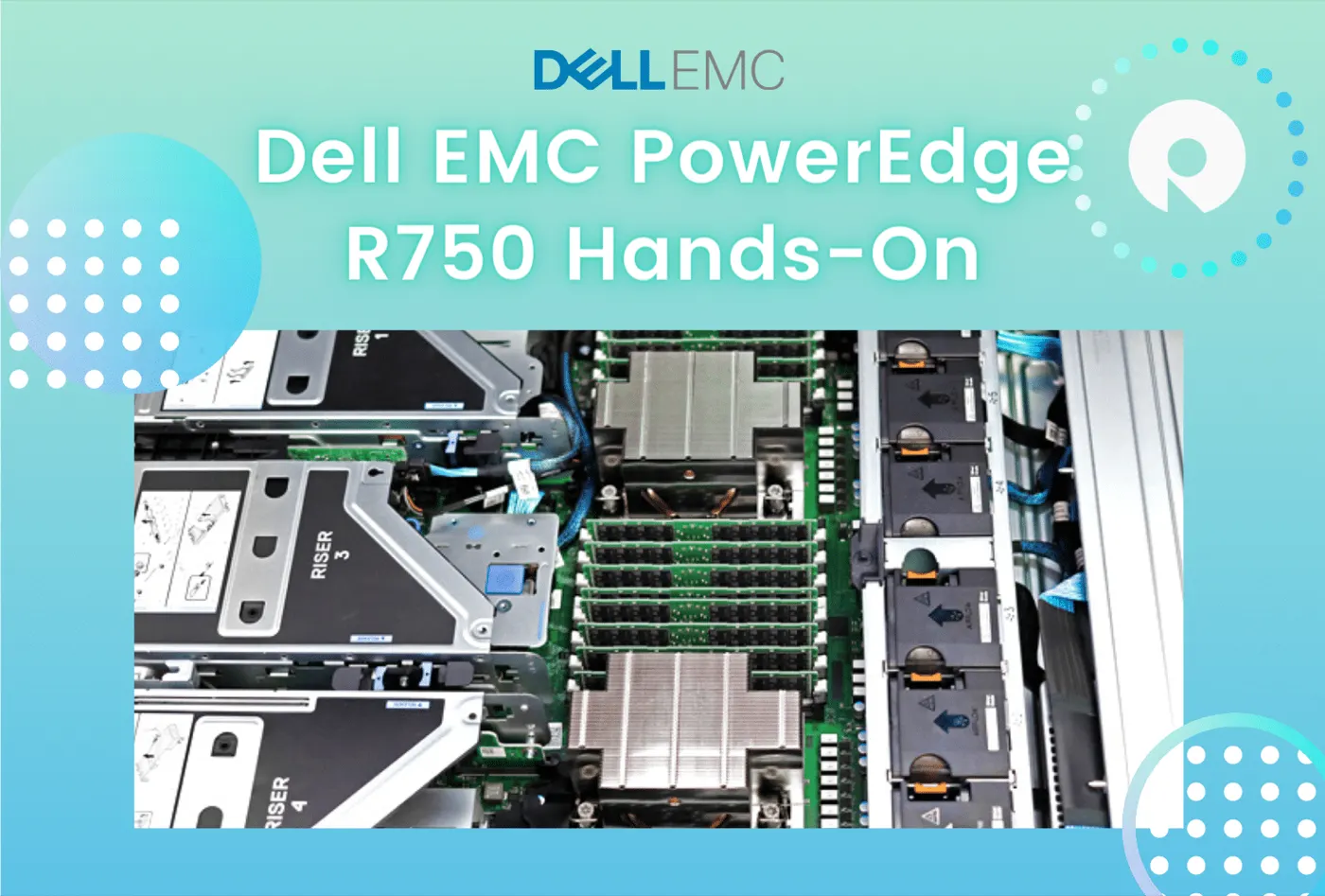
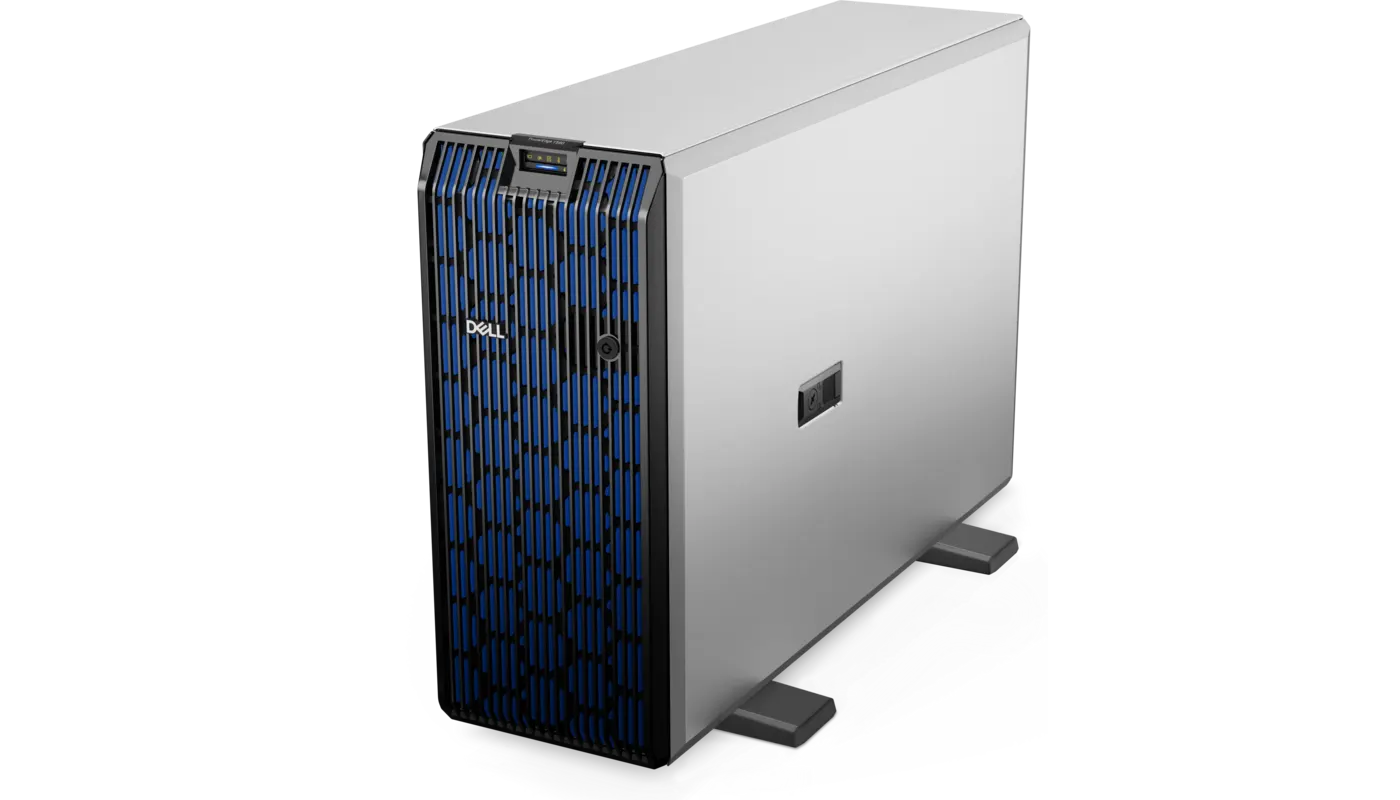
The Dell PowerEdge R650 is a 15th-generation rack server that delivers dual sockets, high memory capacity, and dense NVMe options in a 1U chassis. Short answer: its 3rd Generation Intel Xeon Scalable processors, 32 DDR4 DIMMs, PCIe Gen4, and iDRAC9 still make it powerful for virtualization, databases, VDI, and enterprise workloads; however, a 2026 purchase should compare price, remaining support, and R660/R670 alternatives. Start with the PowerEdge Server Buying Guide.
This review is written for:
- IT managers considering a used or in-stock R650
- Virtualization teams seeking high VM density in 1U
- Organizations comparing R640, R650, R660, or newer platforms
- Systems admins expanding or refreshing an R650 fleet
Quick Summary
- Form factor: 1U rack with two processor sockets.
- CPU: Up to two 3rd Generation Intel Xeon Scalable CPUs, up to 40 cores each.
- Memory: 32 DDR4 DIMMs at up to 3200 MT/s.
- Storage: SAS/SATA/NVMe options with 4 × 3.5-inch or 8/10 × 2.5-inch front bays.
- I/O: Up to three PCIe Gen4 slots and OCP 3.0 networking.
- Management: iDRAC9 + Lifecycle Controller.
- Strength: CPU/RAM/NVMe density in 1U.
- Limit: 1U thermals, constrained expansion, and an older DDR4 platform.
Table of Contents
- R650 Technical Specifications
- Processor and Memory Architecture
- Storage Options
- PCIe, Networking, and GPU
- iDRAC9 and Security
- Performance and Cooling
- Which Workloads Fit?
- What to Check Before Buying an R650
- Pros and Cons
- Checklist
- Frequently Asked Questions
- Sources
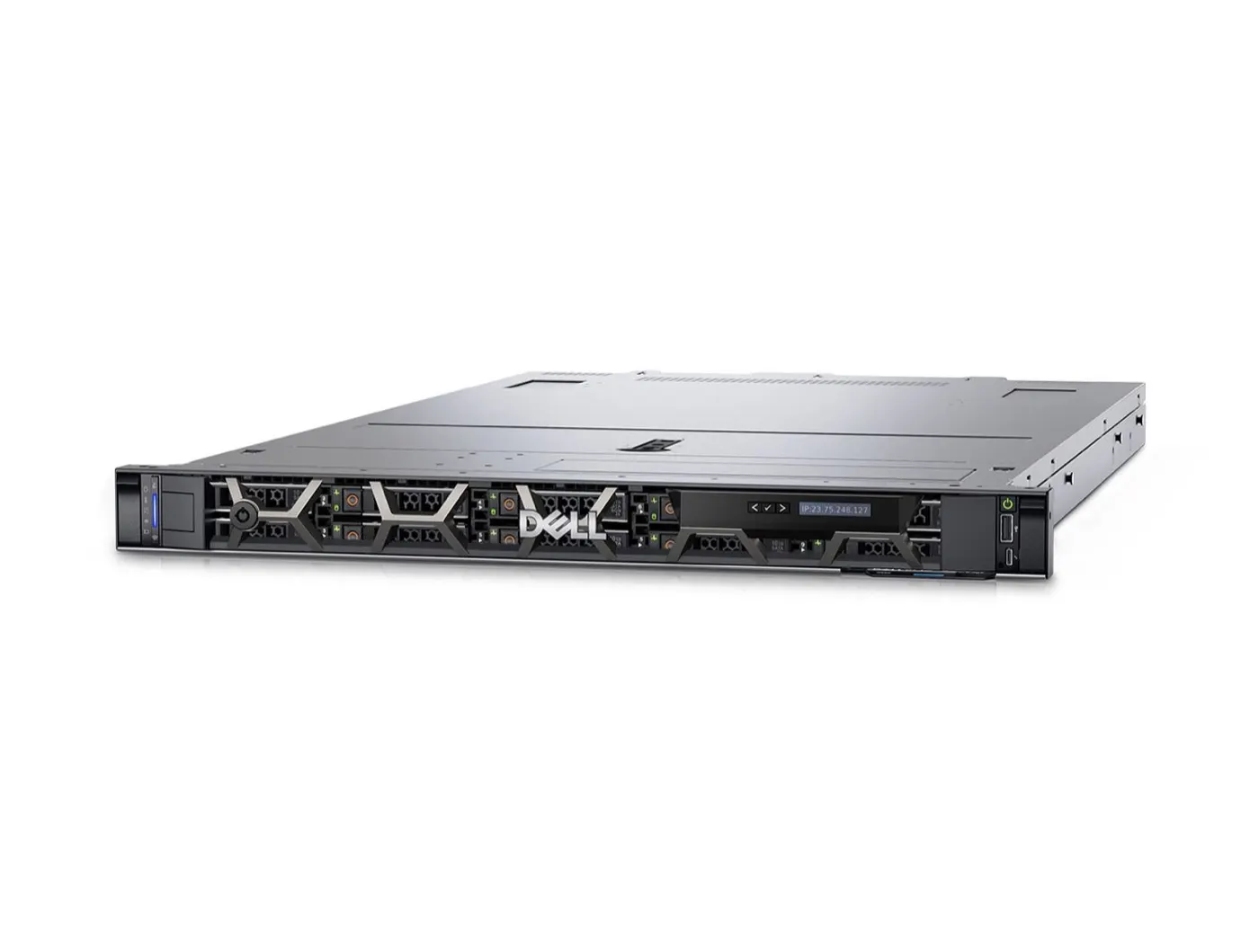
Image: Uvation - Dell PowerEdge R650 (PowerEdge R650 product image).
R650 Technical Specifications
| Feature | Dell PowerEdge R650 |
|---|---|
| Generation / chassis | 15G, 1U rack |
| Processor | 2 × 3rd Generation Intel Xeon Scalable |
| Maximum cores | Up to 40 per processor |
| Memory | 32 × DDR4 DIMMs, up to 3200 MT/s |
| Storage | SAS, SATA, and NVMe options |
| PCIe | Up to 3 low-profile PCIe Gen4 or 2 full-height |
| Network | 2 × 1 GbE LOM + OCP 3.0 option |
| GPU | Up to three 75 W single-width GPUs |
| Management | iDRAC9, Lifecycle Controller |
| PSU | Redundant hot-plug AC/DC options |
Short definition: The R650 combines dual-socket compute, 32 DIMMs, and fast NVMe/I/O options in a dense 1U enterprise server.
Processor and Memory Architecture
The R650 supports up to two 3rd Generation Intel Xeon Scalable processors with up to 40 cores per socket. Each processor has eight memory channels, and the 32 DIMM slots are divided evenly across both sockets.
Three memory rules matter:
- Populate DIMMs symmetrically when using two processors.
- Size for memory-channel bandwidth, not capacity alone.
- Do not fill every slot with small DIMMs if future growth matters.
For NUMA and profiles, see PowerEdge BIOS Optimization. For measurement, see PowerEdge Performance Optimization.
Storage Options
The R650 supports several front-chassis layouts:
- 4 × 3.5-inch SAS/SATA
- 8 × 2.5-inch SAS/SATA
- 10 × 2.5-inch SAS/SATA/NVMe
- Direct-attached NVMe options depending on configuration
- BOSS-S2 with M.2 RAID1 for OS boot
Controllers such as PERC H755/H755N support high-performance RAID configurations. For virtualization or OLTP, separate boot from data and choose RAID by the IOPS requirement.
Details: RAID Configuration Best Practices, SAS vs SATA vs NVMe, and NVMe Installation.
PCIe, Networking, and GPU
PCIe Gen4 is one of the R650's major improvements over previous-generation systems such as the R640. Depending on the riser configuration, it offers up to three low-profile PCIe Gen4 slots or two full-height slots.
Networking options include:
- Embedded 2 × 1 GbE LOM
- 10/25/100 GbE through OCP 3.0
- Optional Fibre Channel or additional HBA/NIC
It supports up to three 75 W single-width GPUs, but the R650 is not designed for dense, high-power, dual-width AI accelerators. A GPU-ready 2U or XE platform is a better fit there.
iDRAC9 and Security
iDRAC9 manages power, sensors, Virtual Console, firmware, and Lifecycle Logs even when the operating system is down. Enterprise/Datacenter licensing expands features such as Virtual Media and System Lockdown.
Security capabilities include Secure Boot, Silicon Root of Trust, Secure Erase, and TPM 2.0. Keep the management port separate from the data VLAN.
Related guides:
Performance and Cooling
A 1U chassis provides density, but high-TDP CPUs, NVMe, and GPU combinations increase fan speed and power draw. Before purchasing, validate:
- CPU thermal class
- NVMe backplane type
- Fan kit
- PSU wattage
- Front-to-back rack airflow
Maximum Performance does not always produce the best TCO. For power planning, see How to Reduce PowerEdge Power Consumption.
Which Workloads Fit?
| Workload | R650 fit |
|---|---|
| VMware / Hyper-V / Proxmox | Strong; high CPU/RAM density |
| SQL / enterprise DB | Strong with high-frequency CPU + NVMe/RAID10 |
| VDI | Strong; memory density and dual sockets |
| Web / application cluster | Strong; 1U density |
| Backup / large HDD capacity | Limited; 2U R750 is more flexible |
| Dense dual-width GPU / AI | Limited; consider GPU-ready 2U/XE |
What to Check Before Buying an R650
In 2026, the R650 is most commonly evaluated for existing-fleet expansion, available stock, or refurbished deployments. The quote should clearly state:
- Service Tag, manufacturing date, and remaining warranty
- CPU model, core count, and licensing impact
- DIMM count/capacity and free slots
- Front backplane: SAS/SATA or universal/NVMe
- PERC model and CacheVault health
- Whether BOSS-S2 and M.2 drives are included
- OCP NIC model, optics, and speed
- iDRAC9 license level
- Redundant PSUs and rail kit
- Firmware baseline and health report
Pro Tip: A quote saying “R650, 256 GB, 8 disks” is not enough. Request DIMM layout, disk endurance, backplane, PERC, NIC, and iDRAC license at part-number level.
For the full BOM approach, see the PowerEdge Server Buying Guide.
Pros and Cons
| Pros | Cons |
|---|---|
| Dual sockets and 32 DIMMs in 1U | Higher fan speed/noise in 1U |
| PCIe Gen4 and NVMe options | Less disk/GPU expansion than 2U |
| Mature iDRAC9 management | DDR4/15G platform, not current generation |
| High VM and VDI density | Incorrect configuration can cause thermal limits |
| Standardization for existing 15G fleets | Remaining support lifecycle is critical |
Checklist
- R650 fit measured against the workload.
- CPU, DIMM, and NUMA layout verified.
- Backplane and NVMe/SAS/SATA compatibility clear.
- PERC/CacheVault and BOSS-S2 healthy.
- OCP NIC and optics included.
- iDRAC9 Enterprise/Datacenter requirement clear.
- PSU/fan/thermal configuration compatible.
- Service Tag, warranty, and support life verified.
- Firmware baseline current.
- TCO compared with R660/R670 alternatives.
Next Step with Leon-X
Leon-X plans PowerEdge investments from R650 inventory and health validation through BOM selection, Server Installation, Configuration and Commissioning, and High Availability Server Infrastructure. For discovery, contact us.
Frequently Asked Questions
Which generation is the Dell PowerEdge R650?
The R650 belongs to Dell PowerEdge's 15th generation (15G).
How many processors does the R650 support?
It supports up to two 3rd Generation Intel Xeon Scalable processors with up to 40 cores per processor.
What is the R650's maximum memory?
It has 32 DDR4 DIMM slots. Dell's official specification lists up to 8 TB with LRDIMMs; the actual limit depends on the CPU, DIMMs, and validated configuration.
Does the R650 support NVMe?
Yes. SAS/SATA/NVMe options include a 10 × 2.5-inch chassis; verify the backplane and PERC/HBA before purchase.
Is an R650 worth buying in 2026?
It can make sense for expanding a 15G fleet, cost-effective virtualization, or available/refurbished stock. For a new long-lived deployment, compare support and TCO with R660/R670.