How to set up Dell storage disaster recovery is more than “turn on replication.” Short answer: write RPO/RTO per workload; pick SAN/NAS and the product family (PowerStore async/sync/metro, PowerMax SRDF, PowerScale SyncIQ); build protection policy + network/bandwidth + host access; document planned/unplanned failover and reprotect; then test at least 1–2 times per year. PowerStore mechanics: How Replication Works. Metro/active-active: Active-Active. Product choice: PowerMax vs PowerStore.
This guide is written for:
- Architects designing Dell storage DR across two sites / DR rooms
- Storage operations turning RPO into protection policies
- Business continuity teams that need failover runbooks and test evidence
- IT leaders who must not confuse backup with replication
Quick Summary
- DR = target (RPO/RTO) + technology + runbook + test—not just a mirror link.
- PowerStore: async (with RPO), sync (RPO≈0), metro (typical ~96 km / 60 miles distance band — Dell).
- PowerMax: SRDF backbone (sync/async/metro scenarios).
- PowerScale: SyncIQ (file replication) + snapshot policy.
- HA (inside one DC) ≠ DR (site loss) — Storage HA.
- Snapshots are not backups; replication does not always replace backup.
- Plan the VMware layer separately when needed — VMware DR.
Table of Contents
- Six Steps to Build DR
- RPO / RTO and Workload Matrix
- DR Technologies in the Dell Portfolio
- Step-by-Step: PowerStore DR Skeleton
- PowerMax and PowerScale
- Network, Security, and Testing
- Common Mistakes
- Checklist
- Next Step with Leon-X
- Frequently Asked Questions
- Sources
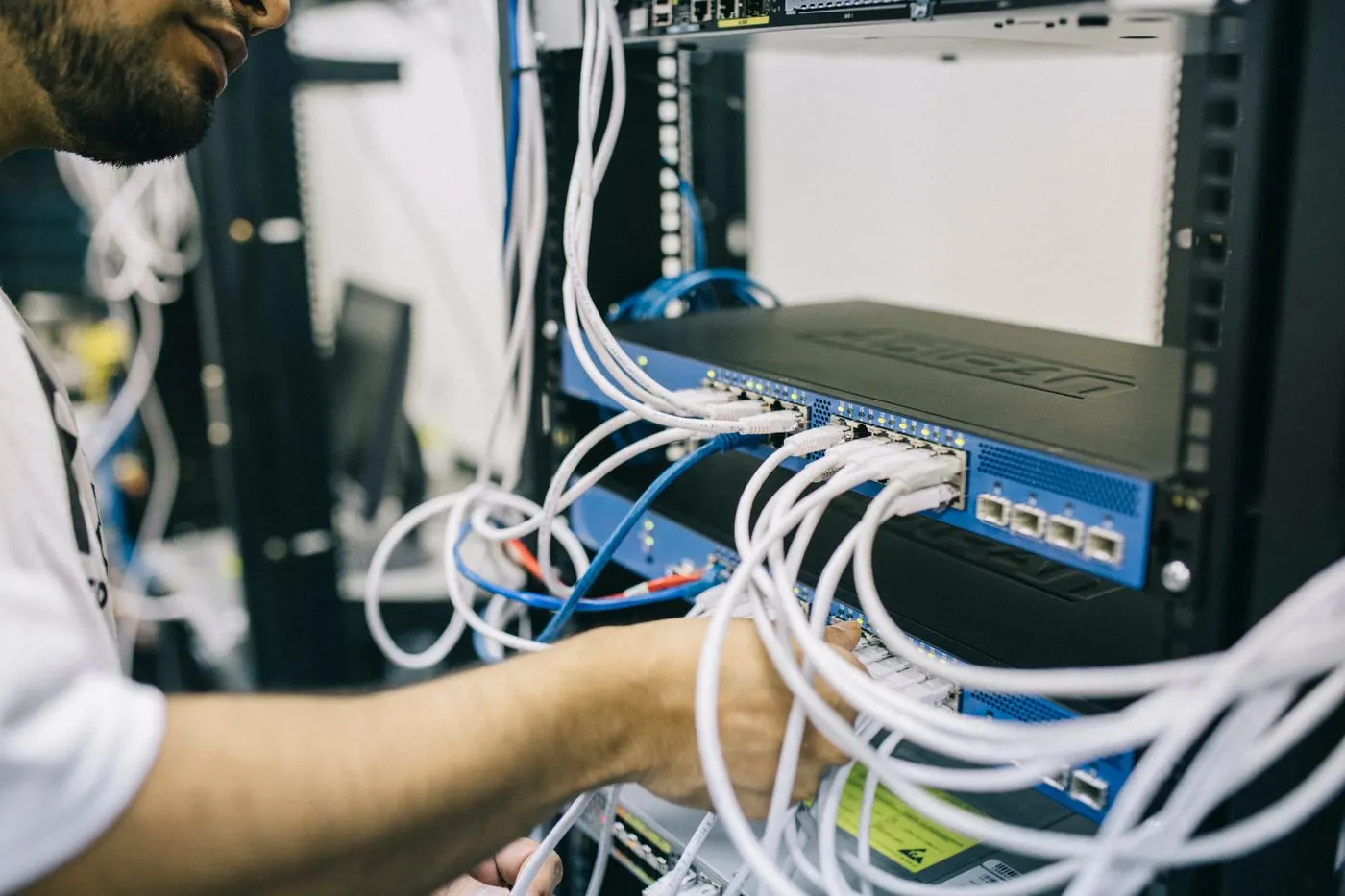
Image: Pexels - Server room / infrastructure (multi-site / DR infrastructure context).
Six Steps to Build DR
- Business impact: critical apps, RPO (data-loss tolerance), RTO (time to recover)
- Access type: block (SAN) vs file (NAS) — SAN vs NAS
- Product/technology: map to PowerStore / PowerMax / PowerScale
- Connectivity: bandwidth, latency, encryption, routing
- Policy: replication rule, snapshots, retention, alerts
- Operations: failover runbook, reprotect, annual tests + evidence
Short definition: Dell storage DR setup binds RPO/RTO targets to product replication technology and a tested failover runbook.
RPO / RTO and Workload Matrix
| Workload class | Typical RPO | Typical direction |
|---|---|---|
| Mission-critical OLTP | 0–seconds | Sync / metro / SRDF sync |
| Enterprise apps | Minutes–hours | Async + regular snapshots |
| File / unstructured | Minutes–hours | SyncIQ / NAS async |
| Archive / low criticality | Hours–days | Sparse async + backup |
RTO is not storage-only: DNS, compute, app start order, and staff runbooks inflate RTO.
DR Technologies in the Dell Portfolio
| Platform | DR backbone | When |
|---|---|---|
| PowerStore | Native replication (async/sync) + metro | Midrange–enterprise unified DR |
| PowerMax | SRDF | Mission-critical, mainframe, tight SLAs |
| PowerScale | SyncIQ + snapshots | Scale-out NAS / AI / media file DR |
| Backup | PowerProtect / Data Domain, etc. | Logical errors, ransomware, long retention |
Product depth: PowerMax · PowerStore · PowerScale.
Step-by-Step: PowerStore DR Skeleton
- Register both clusters/appliances as remote systems (network, certs, identity)
- Create a replication rule: type (async/sync), target, RPO (for async)
- Bind a protection policy to volume / volume group / NAS server / vVol
- Watch the initial sync; tune lag and alert thresholds
- Prepare host access at the DR site (zoning/iSCSI, consistency)
- Write the planned failover procedure (sync first, then cut)
- Write unplanned failover + reprotect as a separate flow
- For metro, validate distance/latency budget (~96 km typical upper-bound narrative)
Mode details: PowerStore Replication. Failover behavior: PowerStore Failover.
Pro Tip: Setting async RPO to “5 min” on a WAN that cannot carry the change rate creates silent RPO breaches—watch lag charts in week one.
PowerMax and PowerScale
PowerMax / SRDF
- Site pair, link type (FC/IP), sync vs async follow the business SLA
- Multi-site / concurrent DR scenarios need release notes and SRDF design guides
- Mainframe needs a separate change board — PowerMax vs PowerStore
PowerScale / SyncIQ
- Policy: source path, target cluster, schedule, bandwidth throttle
- After failover: DNS/SmartConnect and client remount plan
- Snapshots + SyncIQ together; ransomware needs separate immutable/retention thinking — Use cases
Network, Security, and Testing
- Separate replication VLAN/VRF; limit contention with production
- Enable in-flight encryption/certs when policy requires it
- Peer version alignment before firmware/NDU — Firmware Update
- Test: tabletop + technical failover (≥1–2×/year); evidence: duration, achieved RPO, issue list
- For ISO/privacy context: ISO 27001 Storage DR
Common Mistakes
- Treating backup as DR (or the reverse)
- Building async with no written RPO
- Forgetting host/DNS/app runbooks and staring only at LUN mirrors
- Forcing metro across high-latency WAN distances
- Skipping reprotect after unplanned failover
- Declaring “DR ready” without a test
- Mixing PowerScale file DR with PowerStore block policy
Checklist
- App list + signed RPO/RTO.
- Product/technology (SRDF / PowerStore / SyncIQ) chosen.
- Remote system / peer link healthy.
- Protection policy bound to all critical objects.
- Lag/alerts monitored; WAN capacity sufficient.
- DR-site host access (path/zone) ready.
- Planned + unplanned + reprotect runbooks written.
- Annual test calendar and latest test report exist.
- Snapshot/backup policy does not conflict with DR.
- Firmware/peer compatibility matrix current.
Next Step with Leon-X
Leon-X designs Dell storage DR with an RPO matrix, replication policy, and failover testing via Data Backup and Disaster Recovery Storage Solutions. Discovery: Contact Us.
Frequently Asked Questions
Does replication replace backup?
No. Replication covers site disasters; accidental delete, corruption, and ransomware need snapshots + backup (air-gap/immutable).
Is metro always the best DR?
No. Distance, latency, and cost bound it; many workloads are fine with async plus a solid RTO runbook.
How do you choose async RPO on PowerStore?
From business tolerance + change rate + WAN bandwidth; Dell defines RPO in the rule—monitor lag.
How often should you test DR?
At least one technical failover per year; critical systems often use a 6-month or tabletop + technical mix.
How does VMware SRM relate to storage DR?
Storage replication moves the data layer; SRM/orchestration recovers compute/VMs—plan both: VMware DR.