Dell server cluster architecture is how multiple PowerEdge (or compatible) servers are joined so a shared workload can fail over or scale as one pool. Short answer: A cluster is not “two boxes side by side” — it is compute nodes + shared or replicated storage + management/heartbeat networking + quorum/fencing + monitoring. Dell owns the hardware layer (PSU, NIC, HBA, iDRAC); orchestration is usually VMware vSphere HA/DRS, Windows Server Failover Clustering, or Linux Pacemaker. HA components: High Availability Design. VMware: What Is HA? · Cluster Design.
This guide is written especially for:
- Infrastructure architects standing up a first compute cluster on PowerEdge
- IT leaders separating “cluster = HA” from “cluster = scale”
- Teams tying shared storage / vSAN / NAS choices to the cluster
- Operations planning rack, power, and management planes with failover
Quick Summary
- Cluster architecture = nodes + storage access + cluster network + quorum + automation.
- Dell PowerEdge: physical redundancy (PSU, fans, paths); the software cluster runs on top.
- Common models: vSphere cluster, WSFC, Linux HA; HCI (VxRail) is a separate product family.
- Shared block (PowerStore/PowerMax) or vSAN/NFS — SAN vs NAS.
- SPOF checklist: single switch, single path, single PDU, single iDRAC network.
- iDRAC / OpenManage = management; not the failover engine — iDRAC.
- Next list topic: Virtualization Ready Architecture.
Table of Contents
- What Is Cluster Architecture?
- PowerEdge’s Role
- Layers
- Common Cluster Models
- Storage and Networking
- Design Mistakes
- Checklist
- Next Step with Leon-X
- Frequently Asked Questions
- Sources

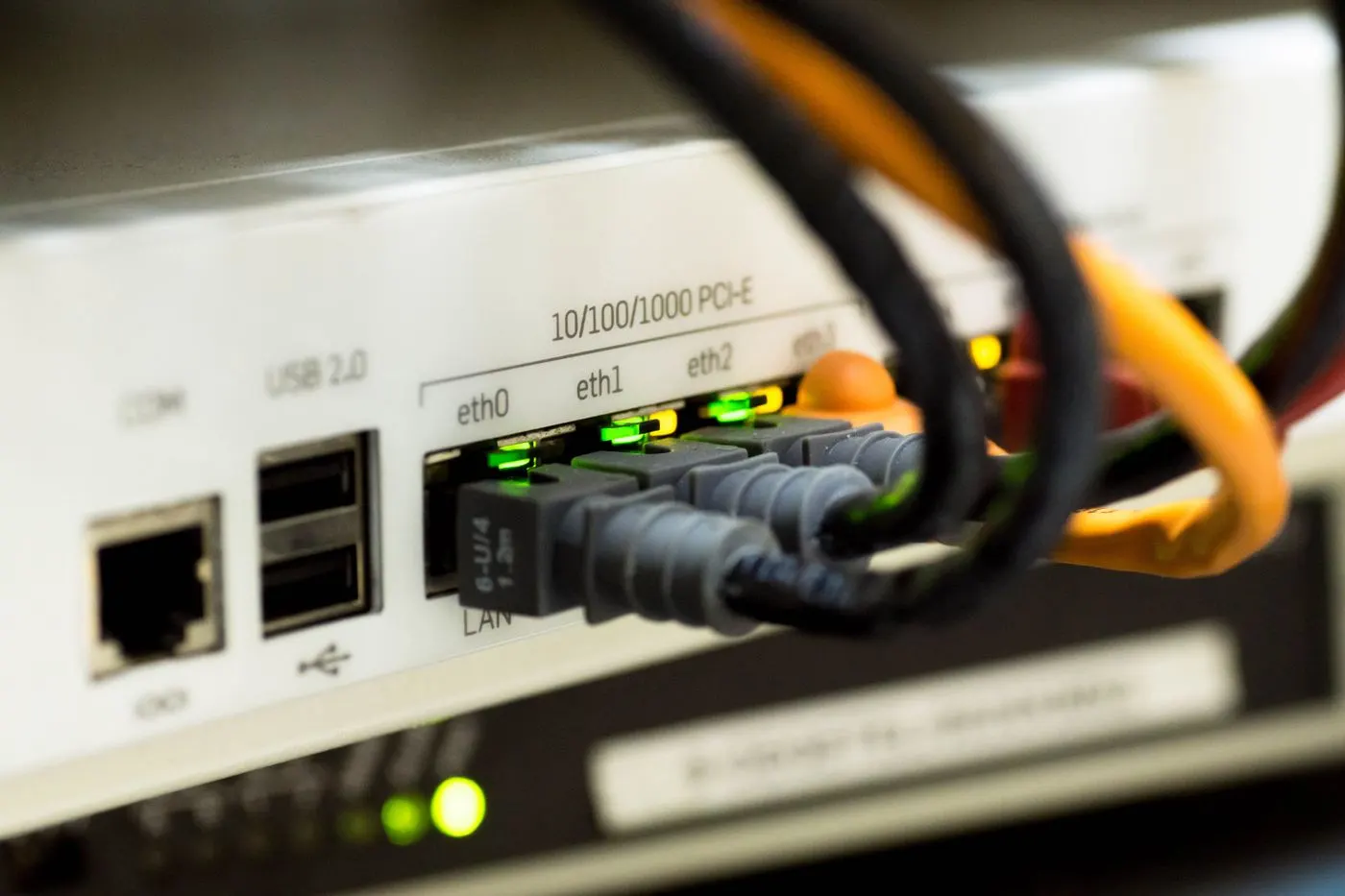
Image: Pexels - Data center server racks (multi-node server / cluster context).
What Is Cluster Architecture?
Server cluster architecture runs a workload across multiple compute nodes under shared policy so it is not pinned to a single host. Typical goals:
- High availability (move VMs/services on host failure)
- Maintenance windows (rolling updates, vMotion / Live Migration)
- Scale (grow the resource pool)
Short definition: Dell server cluster architecture is the model that connects PowerEdge nodes with redundant power, network, and storage paths while a cluster stack on top enforces failover and resource-pool rules.
PowerEdge’s Role
In a Dell cluster, the server layer provides:
| Component | Role in the cluster |
|---|---|
| Dual PSU / separate PDUs | Break power SPOFs |
| Multiple NICs / HBAs | Separate management, vMotion, storage paths |
| Hot-swap disks/fans | Service continuity |
| iDRAC + OME | Out-of-band monitoring, firmware baseline |
| Rack / rails | Maintainability, cable management |
Model selection (R760, etc.): What Is PowerEdge? · Install Guide.
Layers
Application / VM
   ↓
Cluster software (vSphere HA, WSFC, Pacemaker…)
   ↓
Host OS / Hypervisor (ESXi, Windows, Linux)
   ↓
PowerEdge (CPU, RAM, NIC, HBA, iDRAC)
   ↓
Network (mgmt / heartbeat / storage / VM)
   ↓
Storage (SAN / NAS / vSAN / local+replication)
The HA design guide deepens physical and operational redundancy — HA Design.
Common Cluster Models
| Model | Typical use | Note |
|---|---|---|
| vSphere cluster | Enterprise virtualization | HA/DRS, shared datastore — How to Create a Cluster |
| WSFC | SQL/File/Hyper-V HA | Quorum + shared disk or Storage Spaces |
| Linux HA | DB/app Pacemaker | Fencing is critical |
| HCI (VxRail) | Integrated compute+storage | Separate Dell HCI family; not classic 3-tier |
“Dell cluster” is not a single product name; which cluster software runs on PowerEdge defines the architecture.
Storage and Networking
Storage
- Shared block: PowerStore / PowerMax — multipath required
- NFS: PowerScale / unified file — SAN vs NAS
- vSAN: host disks; cluster size and fault domains are a separate plan
Network (minimum separation recommendation)
- Management / iDRAC
- VM / production
- vMotion / Live Migration (or cluster sync)
- Storage (FC or IP)
A single TOR switch is a hidden cluster SPOF.
Pro Tip: Before you “create cluster,” verify path count and failover on every host; “two hosts green” with a single-path shared LUN is fake HA.
Design Mistakes
- Calling two servers + one switch a “cluster”
- Treating iDRAC as the failover engine
- Skipping quorum / admission control
- Leaving firmware baselines skewed across hosts — Firmware Update
- Confusing storage DR with the compute cluster — Storage DR
- Forcing tower form factors into dense clusters — Rack vs Tower
Checklist
- Cluster software chosen (vSphere / WSFC / Linux / HCI).
- At least 2 (preferably 3+) nodes + capacity plan.
- Dual PSU, separate PDUs/phases.
- Mgmt / VM / vMotion / storage networks separated.
- Shared storage multipath or vSAN fault domains OK.
- Quorum / HA admission control defined.
- iDRAC + OME monitoring on.
- Firmware/driver baseline locked.
- Failover test (host maintenance) completed.
- Runbook + on-call documented.
Next Step with Leon-X
Leon-X designs PowerEdge cluster architecture across compute, storage paths, and HA testing under High-Availability Server Infrastructure Solutions. Discovery: Contact Us.
Frequently Asked Questions
Can two servers form a cluster?
Technically yes; quorum and maintenance risk are high. Production usually wants 3+ nodes or a solid quorum disk/witness.
Does Dell ship its own “cluster OS”?
PowerEdge is a general-purpose server; cluster behavior comes from VMware, Microsoft, Linux, or VxRail HCI software.
Are cluster and HA the same?
HA is the goal; the cluster is the tool. Without component redundancy, the cluster still fails — HA Design.
Is shared storage required?
It depends: classic vSphere HA wants a shared datastore; vSAN/HCI is local+distributed; some WSFC scenarios differ.
Does iDRAC perform cluster failover?
No. iDRAC manages/monitors the host; VM/service failover is done by the hypervisor or cluster service.