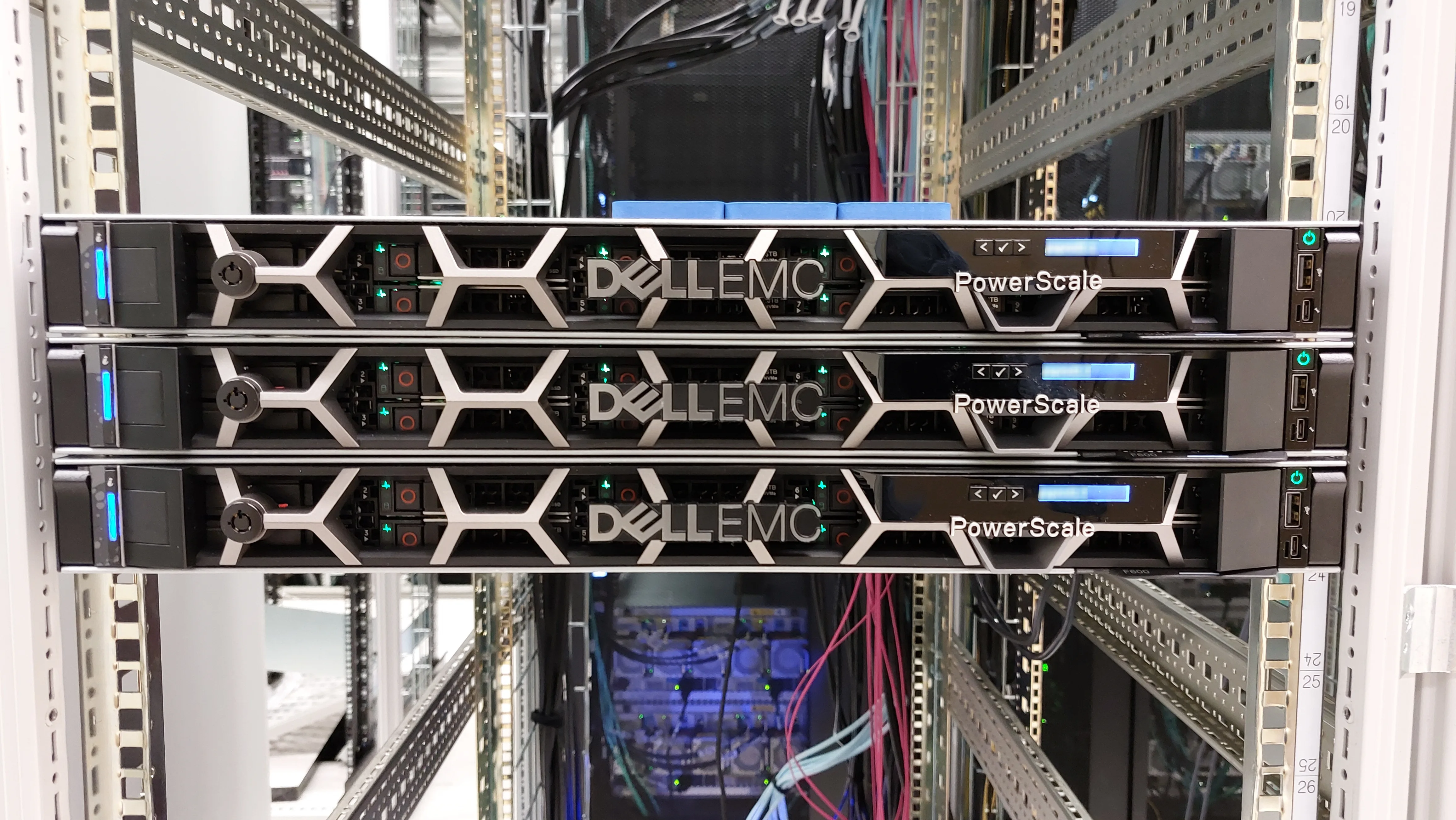
Dell storage tier architecture places data on different media/performance layers by access frequency and SLA. Short answer: hot data stays on low-latency media (NVMe/TLC all-flash), warm on balanced tiers, cold on economy/QLC/archive or cloud tier; in Dell’s portfolio this is less classic “HDD auto-tier at night” and more in-product media roles (PowerStore NVRAM/SSD/SCM), node classes (PowerScale F/H/A), and service levels (PowerMax). PowerStore media detail: Disk Types and Tier. General media: Disk Types Comparison. Performance levers: Improve Performance.
This guide is written for:
- Storage architects balancing capacity/TCO with performance
- Procurement stuck between “all NVMe” and “all QLC”
- Operations standardizing tier language across PowerStore / PowerScale / PowerMax
- IT leaders separating auto-tier myths from all-flash reality
Quick Summary
- Tier = temperature (hot/warm/cold) × media × product feature (policy/node/service level).
- Modern Dell midrange/enterprise moved past pure “HDD↔SSD nightly move”; all-flash + data reduction + metadata tiering lead.
- PowerStore: NVRAM (cache) ≠ data disk; SCM+SSD → metadata tiering — PowerStore tier.
- PowerScale: F (all-flash), H (hybrid), A (archive) node classes — Use cases.
- PowerMax: service level / media as the enterprise tiering language — PowerMax.
- Wrong tier = expensive overprovision or a silent latency ceiling.
- NVMe architecture continues the topic chain (next list item).
Table of Contents
- What Is Tier Architecture?
- Hot / Warm / Cold Model
- How Tier Shows Up in the Dell Portfolio
- Auto-Tier vs All-Flash
- Planning Matrix
- Common Mistakes
- Checklist
- Next Step with Leon-X
- Frequently Asked Questions
- Sources
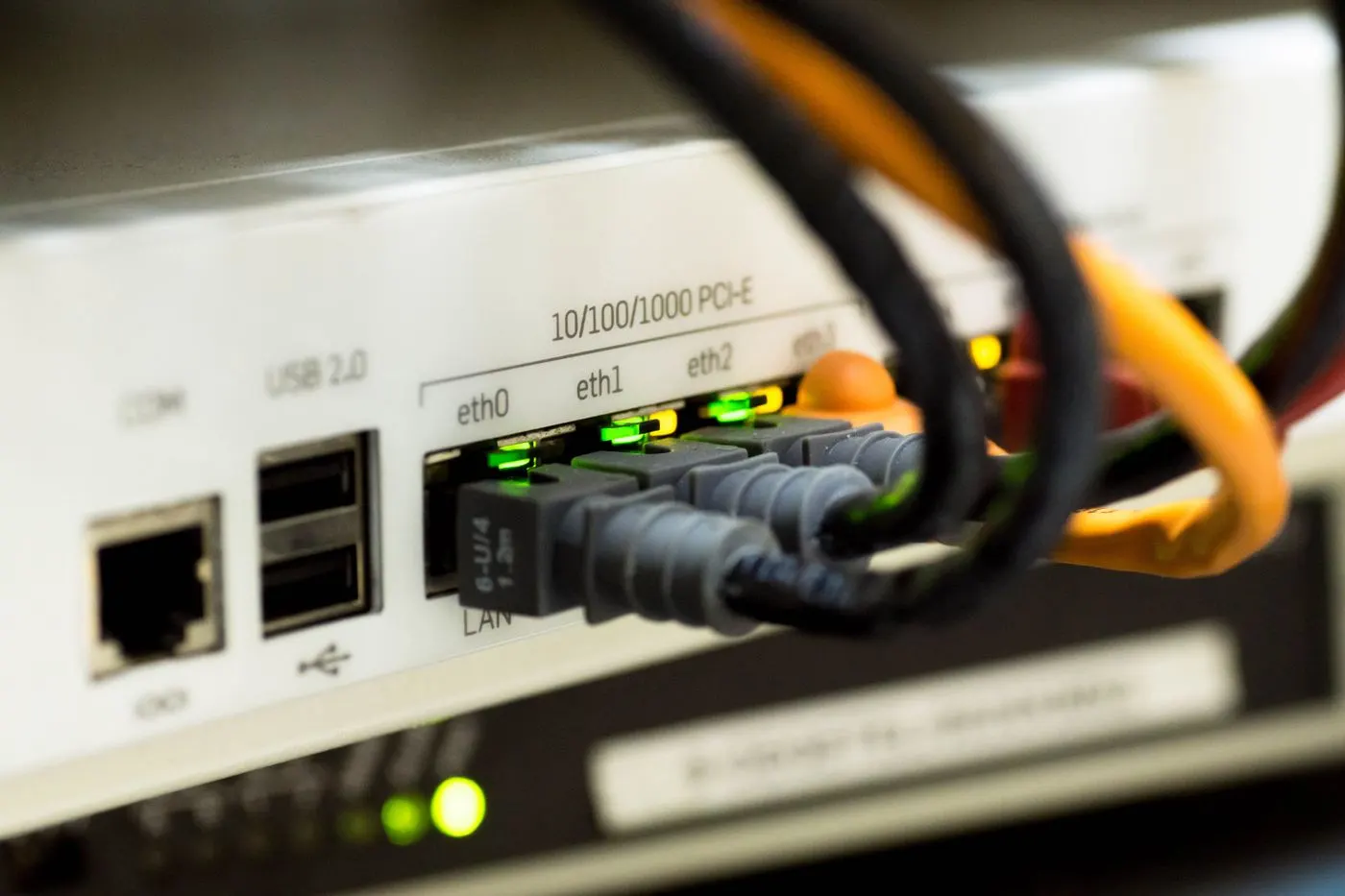
Image: Pexels - Network cable / infrastructure (enterprise storage infrastructure context).
What Is Tier Architecture?
Storage tier architecture spreads the same logical data across cost and performance layers by access profile—instead of one speed/price point for everything.
Layers are usually defined by:
- Media technology (NVMe TLC, QLC, SCM, SAS HDD, cloud object)
- In-array roles (cache, metadata, capacity)
- Node or pool class (F/H/A, service level)
- Policy (manual placement, automatic move, QoS)
Short definition: Dell storage tier architecture maps workload temperature to Dell media roles and product classes to balance TCO and SLA.
Hot / Warm / Cold Model
| Tier | Typical signal | Media direction |
|---|---|---|
| Hot | High IOPS, low latency, frequent access | NVMe TLC / all-flash / F-series |
| Warm | Medium IOPS, large capacity | Hybrid / balanced SSD / H-series |
| Cold | Rare access, retention | QLC / archive node / object / cloud tier |
Without measurement, “everything hot” burns budget; “everything cold” burns SLA — start with Latency Analysis.
How Tier Shows Up in the Dell Portfolio
PowerStore
- NVMe NVRAM: cache role (not a capacity data disk)
- NVMe SSD (TLC/QLC): primary data media
- NVMe SCM: metadata tiering when mixed with SSD
- DRE (data reduction) raises effective capacity—read as an efficiency layer, not “cheap disk”
Slot rules and detail: PowerStore Disk Types and Tier. Capacity: Capacity Planning.
PowerScale
- F / H / A node classes offer different economy/performance in one OneFS namespace
- Heterogeneous clusters are possible; Best Practices favor simplicity
- AI/M&E hot data → F; archive → A — Use cases
PowerMax
- On mission-critical block, service level and media planning are the enterprise “tier” language
- Extreme consolidation + tight latency → high-end tier — vs PowerStore
Cloud / object complement
- Cold copies, archive, and long compliance retention often use object/cloud tiers
- Treating cloud as a “cheap hot tier” on the primary latency path is a mistake
Auto-Tier vs All-Flash
| Approach | When | Risk |
|---|---|---|
| Classic auto-tier (HDD+SSD) | Legacy hybrid | Move lag, prediction error |
| All-flash + reduction | Modern block midrange/enterprise | Wrong QLC choice (endurance/latency) |
| Metadata / SCM tiering | PowerStore mixed SCM+SSD | Treating SCM as “capacity” |
| Node-class tiering | PowerScale | Putting the wrong class on hot work |
Pro Tip: In 2026, “tier” in most Dell designs means right media role + right product class + QoS—not nightly HDD demotion.
Planning Matrix
| Question | Hot | Warm | Cold |
|---|---|---|---|
| Latency target | µs–low ms | ms OK | seconds+ OK |
| Dell example | PowerStore TLC / PowerMax / PowerScale F | Balanced PowerStore / PowerScale H | PowerScale A / object |
| Growth language | IOPS/FE | TB + IOPS | TB / € |
SAN vs NAS does not redefine tier, but it changes measurement points — SAN vs NAS.
Common Mistakes
- Treating cache (NVRAM) as a capacity tier — Cache Problem
- Buying QLC with TLC latency expectations
- Putting AI training on PowerScale A nodes
- Leaving all data in one hot pool and inflating TCO
- Trusting auto-tier without measuring I/O profiles
- Treating the DR copy as a “cold tier” and breaking RPO — DR Setup
Checklist
- Workloads split into hot/warm/cold.
- Latency/IOPS baseline exists.
- PowerStore media roles (NVRAM/SSD/SCM) clear.
- PowerScale F/H/A mapping written.
- PowerMax service-level need evaluated.
- QLC vs TLC endurance/retention notes read.
- Cloud/object planned only as cold complement.
- QoS / noisy neighbor considered.
- 3-year TB + performance projection exists.
- Purchase SKUs tied to the matrix.
Next Step with Leon-X
Leon-X designs tier architecture from workload profiles and Dell media/node classes via Storage Capacity Planning and Performance Optimization. Discovery: Contact Us.
Frequently Asked Questions
Is tiering still needed if everything is all-flash?
All-flash is common; TLC vs QLC, metadata/SCM, PowerScale F/H/A, and cloud archive keep layering alive—HDD-centric auto-tier just faded.
Is tiering automatic on PowerStore?
Mixed SCM+SSD enables product behaviors like metadata tiering; it is not classic HDD auto-tier — PowerStore tier guide.
Is a cold tier the same as DR?
No. Cold is an economy layer; DR needs replication/runbooks — DR.
Which tier should I optimize first?
Hot-path latency/IOPS; cold for TB cost. Order: Latency → Performance.
Is tier the same as RAID?
No. RAID is resiliency; tier is performance/cost placement.