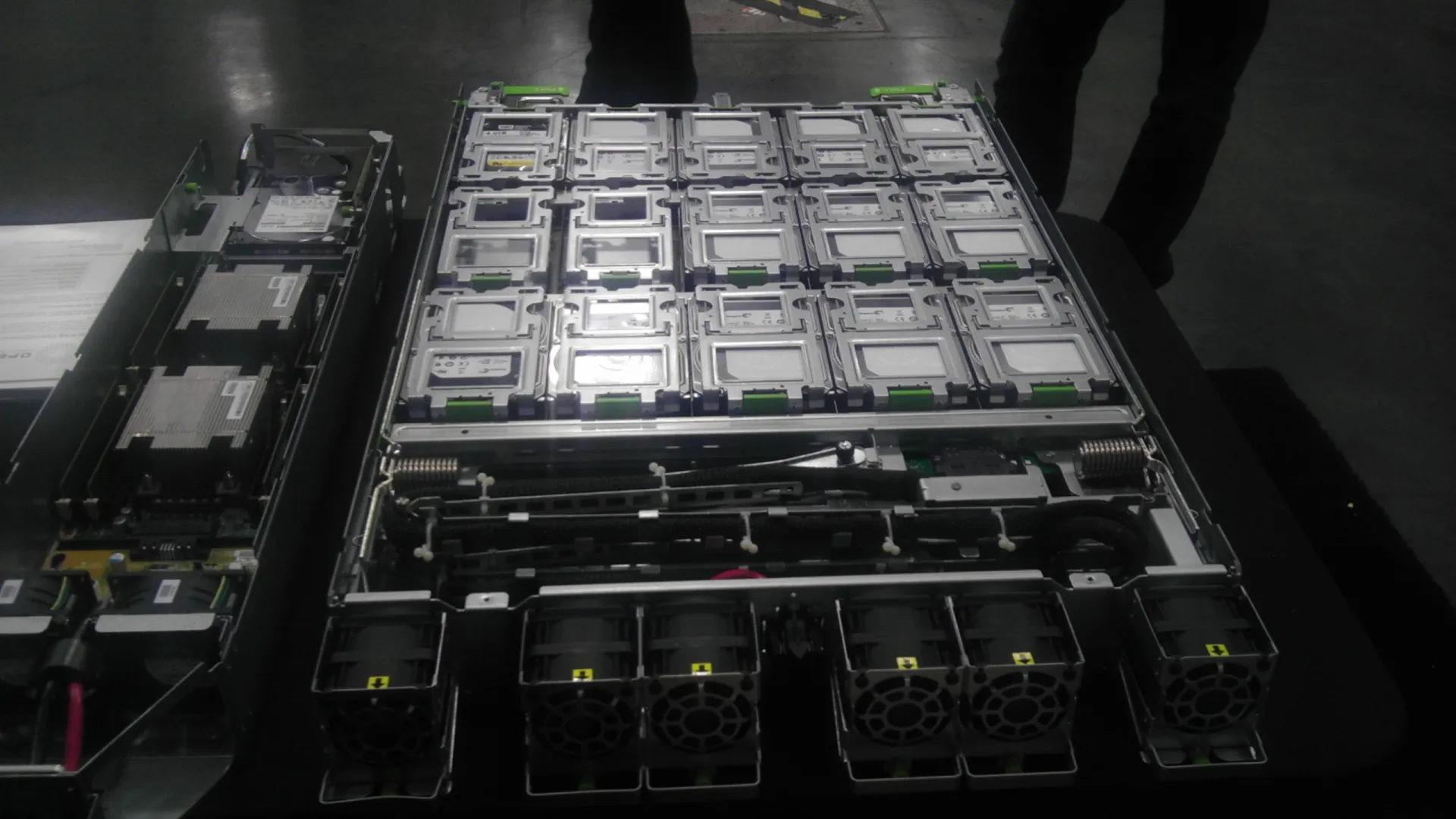
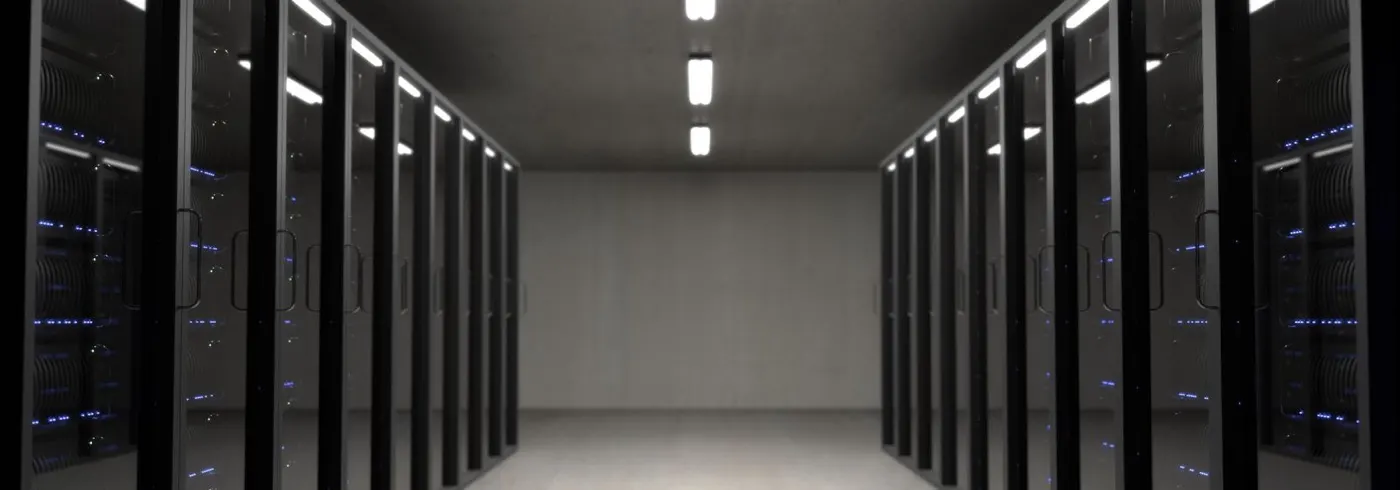
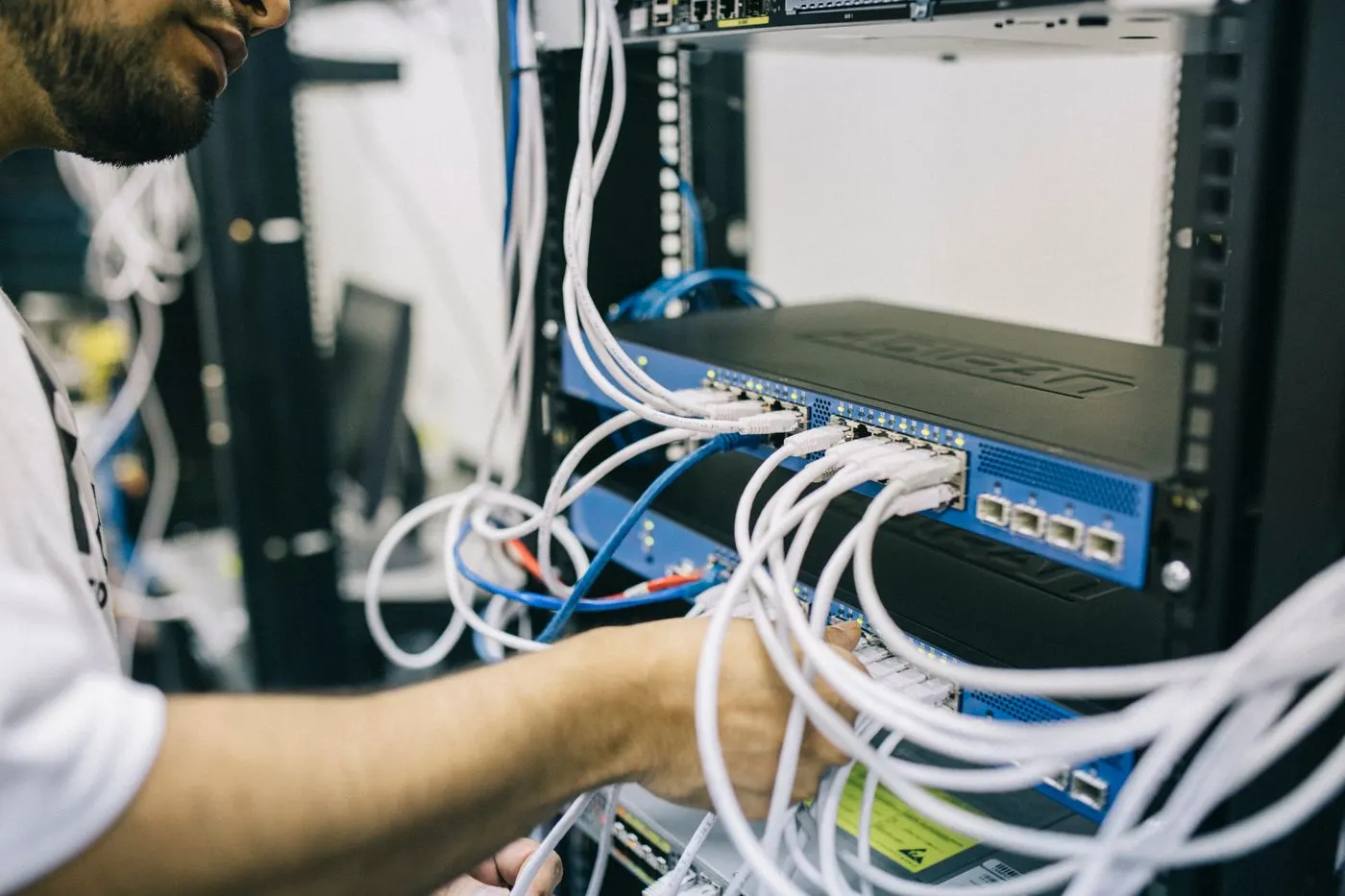
Dell server virtualization ready architecture is designing a PowerEdge host so a hypervisor (ESXi, Hyper-V, Proxmox, and similar) can run a VM pool with predictable CPU, memory, storage, network, and firmware behavior. Short answer: “Virtualization ready” is not a sticker — it is VT-x/AMD-V enabled BIOS, balanced DIMM channels, redundant NIC/HBA paths, the right RAID or passthrough choice, UEFI boot, and observable iDRAC management. Cluster failover is a separate topic: Cluster Architecture. Hypervisor side: What Is VMware? · ESXi Install.
This guide is written especially for:
- Architects sizing a first PowerEdge as a virtualization host
- Teams turning “we bought a server, we’ll drop ESXi on it” into a checklist
- Operations aligning BIOS/RAID/NIC choices with VM density
- IT leaders who want procurement and design speaking the same language
Quick Summary
- Virtualization ready = hardware + BIOS + I/O + sizing + management — not just a CPU SKU.
- PowerEdge: VT-x, NUMA, Performance profile, Secure Boot/UEFI — BIOS Optimize.
- Memory: channel/DIMM balance; overcommit realities — CPU Overcommit.
- Storage: RAID boot vs datastore; NVMe/SAS — RAID Best Practices · NVMe.
- Network: separate mgmt / VM / vMotion / storage (same discipline as clusters).
- iDRAC + firmware baseline for host lifecycle — iDRAC.
- Next on the list: Dell Server Troubleshoot topics.
Table of Contents
- What Does Virtualization Ready Mean?
- Architecture Layers
- CPU and Memory
- BIOS and Boot
- Storage and RAID
- Network and I/O
- Sizing Approach
- Checklist
- Next Step with Leon-X
- Frequently Asked Questions
- Sources
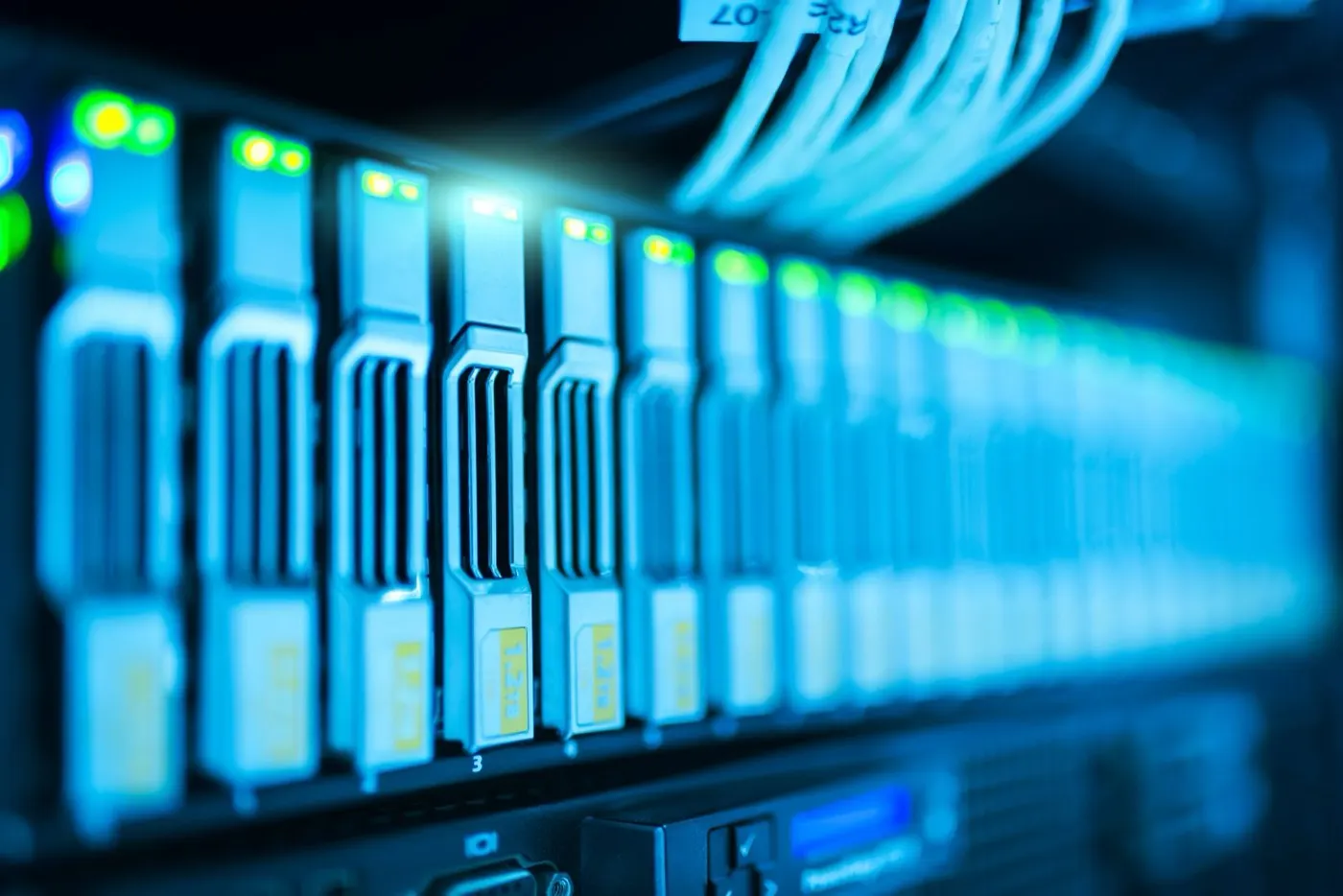
Image: Pexels - Computer servers (hypervisor host / server infrastructure context).
What Does Virtualization Ready Mean?
Virtualization ready architecture means the physical server can run many VMs safely and predictably instead of a single OS — with enough resources and path redundancy. Dell PowerEdge is the compute carrier; the hypervisor decides placement and scheduling.
Short definition: Dell virtualization ready architecture is the model for designing PowerEdge as a hypervisor host with VT-capable CPU/RAM, redundant I/O, correct boot/RAID, and a management plane — the hardware readiness step before cluster HA rules.
Enterprise VMware architecture focuses on the software stack — Enterprise Virtualization Architecture. This article is PowerEdge host readiness.
Architecture Layers
VM / application
   ↓
Hypervisor (ESXi / Hyper-V / KVM)
   ↓
BIOS / UEFI / Secure Boot / firmware
   ↓
CPU · RAM · RAID/HBA · NIC
   ↓
PowerEdge chassis (PSU, fans, iDRAC)
   ↓
Network + shared/local storage
Model selection: What Is PowerEdge? · Buying Guide · R760 Review.
CPU and Memory
| Topic | Virtualization-ready expectation |
|---|---|
| Core count | VM density + HA reserve (N+1) |
| Frequency vs cores | Latency-sensitive DB vs dense VDI differ |
| NUMA | Large VMs need socket/DIMM alignment |
| RAM | “2–4 GB per core” is only a starting rule; measure profiles |
| Overcommit | CPU can be looser; aggressive RAM overcommit is risky |
Fine-tuning: PowerEdge Performance.
BIOS and Boot
Common BIOS targets on a virtualization host:
- Virtualization Technology (VT-x / AMD-V) Enabled
- Performance / Max Performance profile (energy vs latency preference)
- UEFI boot; legacy CSM off (on supported hypervisors)
- SR-IOV on only when needed; otherwise intentionally off
- C-states / turbo: test for consistent latency
Details: BIOS Optimize. Boot issues: UEFI Boot.
Storage and RAID
| Scenario | Common preference |
|---|---|
| ESXi boot | Small RAID1/RAID10 or BOSS/M.2 mirror |
| VM datastore (local) | RAID10 / RAID6 by workload; cache policy matters |
| Shared SAN/NAS | HBA/iSCSI + multipath on the host; RAID on the array |
| vSAN / HCI | Local disks + cache tier; not classic RAID datastores |
Disk types: SAS vs SATA vs NVMe. Shared designs: SAN vs NAS.
Pro Tip: Dumping every disk into one RAID5 datastore often creates rebuild risk and write penalty in production — separate boot from data.
Network and I/O
Minimum separation (plan even for a single host):
- Management / iDRAC
- VM / production
- vMotion / Live Migration (in a cluster)
- Storage (FC or IP)
One 1 GbE uplink plus dozens of VMs is a hidden bottleneck. The same schema scales when you add a cluster — Cluster Architecture.
Sizing Approach
A practical frame:
- Workload inventory — vCPU, RAM, IOPS, growth %/year
- Host capacity — usable RAM (HA/headroom subtracted)
- N+1 — does the cluster survive one host in maintenance?
- Storage — IOPS/latency targets; NVMe vs SAS
- Pilot metrics — 2–4 weeks of real VM data, then lock the design
Resource pools: Resource Pool.
Checklist
- VT-x/AMD-V and UEFI verified.
- BIOS performance profile matches the workload.
- DIMMs filled with channel balance.
- Boot disk separated from datastore; RAID level documented.
- NIC/HBA ports role-separated (mgmt/VM/storage).
- iDRAC access + email/SNMP alerts on.
- Firmware/driver baseline locked (ESXi HCL) — Firmware Update.
- Hypervisor install + first VM smoke test — ESXi.
- Cluster/HA planned as the next phase (if applicable).
- Runbook: host maintenance + restore.
Next Step with Leon-X
Leon-X builds PowerEdge virtualization-ready designs across CPU/RAM sizing, RAID/I/O, and hypervisor readiness under Virtual Server Infrastructure Design and Capacity Planning. Discovery: Contact Us.
Frequently Asked Questions
Is “virtualization ready” an official Dell SKU?
You may see marketing labels; architecturally the checklist + HCL compliance matter. A label alone is not a capacity guarantee.
Can a single server be virtualization ready?
Yes — one host can run many VMs. HA needs a second host/cluster — Cluster.
Tower or rack?
For dense virtualization and growth, rack is preferred — Rack vs Tower.
Is RAID mandatory?
Common for boot and local datastores; with shared SAN or vSAN the host RAID role changes. Choose by workload.
Is Max Performance BIOS enough?
No. Without VT, NUMA, C-state, and I/O firmware discipline, “Max Performance” alone is not enough — BIOS Optimize.