Dell Server CPU Error means the processor subsystem on a PowerEdge is raising a critical fault: thermal, machine check, config, or power — iDRAC Processor Critical, POST CPU fault, OS MCE/IERR. Short answer: Identify which CPU / which event (thermal vs CATERR/IERR vs population/config); rule out cooling and firmware; for repeating hard faults, RMA the CPU or board. Architecture: What Is PowerEdge?. Logs: iDRAC. Thermal path: Overheating.
This guide is written especially for:
- Admins seeing “CPU Status: Critical” or IERR in iDRAC
- Operations separating thermal trips from true silicon faults
- Teams hitting POST fail after dual-CPU population / mismatch
- IT leaders gathering SEL evidence before warranty RMA
Quick Summary
- CPU Error ≠ always a dead CPU; many cases are thermal, heatsink, firmware, or config.
- iDRAC SEL/Lifecycle: CPU1/CPU2, thermal trip, IERR, CATERR, config error.
- Fans/heatsink first — Fan Error · Overheating.
- BIOS/ME/CPU microcode: Firmware Update · BIOS Optimize.
- VMware CPU overcommit ≠ physical CPU fault — CPU Overcommit.
- Memory MCE confusion: Memory Error.
- Next on the list: Dell Lifecycle Controller Not Working.
Table of Contents
- What Is a CPU Error?
- Error Types
- Symptoms and Logs
- Step-by-Step Fix
- Thermal vs Silicon
- Common Mistakes
- Checklist
- Next Step with Leon-X
- Frequently Asked Questions
- Sources
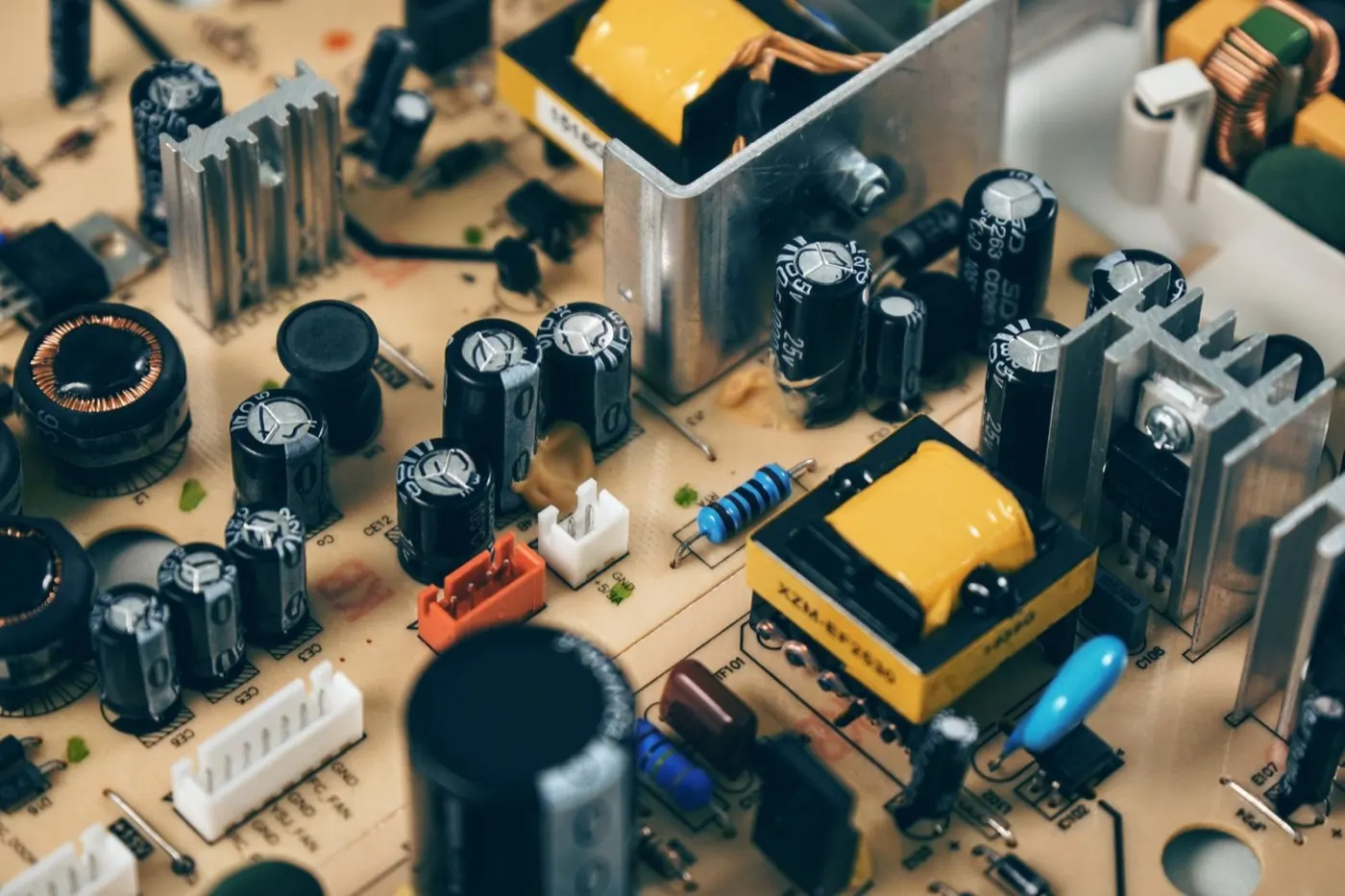
Image: Pexels - Circuit board (CPU / server hardware context).
What Is a CPU Error?
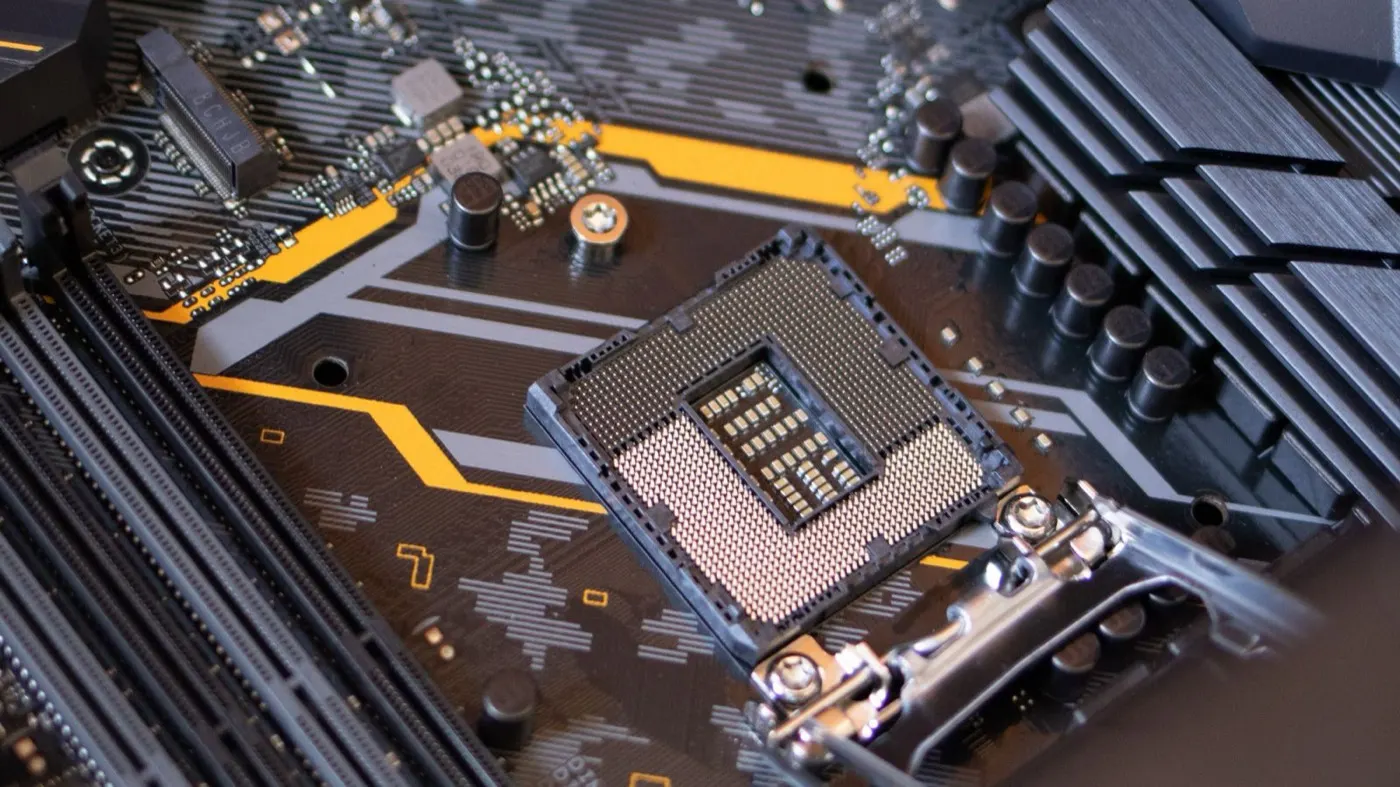
On PowerEdge, “CPU error” is a family: temperature threshold, machine check exception, CPU power limit, socket/population mismatch, or rarely true silicon failure.
| Type | Example symptom |
|---|---|
| Thermal trip | CPU temp critical, throttle, shutdown |
| IERR / CATERR | Sudden reset, POST fail, processor fault |
| Config / population | Dual CPU mismatch, unsupported CPU |
| Power / VR | CPU power fault, PSU-related |
| Soft / OS MCE | Linux mcelog, Windows WHEA |
Short definition: Dell Server CPU Error is a critical thermal, machine-check, or configuration event in the PowerEdge processor subsystem; diagnosis starts with the SEL event name + CPU number, and the fix is cooling/firmware isolation or RMA.
Error Types
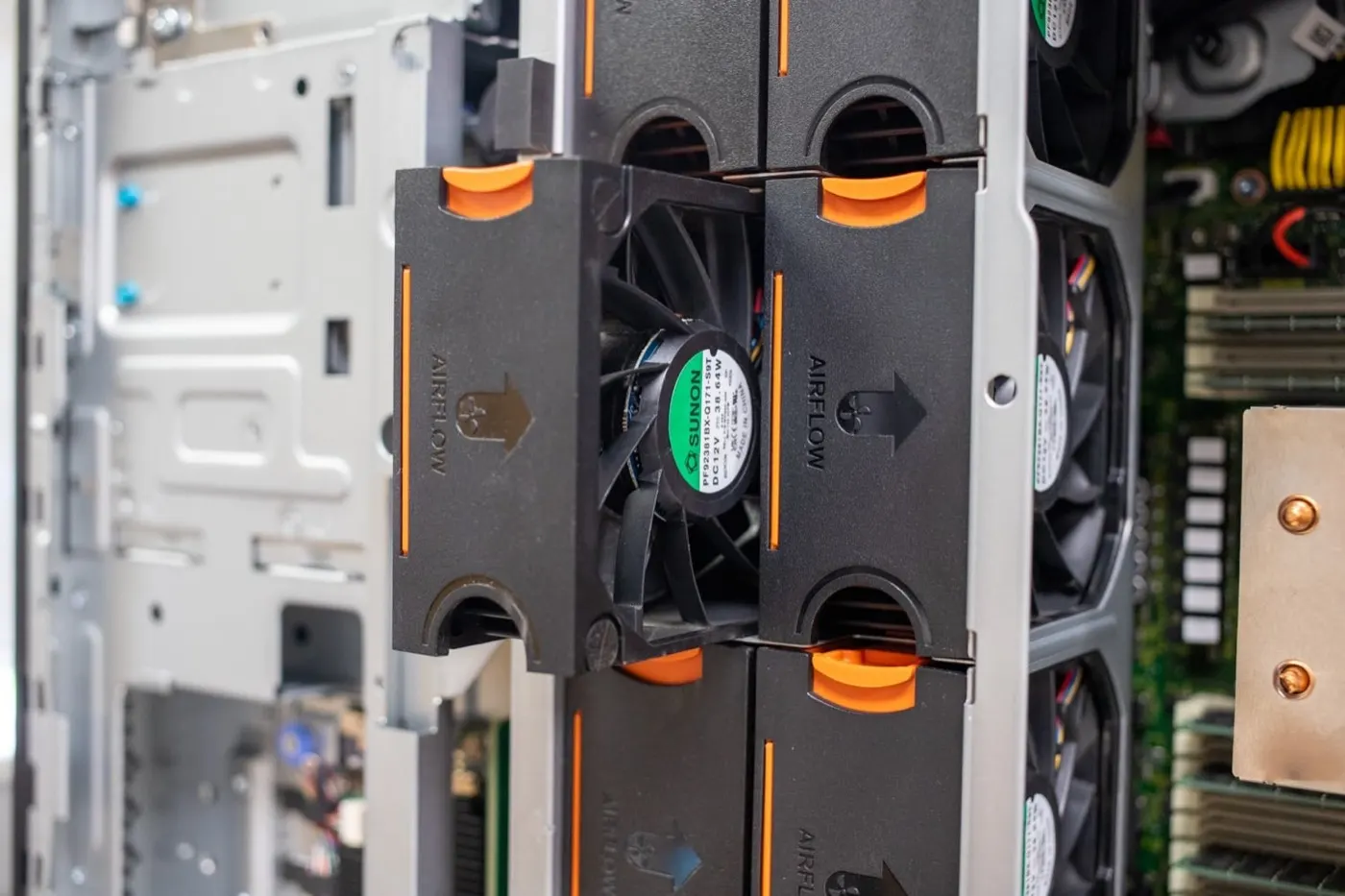
Thermal: Missing fan, clogged heatsink, high ambient, bad paste / heatsink mount. Fix fans and airflow first — Fan Failure · Overheating.
IERR / CATERR: Uncorrectable CPU/uncore fault; repeats point to CPU or system board. Can confuse with memory MCE — Memory Error.
Config: Missing/mismatched second CPU, wrong BIOS CPU features, old microcode. HCL: Buying Guide.
“High CPU” performance: App/VM pressure is not a physical CPU Error — Performance · CPU Overcommit.
Symptoms and Logs
- iDRAC System → Inventory → CPUs or Alerts
- Lifecycle / SEL:
CPU1 Thermal Trip,IERR,CATERR,CPU Config Error - POST: processor failed, beep codes (model-dependent)
- OS: sudden reboot, MCE, purple screen
- Amber health LED + high fan speed
If iDRAC is down: Cannot Connect · IP Not Accessible. Boot issues: Boot Issues.
Step-by-Step Fix
1) Document
- Service Tag, model, CPU1 vs CPU2
- Event text (thermal / IERR / config)
- Ambient temperature, last firmware/BIOS
- Concurrent Memory or PSU alerts?
2) Clear the thermal path
- Fan status OK? Missing fan → Fan Error
- Air baffle / blanking panels in place?
- Heatsink screws in correct torque order (ESD, power off)?
- iDRAC CPU temp trend: sudden spike or sustained high?
Pro Tip: After a one-off thermal trip, watch fan + temp graphs for 24 hours before ordering a CPU — clogged heatsinks and missing fans cause most cases.
3) Firmware and config
- Bring BIOS + iDRAC + CPLD to the recommended pack — Firmware
- Dual socket: same stepping/SKU; follow single-CPU cover rules
- No overclock / manual multipliers (not supported on server BIOS)
4) Isolation (ESD!)
- Maintenance mode if clustered — Cluster
- Swap with a known-good CPU of the same model if available
- Fault follows the CPU → CPU RMA
- Fault stays on the socket → system board suspect
- Dell Support: SEL + screenshots
Thermal vs Silicon
| Observation | Likely root |
|---|---|
| Temp critical, fans low/missing | Cooling |
| Temp OK, repeating IERR | Silicon / board |
| Trip only under load | Paste/heatsink or airflow |
| POST config error | Population / unsupported CPU |
| High OS CPU %, clean iDRAC | Software / VMs — not physical |
PSU instability can surface as CPU power fault — PSU Failure.
Common Mistakes
- Jumping to CPU RMA while ignoring thermal
- Running without the air baffle
- Mixing mismatched second CPUs
- Treating overcommit/load as “CPU Error”
- Swapping parts without SEL evidence
- Returning to the cluster without isolation after Uncorrectable events
Checklist
- CPU number + event type noted from SEL.
- Thermal vs IERR/CATERR separated.
- Fan / baffle / heatsink checked.
- Firmware/BIOS current or scheduled.
- Dual-CPU population verified.
- Maintenance window taken.
- CPU ↔ socket isolation test (if possible).
- Support/RMA evidence prepared.
- 24–48 hour temp + alert watch.
- Memory/PSU alerts cross-checked.
Next Step with Leon-X
Leon-X handles PowerEdge CPU-error diagnosis and RMA under Server Maintenance, Warranty, and Technical Support. Urgent: Contact Us.
Frequently Asked Questions
Does CPU Error always mean replace the processor?
No. Thermal, fans, heatsink, and firmware fix most cases; repeating IERR/CATERR brings RMA into scope.
Can a single-CPU server leave the second socket empty?
Often yes by model, but follow heatsink/cover and BIOS rules in the Owner’s Manual.
Is throttling the same as an Error?
Throttling is a performance drop; Error is a Critical SEL/iDRAC event. Persistent throttle still needs a thermal root cause.
How do I tell Memory Error apart?
SEL says Memory Device vs Processor; when unsure, review both — Memory Error.
Will an iDRAC soft reset fix CPU Error?
It may clear an alert but not the root cause (thermal/silicon) — iDRAC Reset.